Home
What a gem of an album!
What a gem of an album!
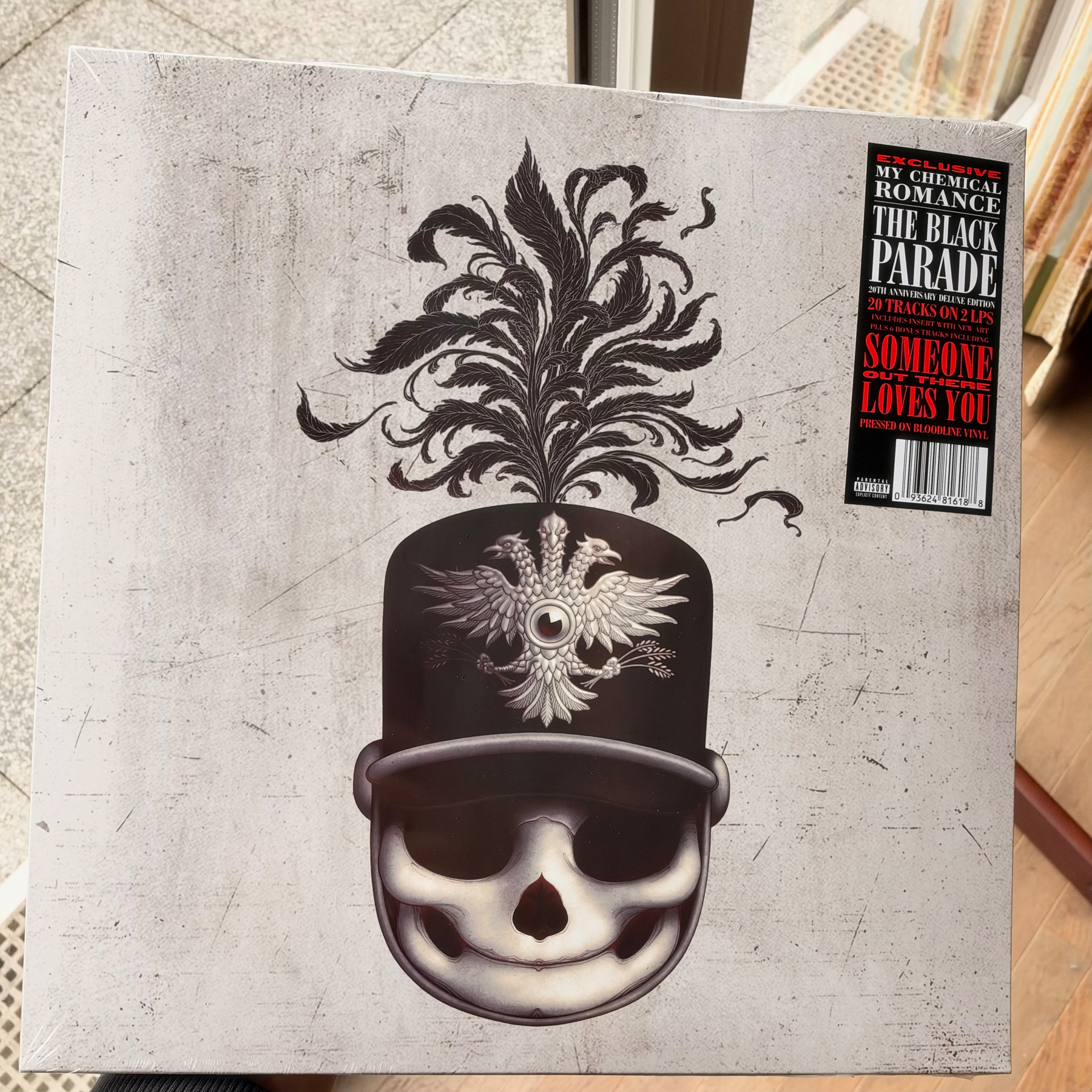
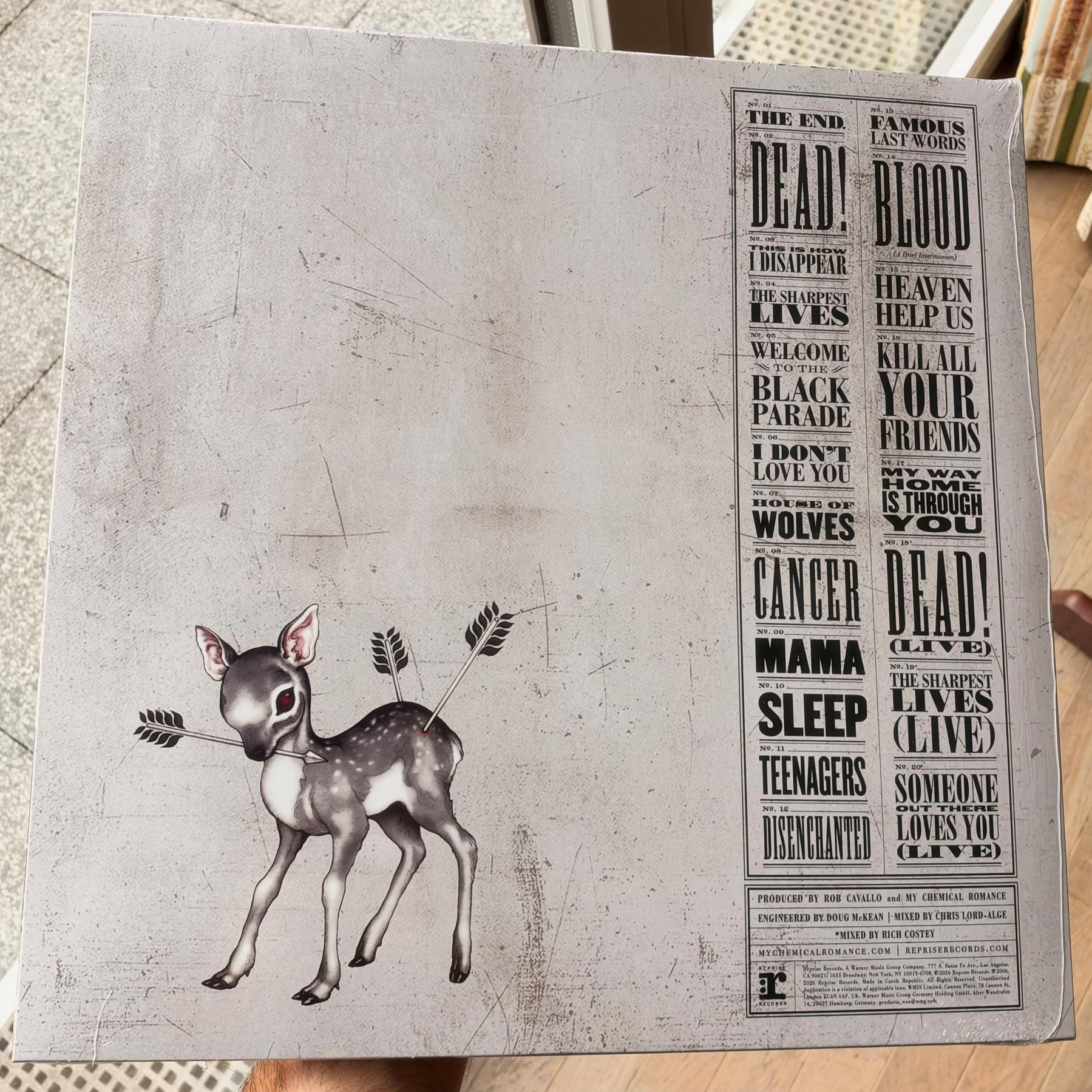
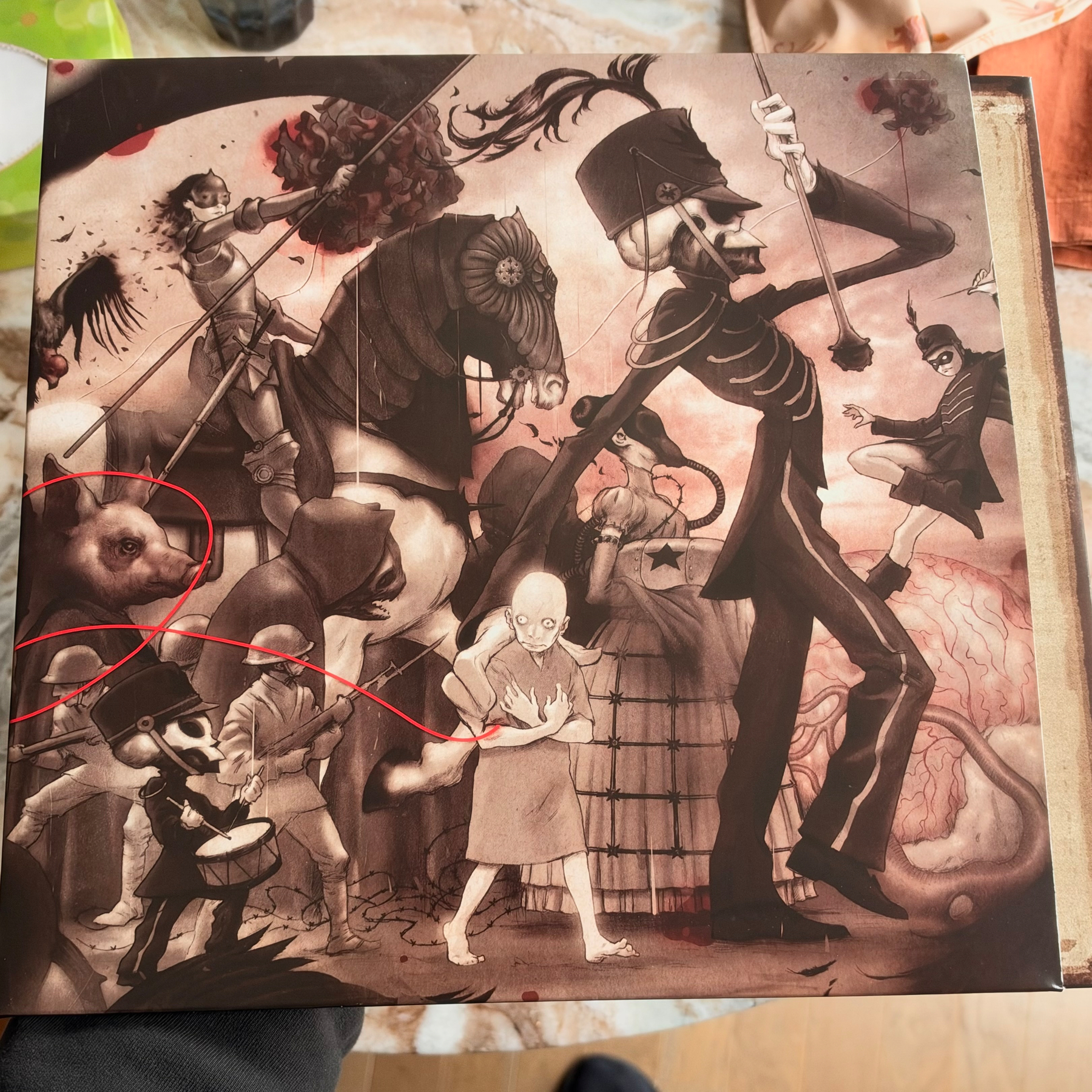
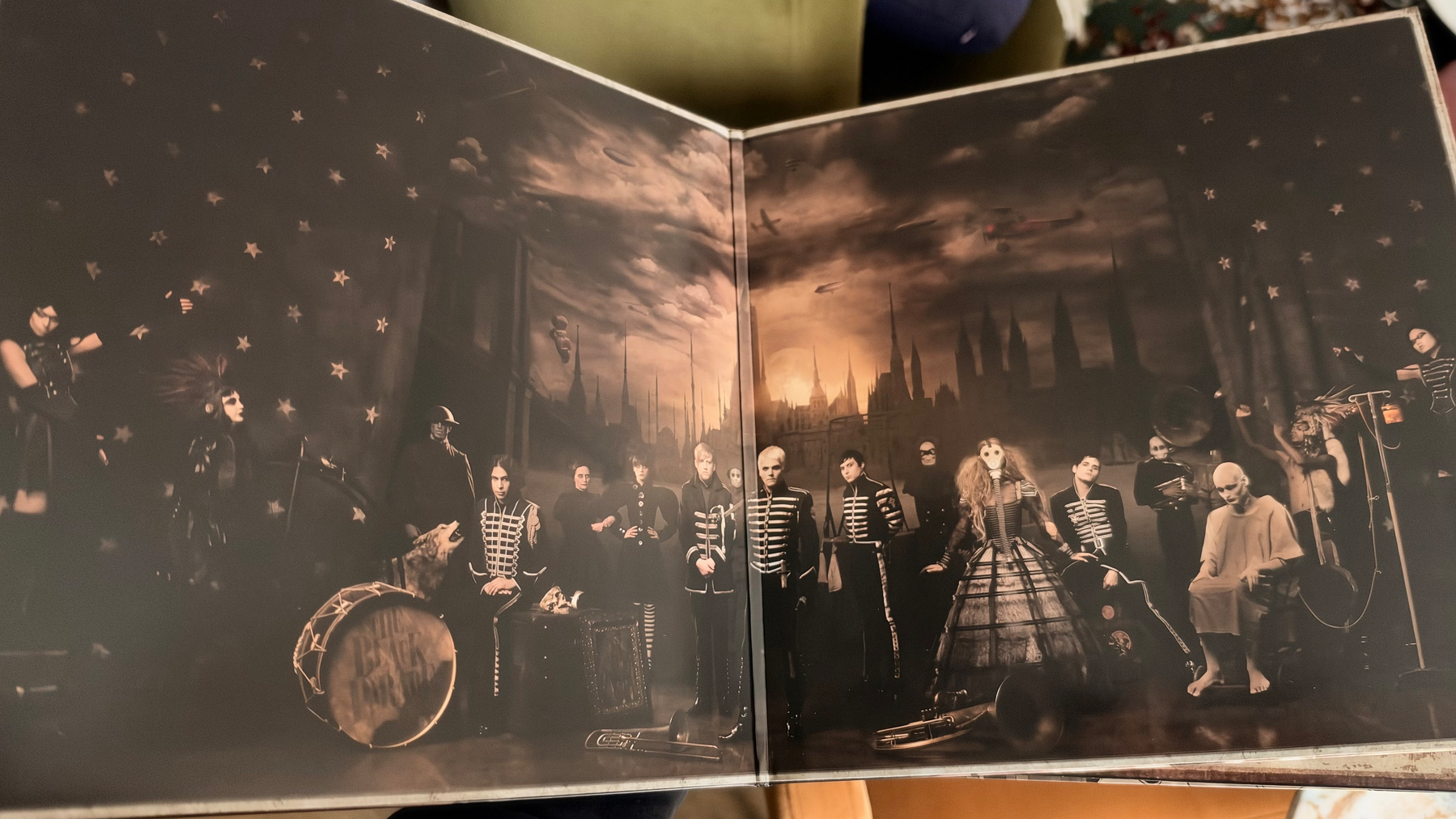
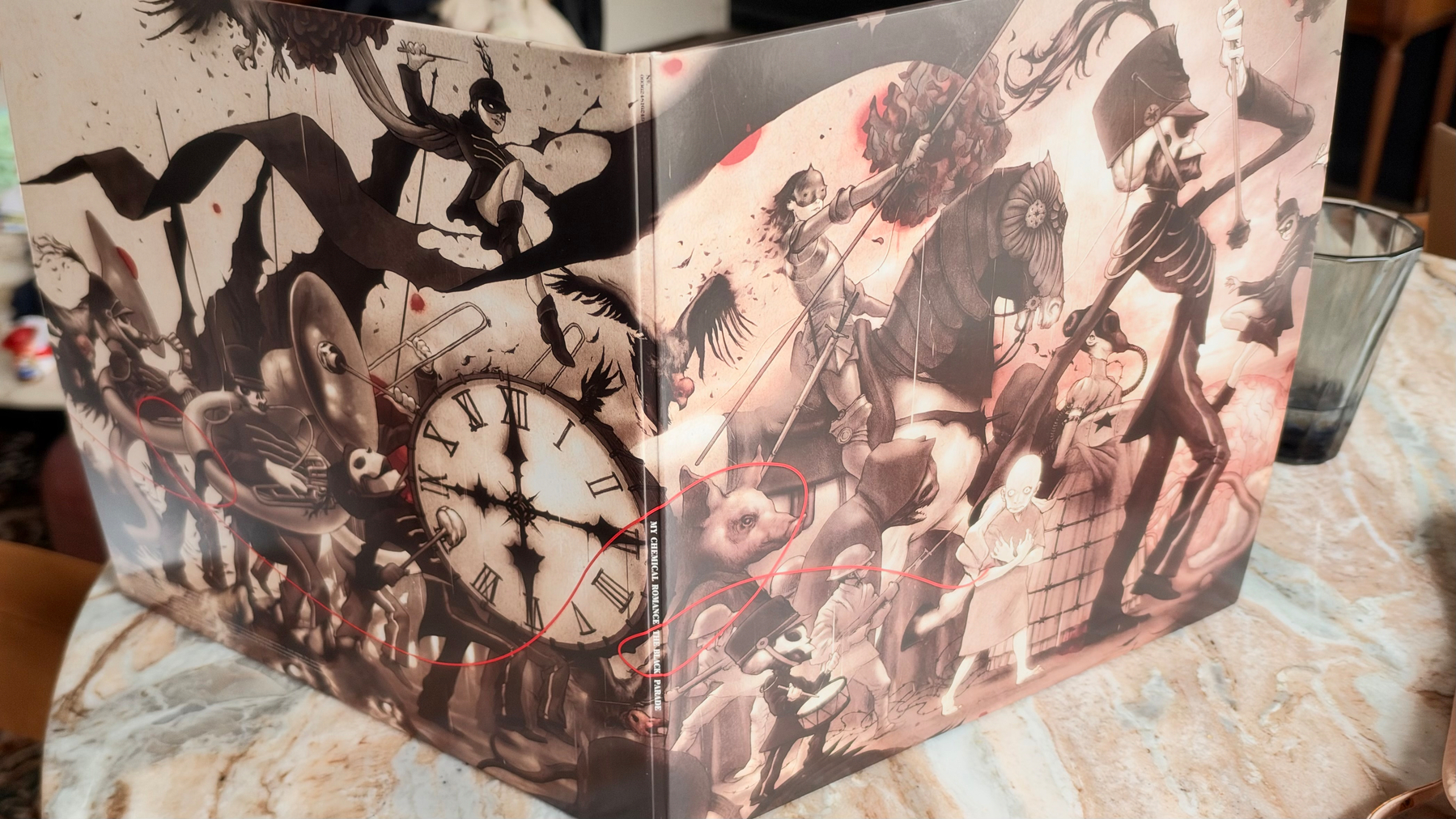
Right on time for Halloween: the 20th Anniversary Deluxe Version of My Chemical Romance’s The Black Parade
“Passkeys are a very good solution, but people don’t understand them.”
Monthly outing with the team: glad to finally check out Public House —and what more, having a booking for the whole night in the Negroni room, at the speakeasy!
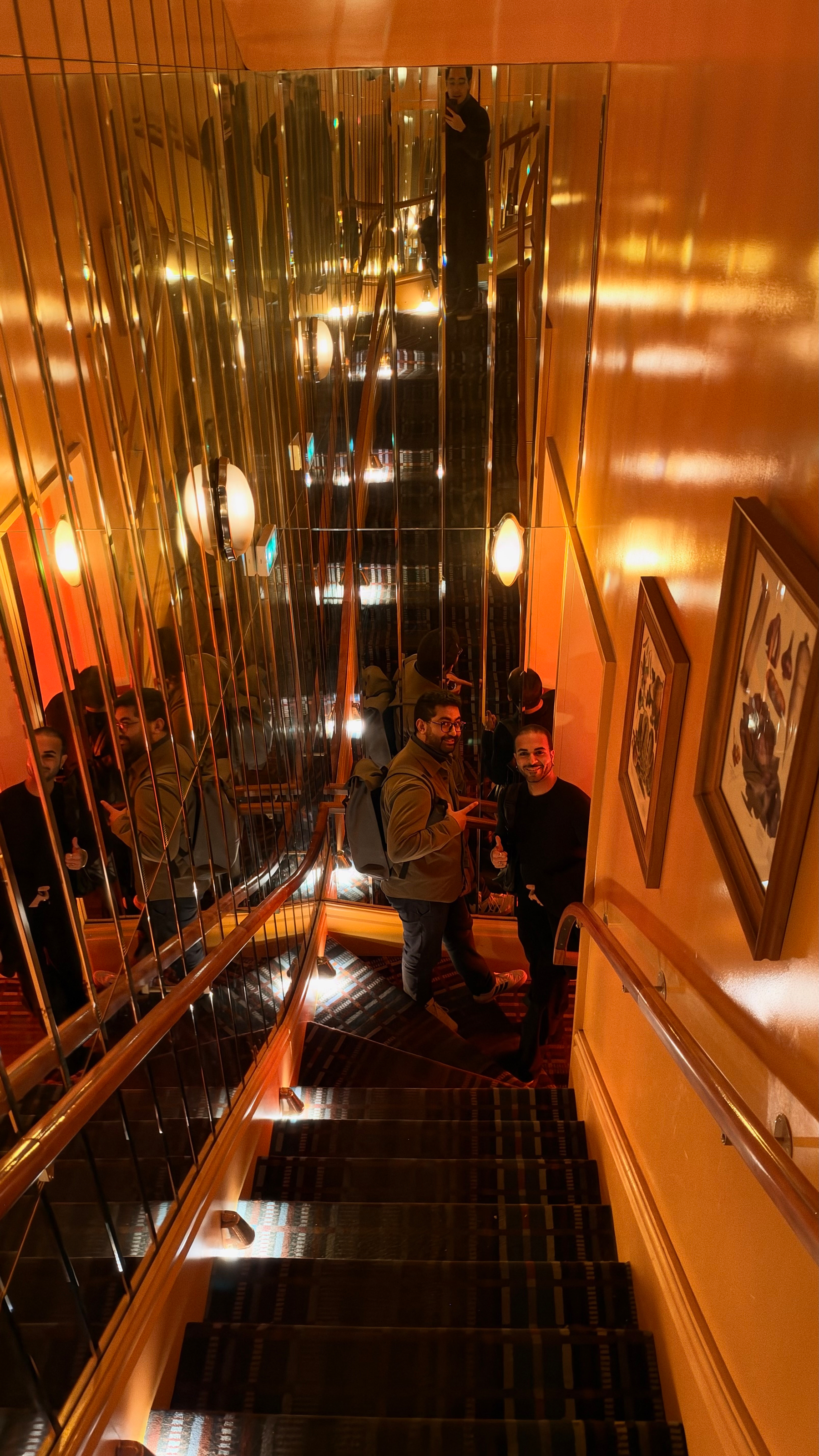
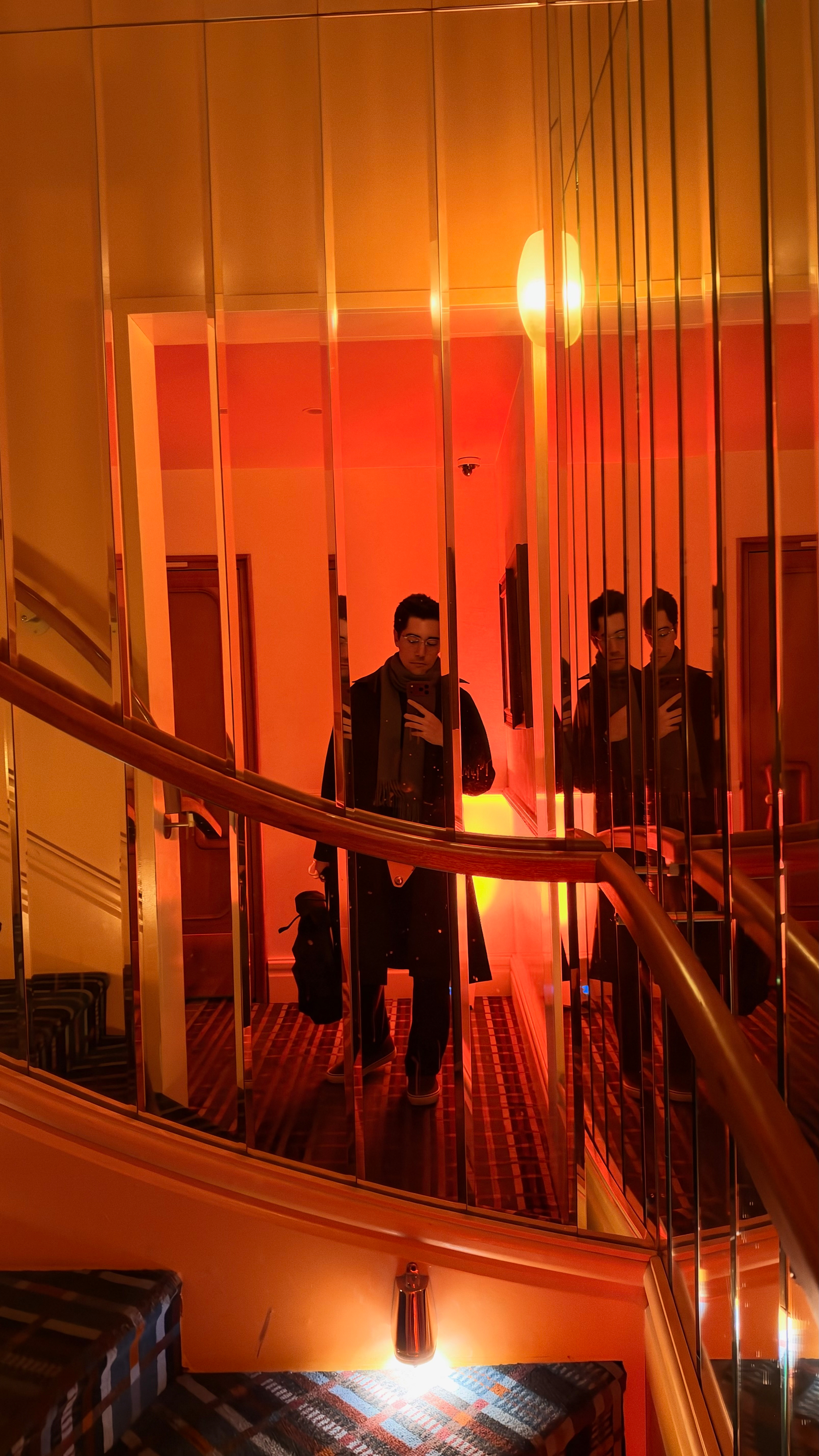
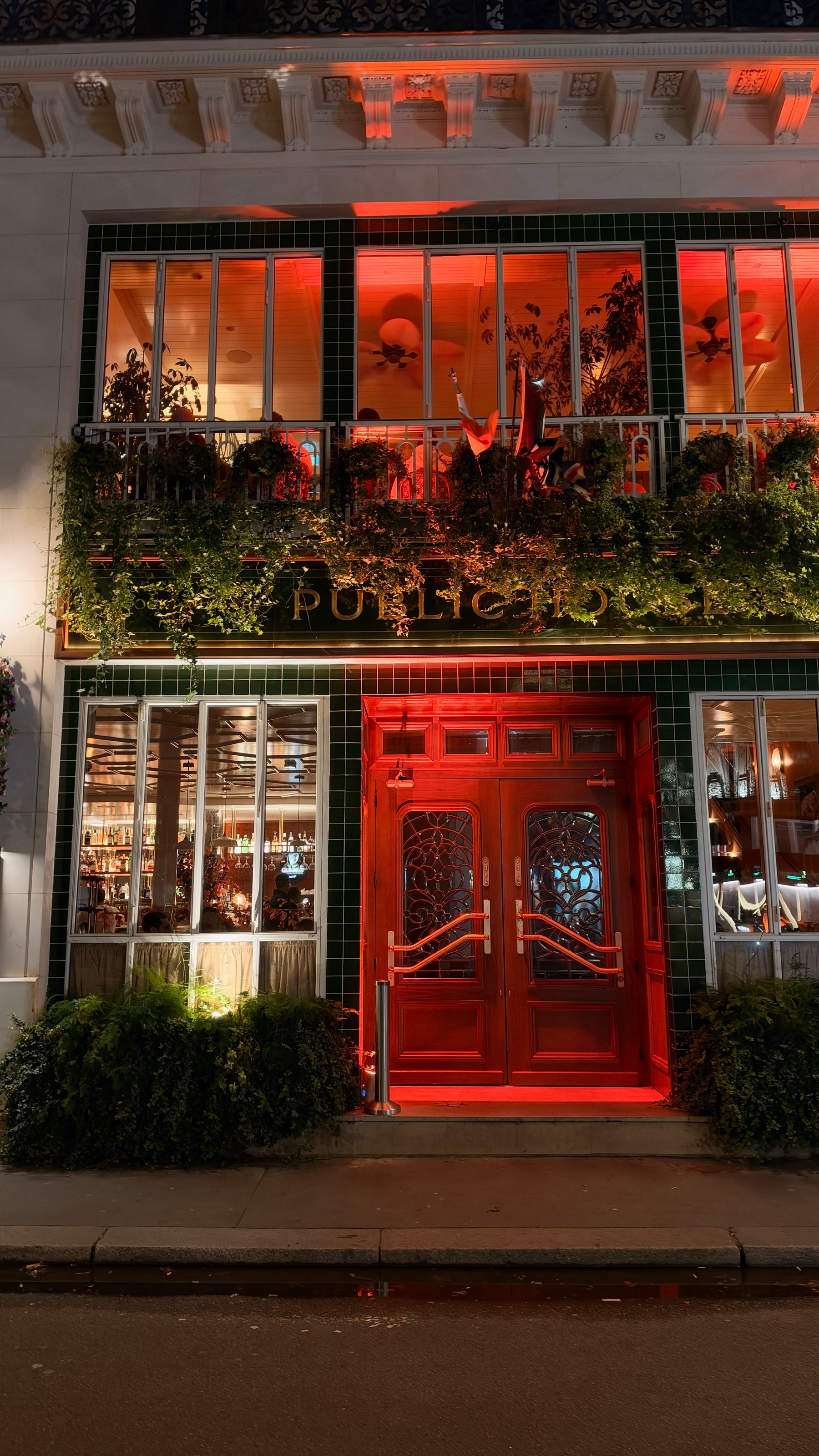
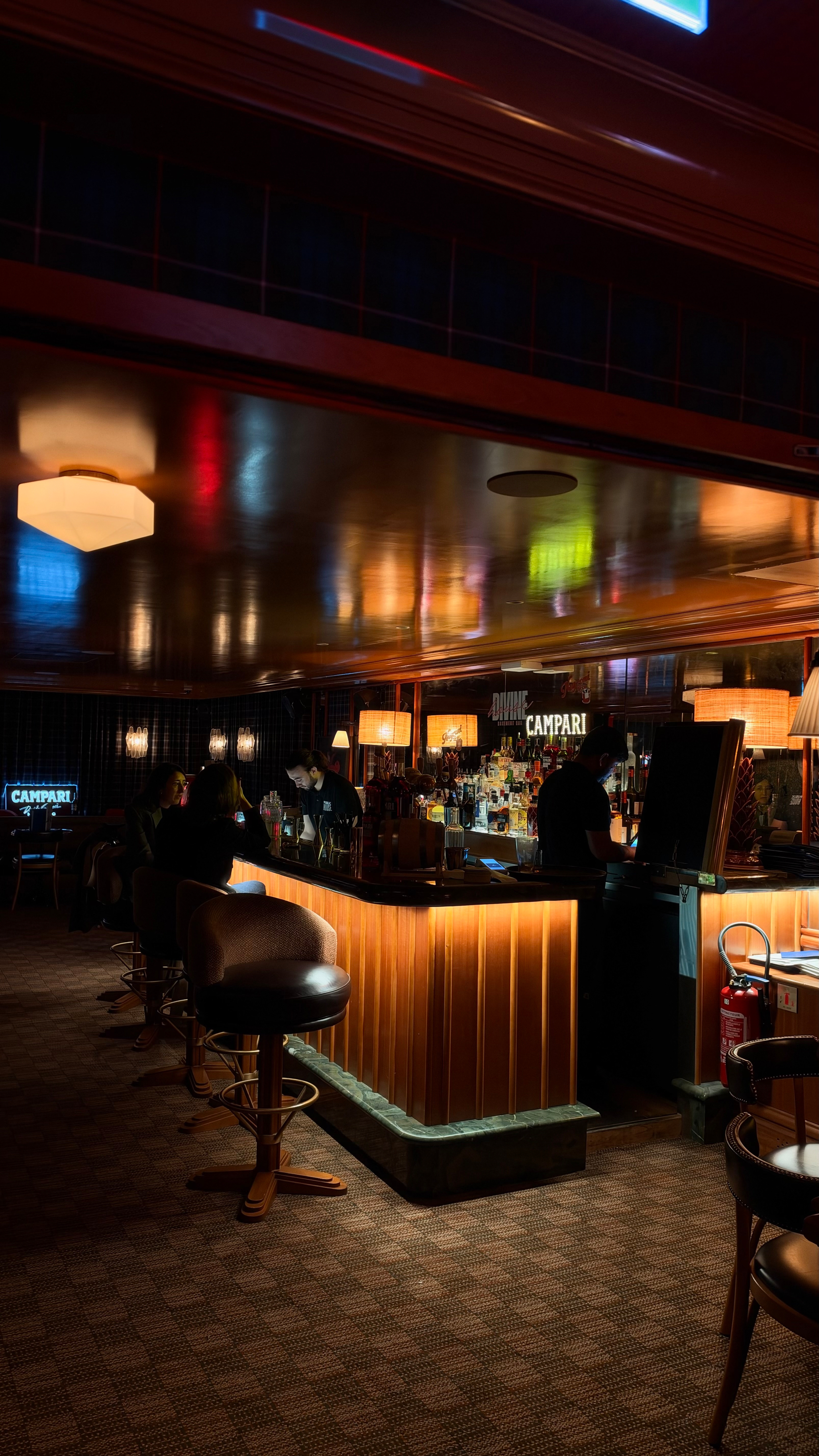
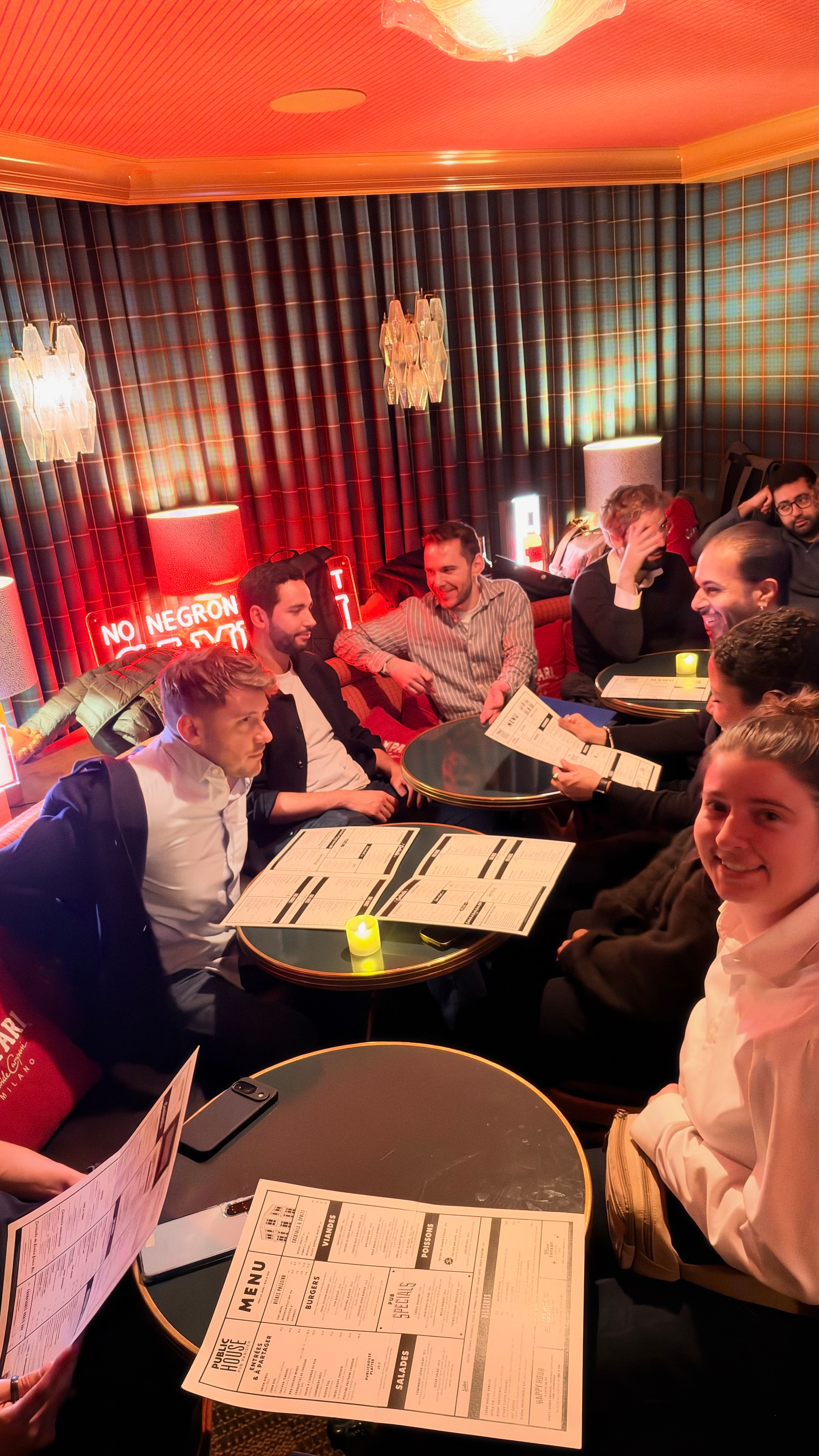
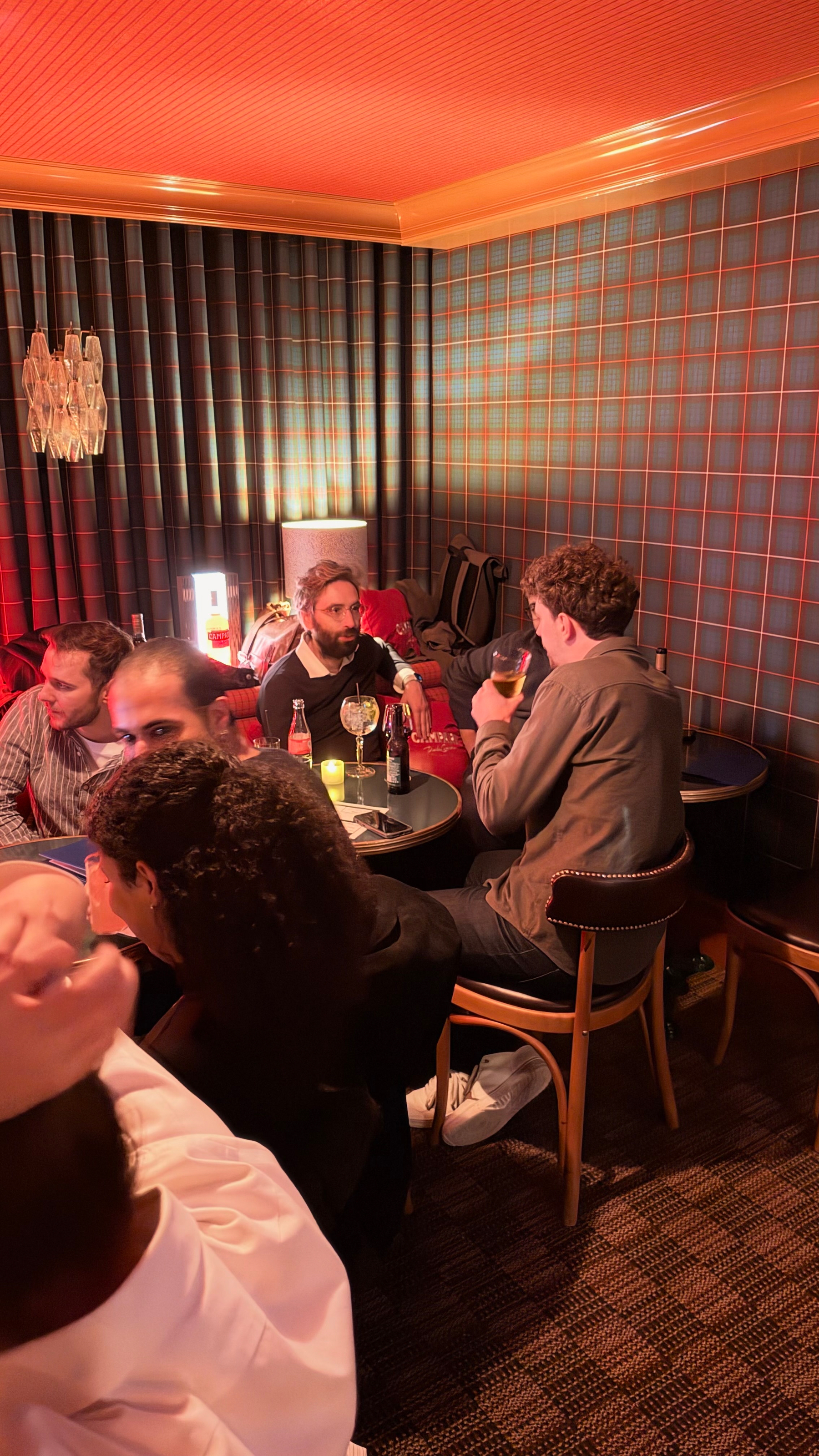
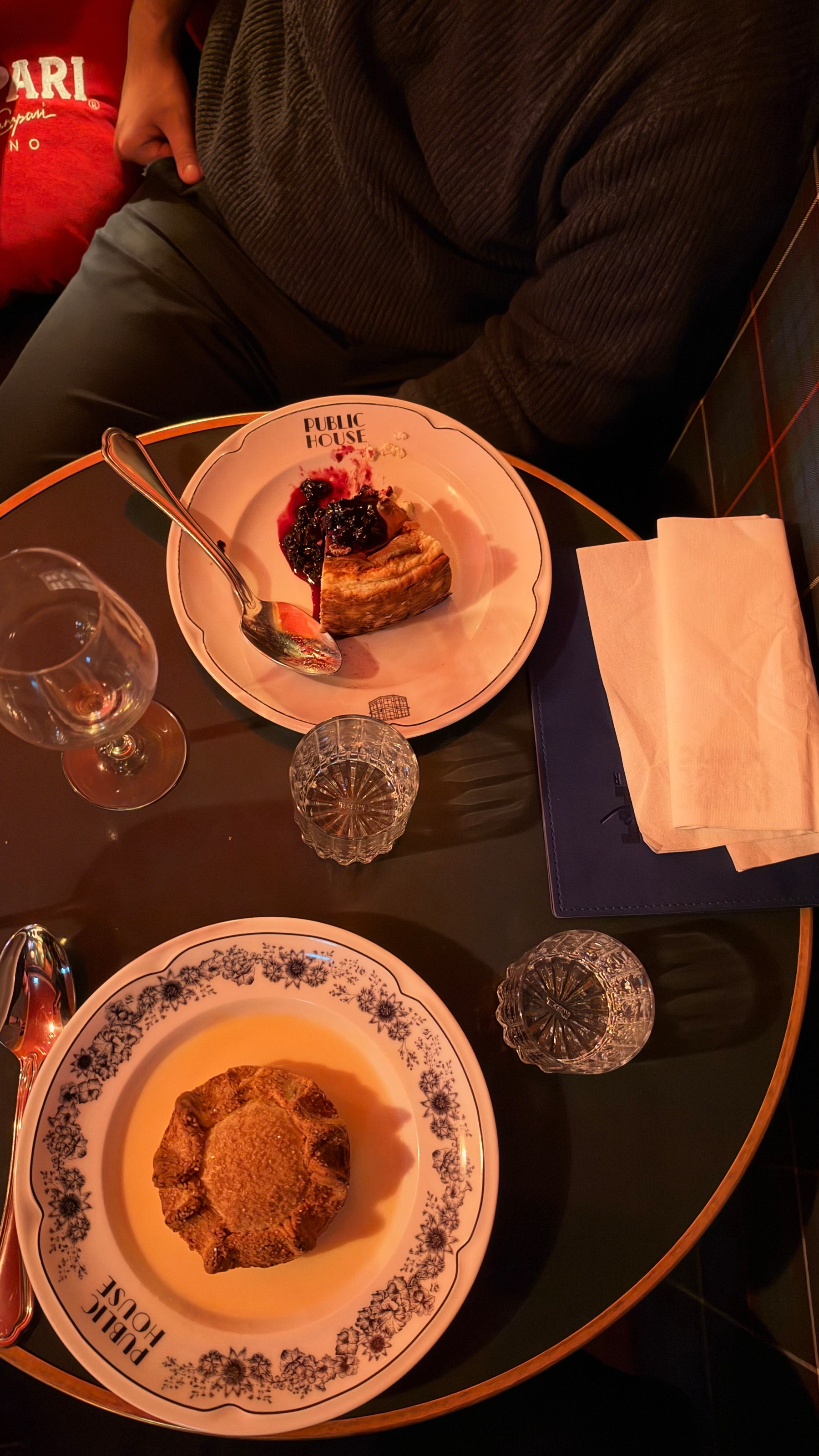
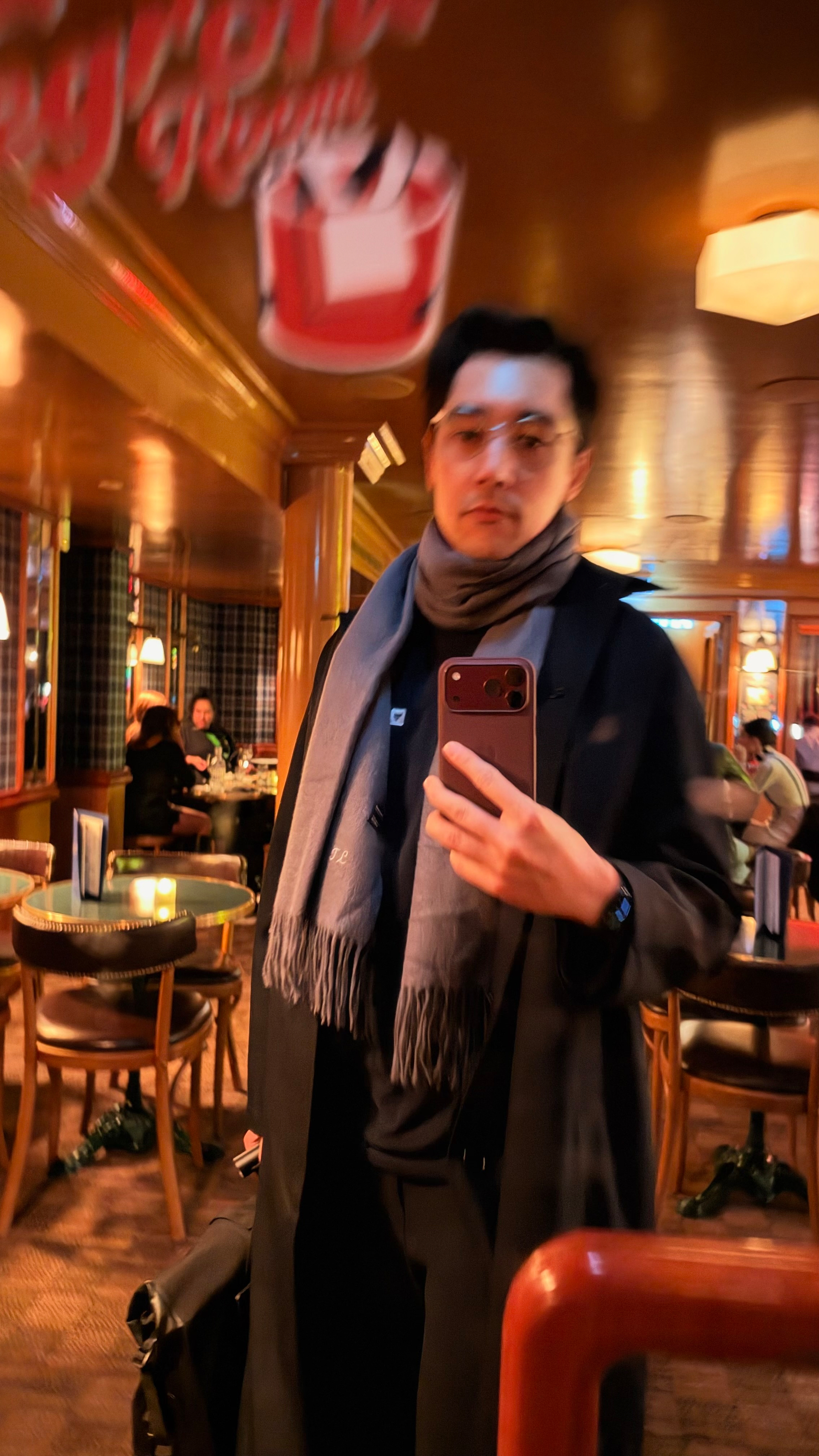
📍 Been using Foursquare (now Swarm) since 2009, almost daily, definitely weekly! 😭
Damn. Learning that it’s gonna be shut down is gonna leave a huge whole in my digital heart!
Unsure how I’m possibly going to replace it. They acquired superlocal awhile back and I dunno that Gyroscope Places is worth the price of entry……
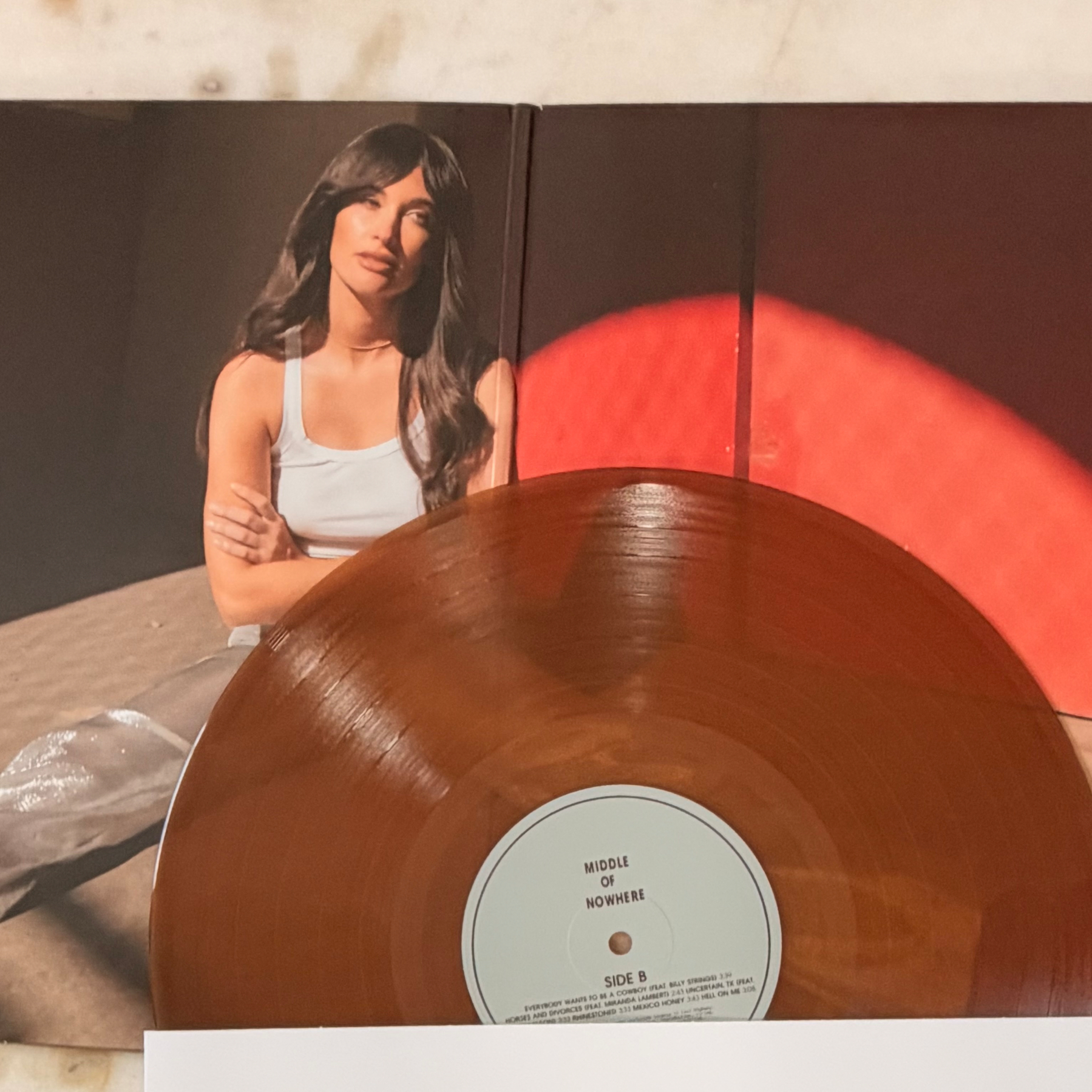
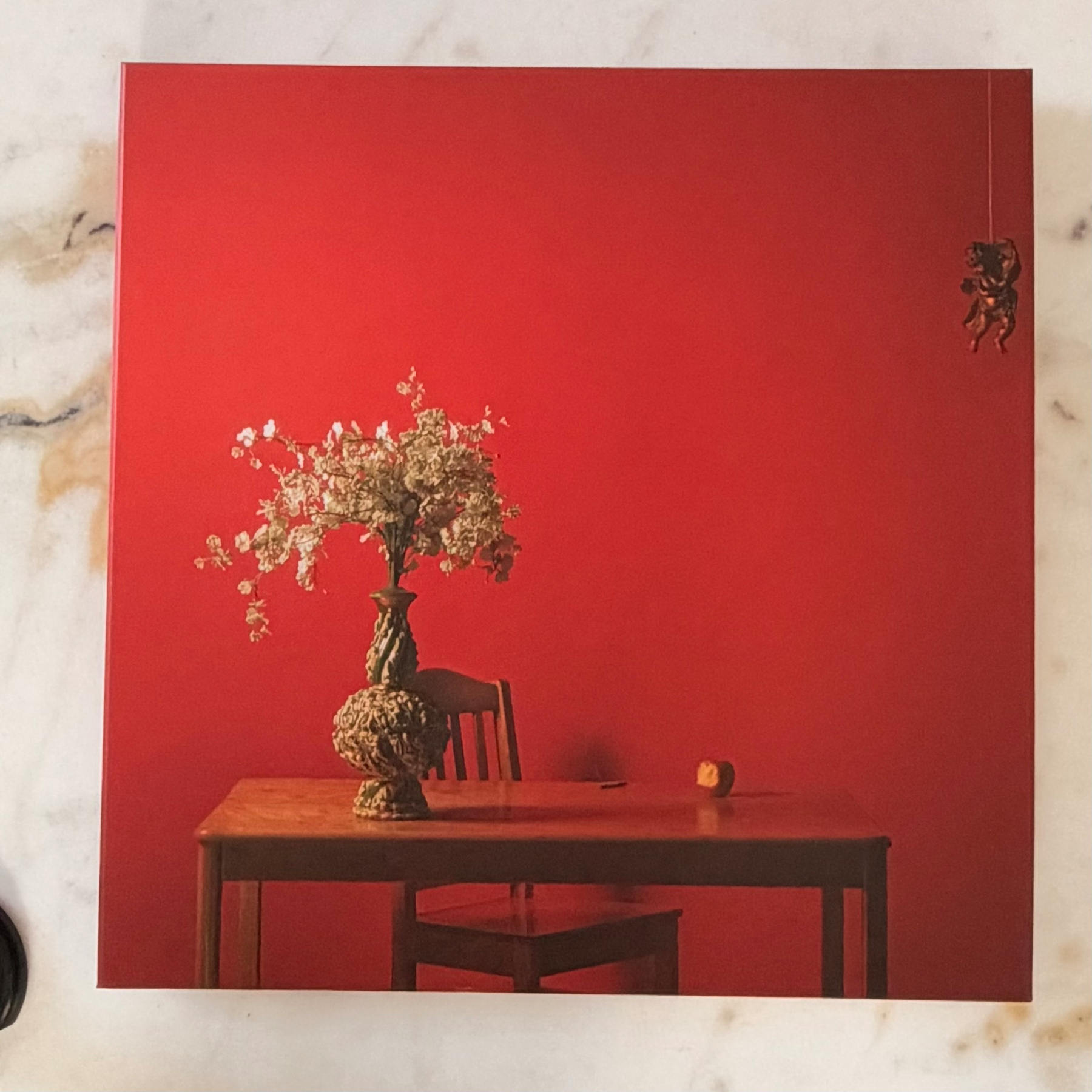
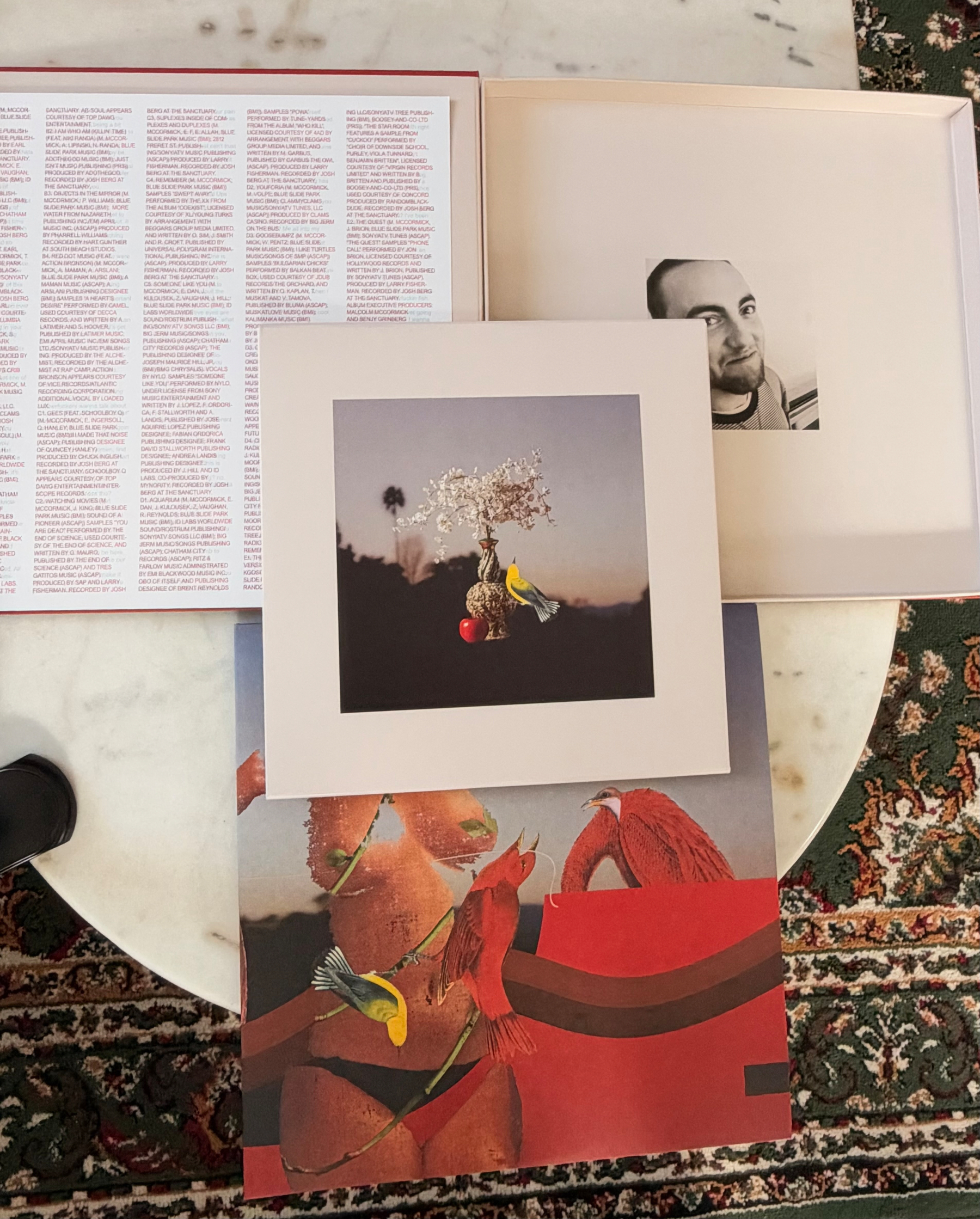
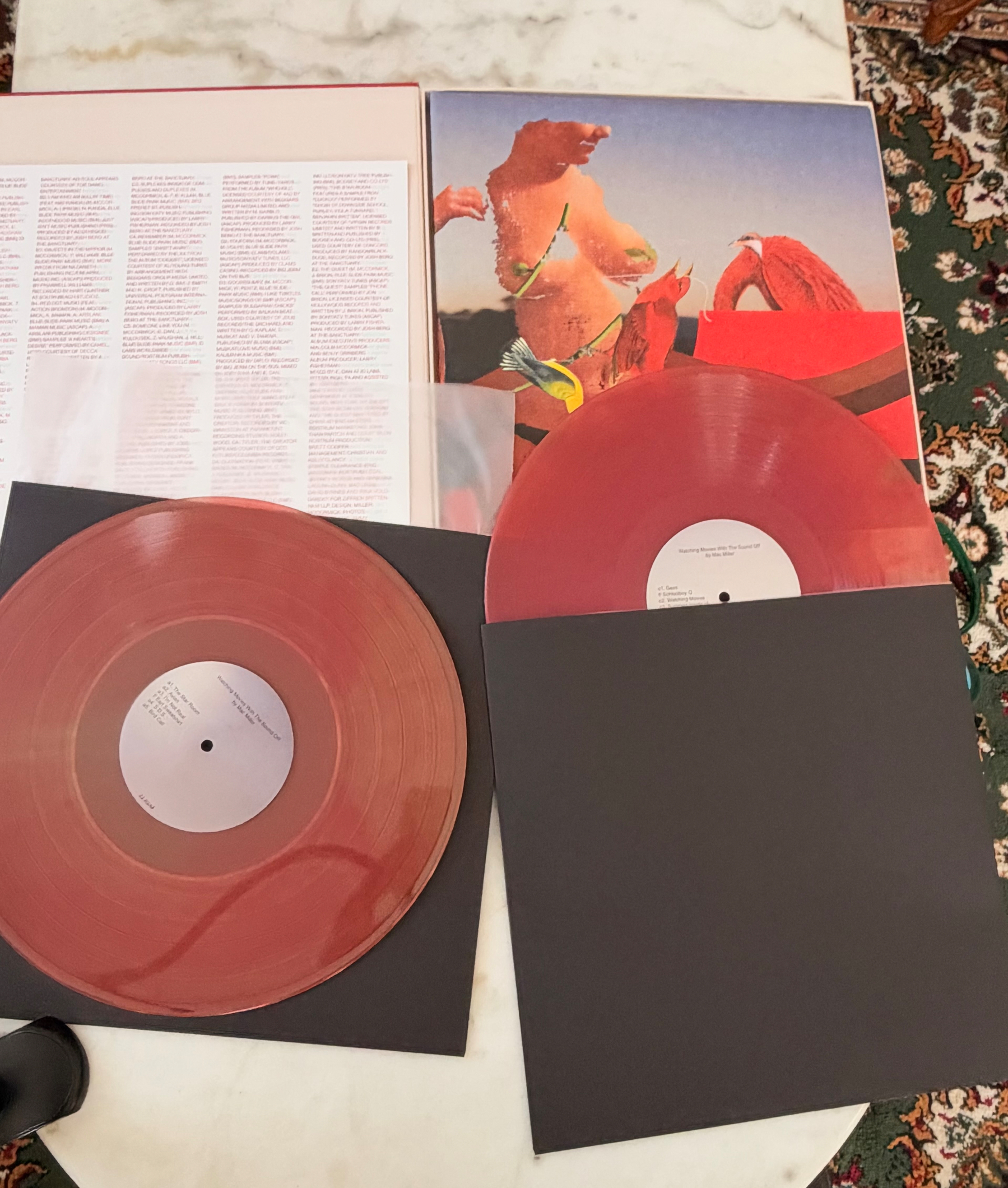
Received the final records order(outside of a handful of pre-orders that will be coming later)!
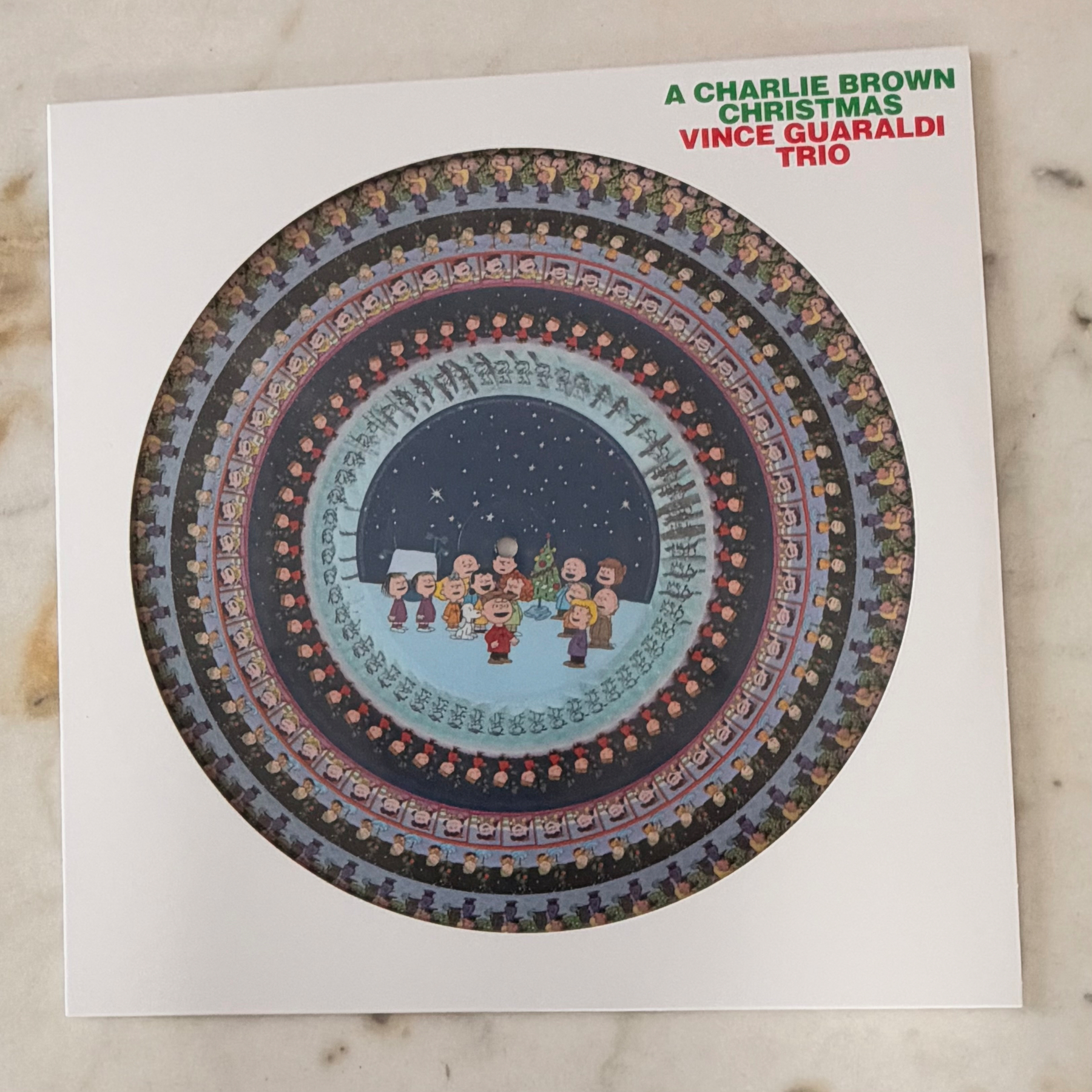
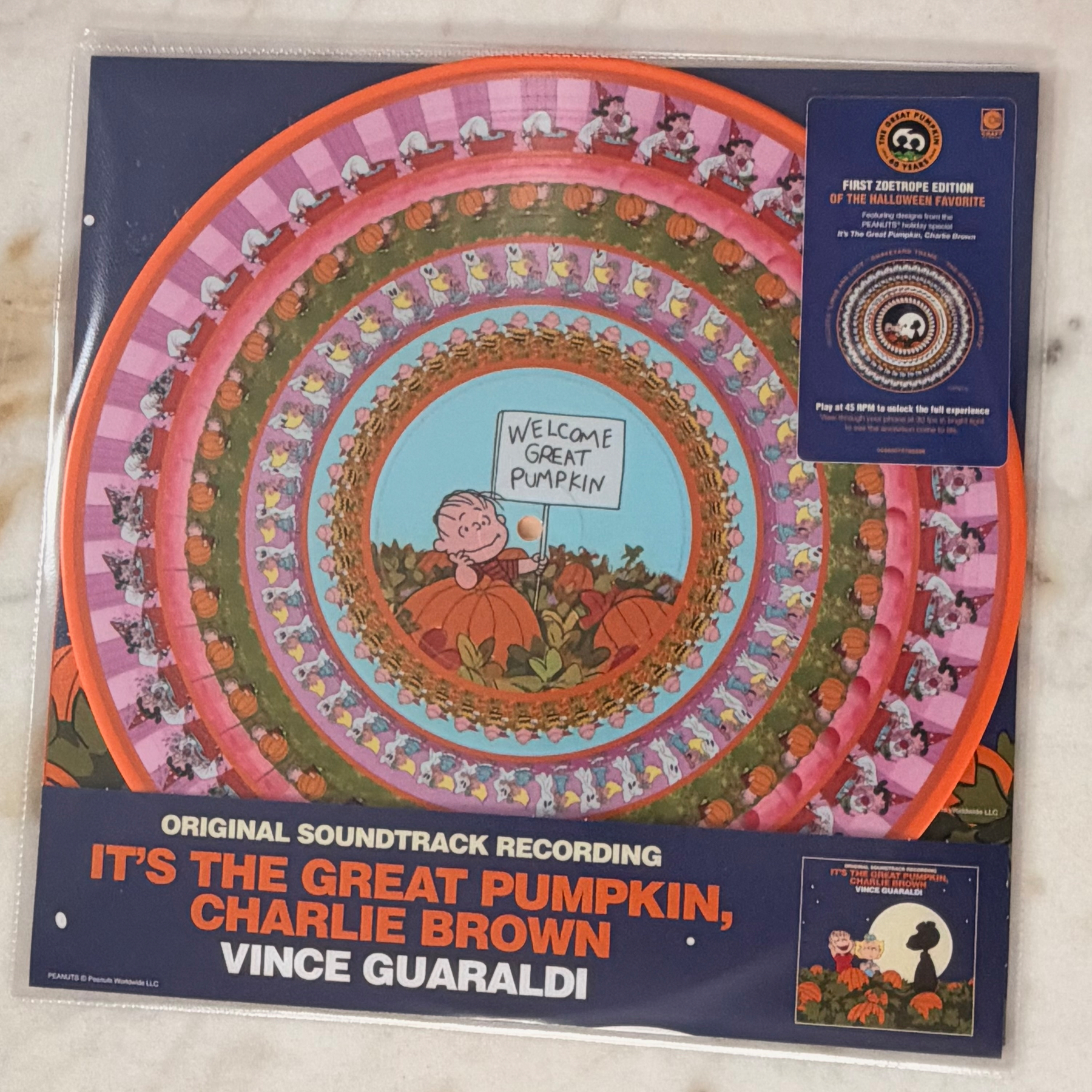
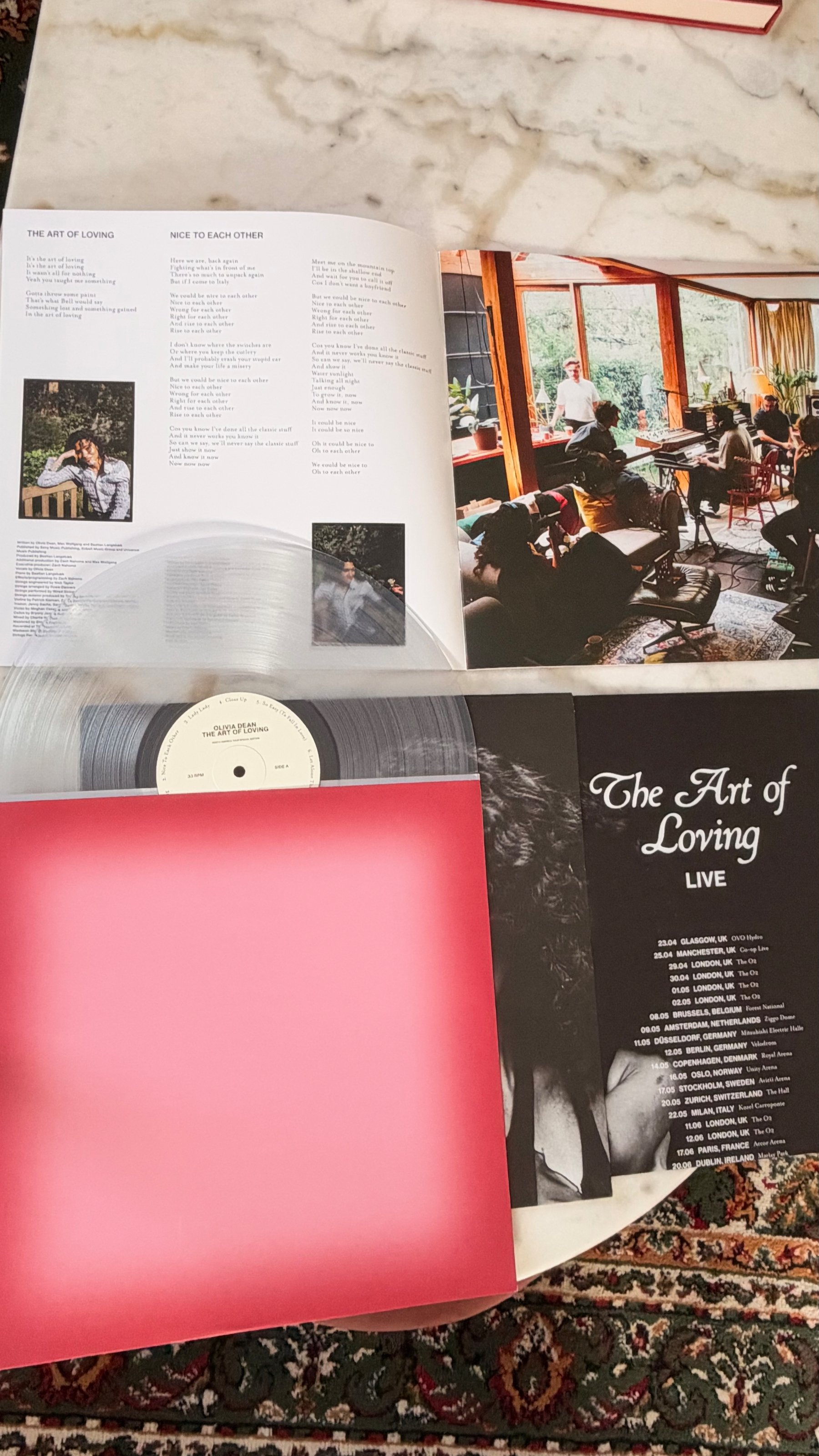
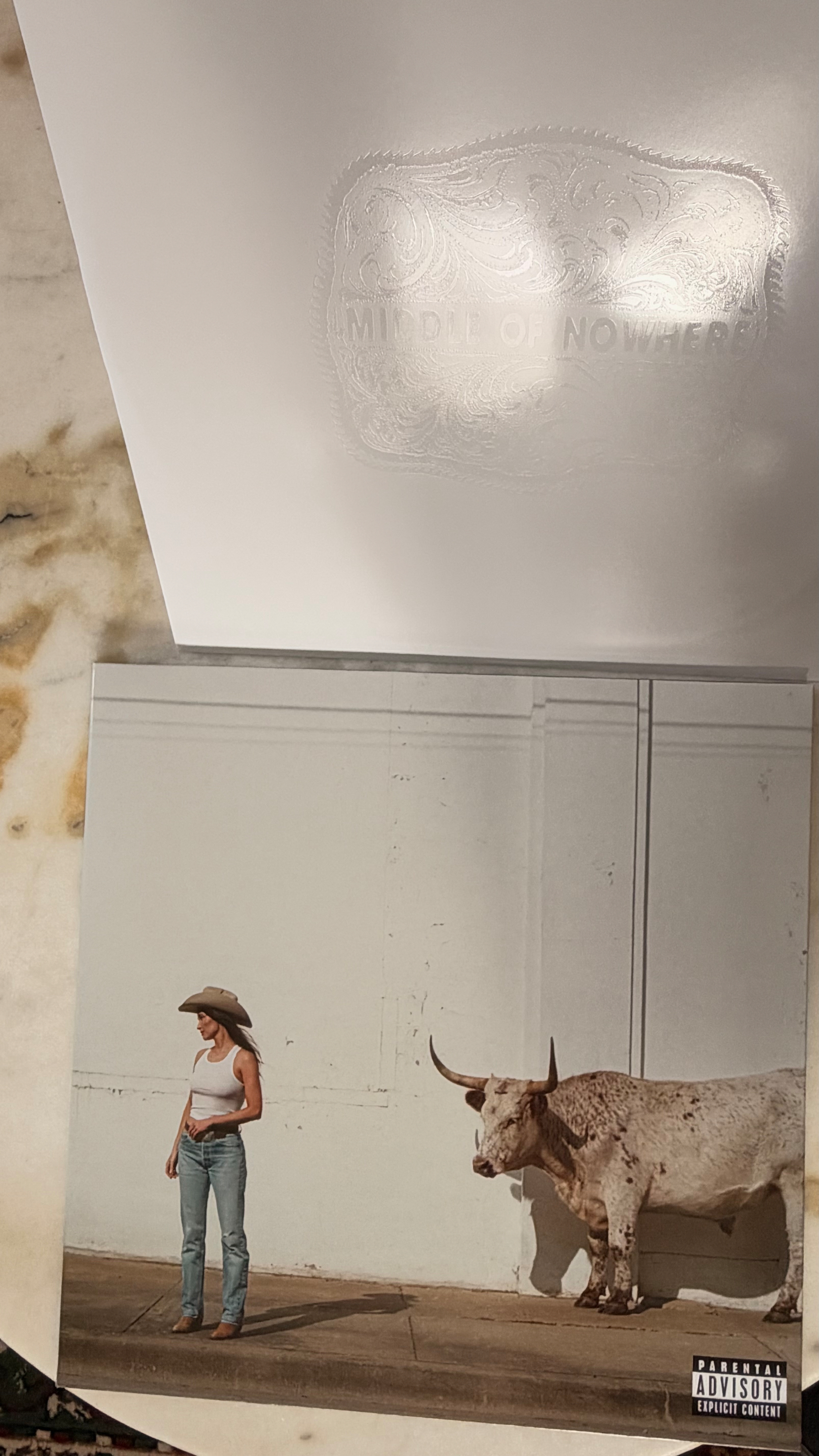
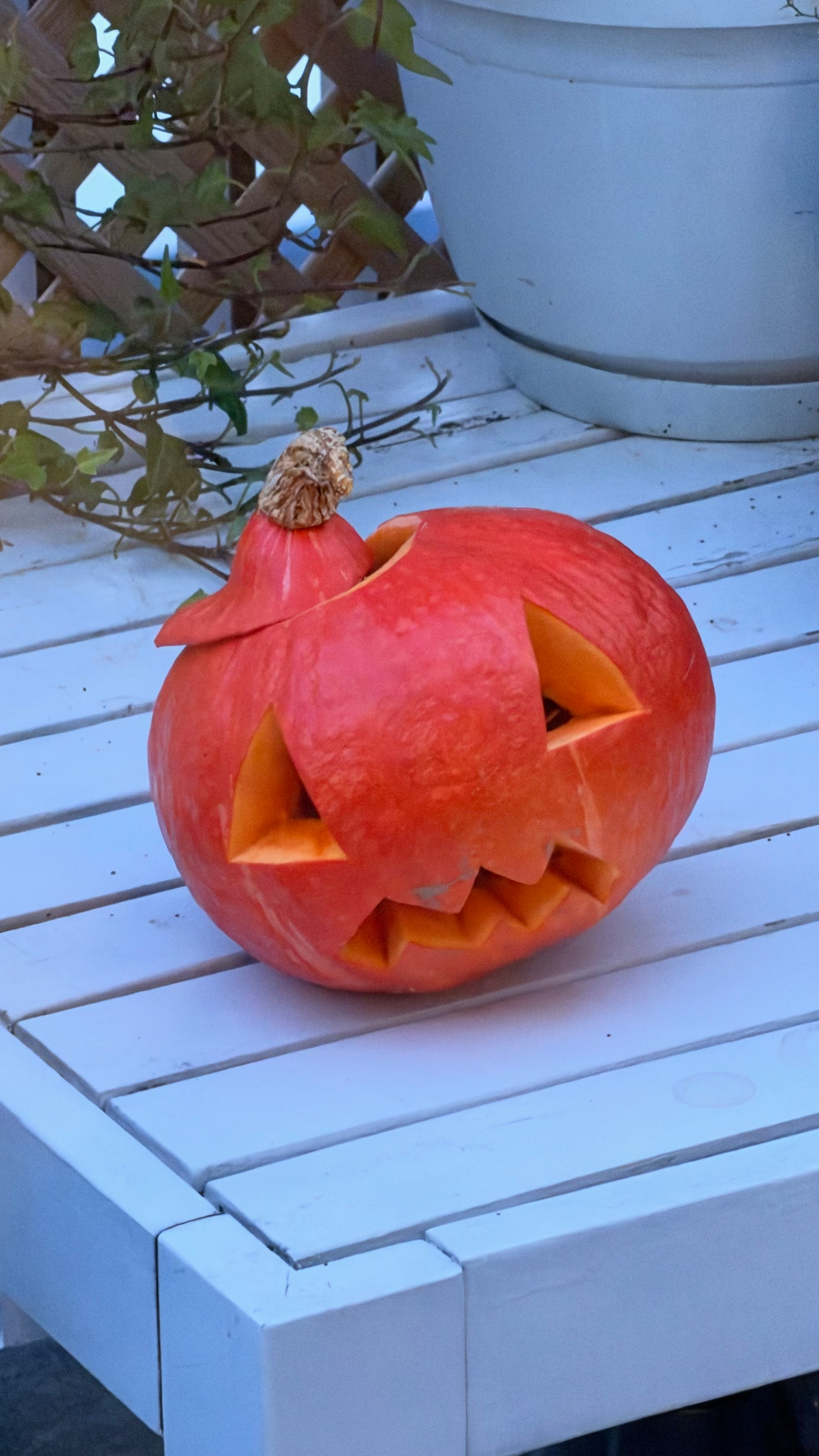
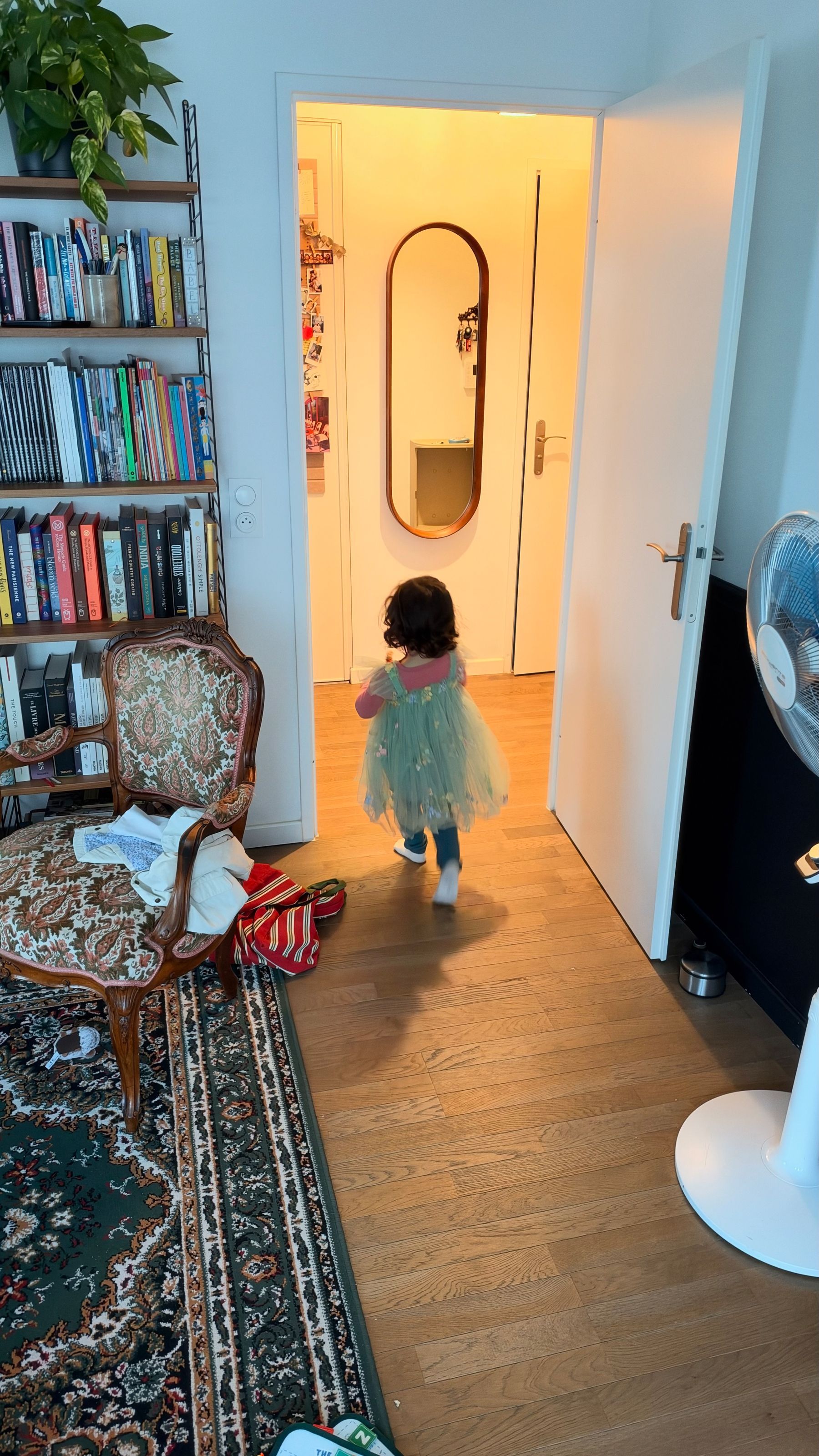
You haven’t known stress until you show up at school, and you learn that the teacher is sick and it’s Halloween, the last day before the holidays. and that you have to keep your kid for the day…
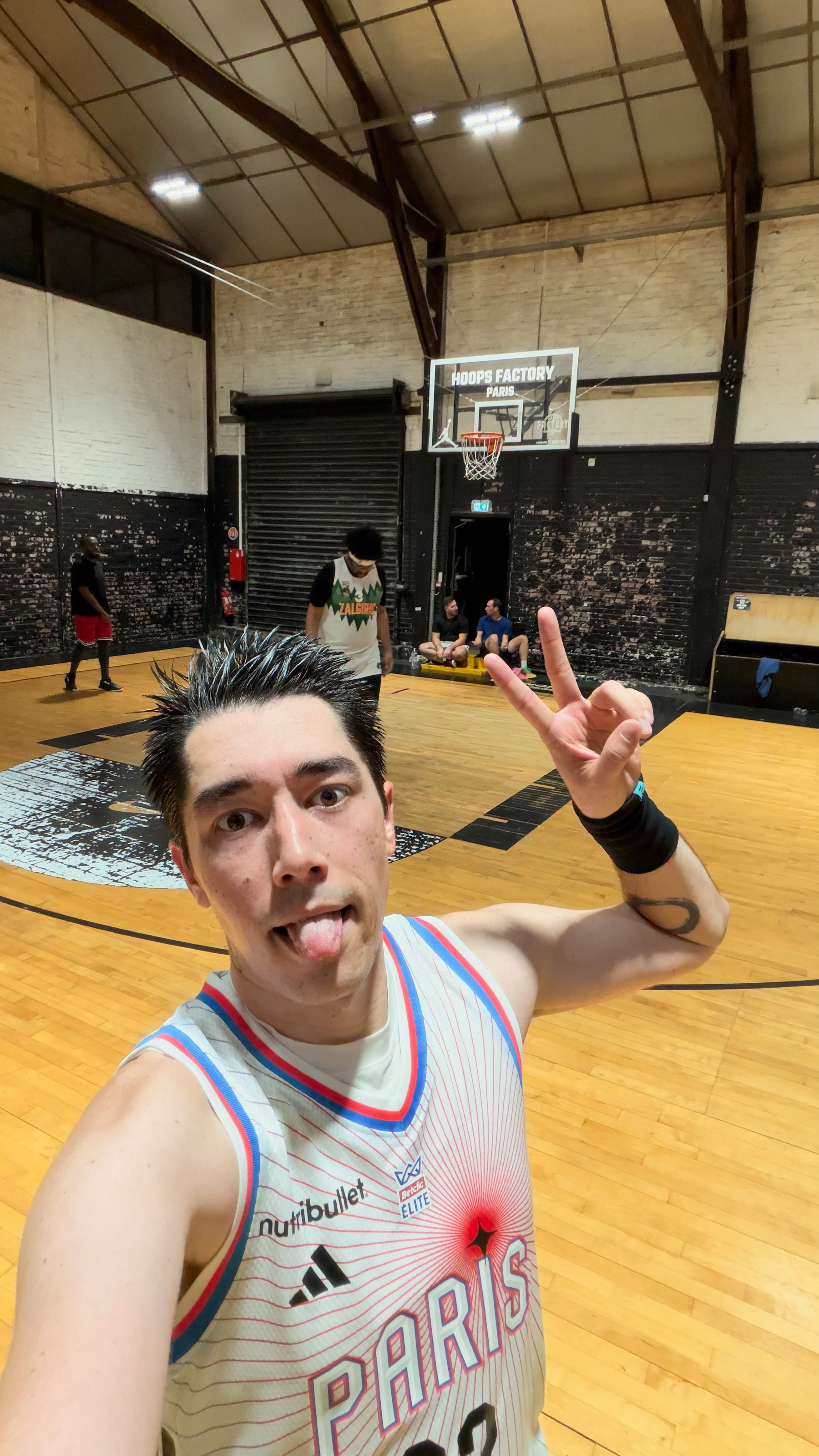
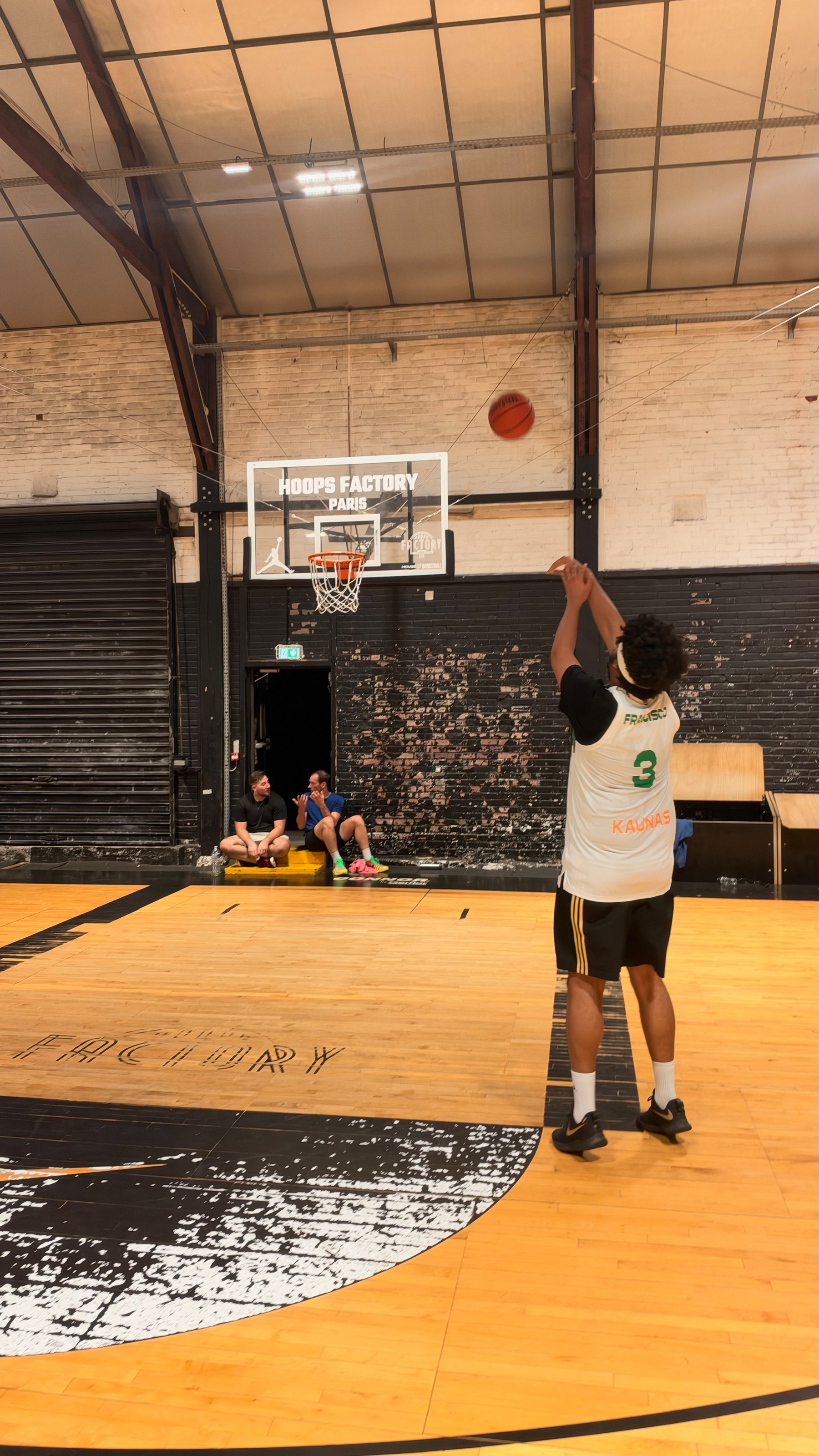
Played really badly tonight, but it was fun to be back on the court!
A couple of snaps from the beginning of the week while I try to recover from this pesky cold! 🤧
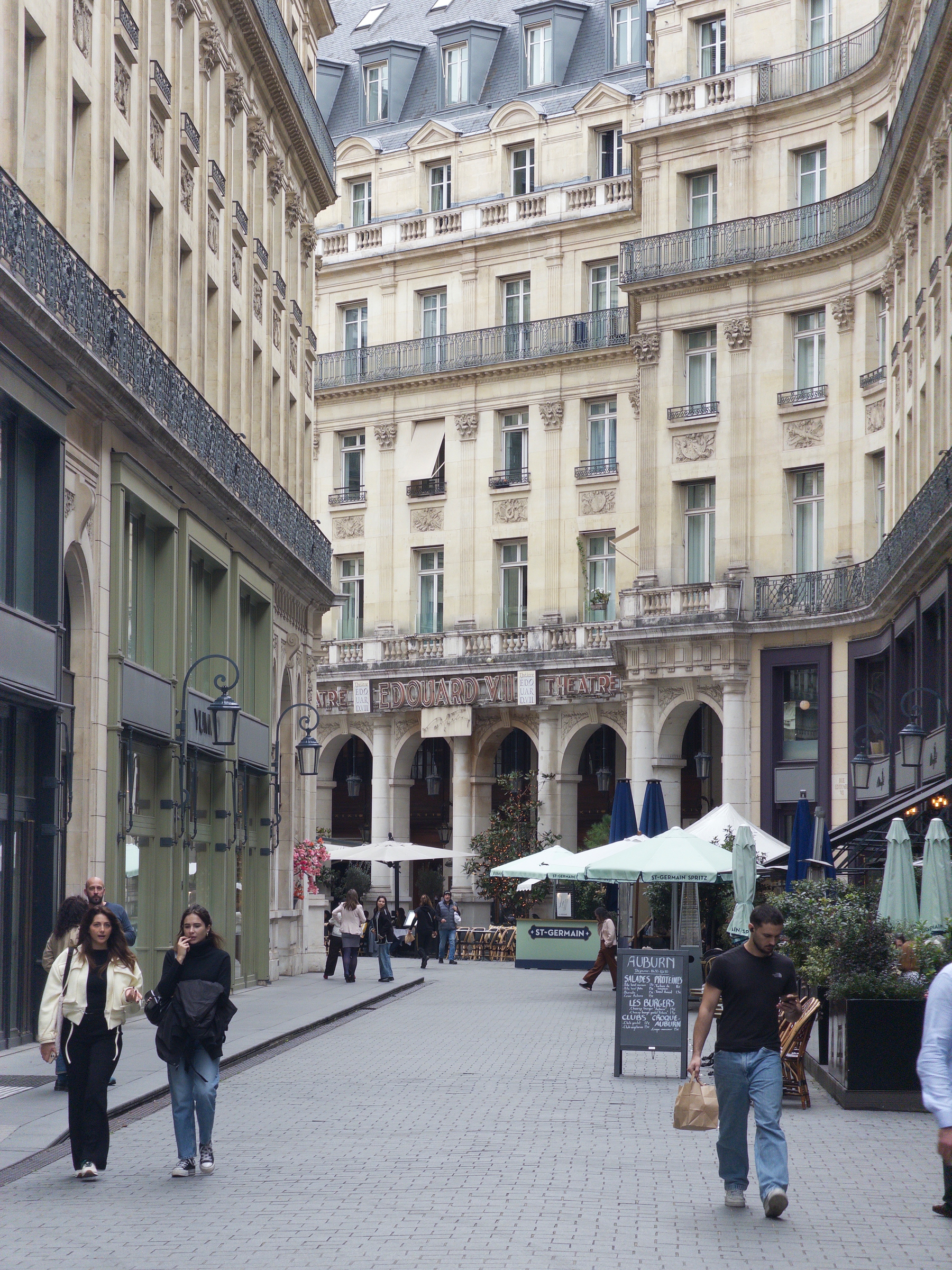
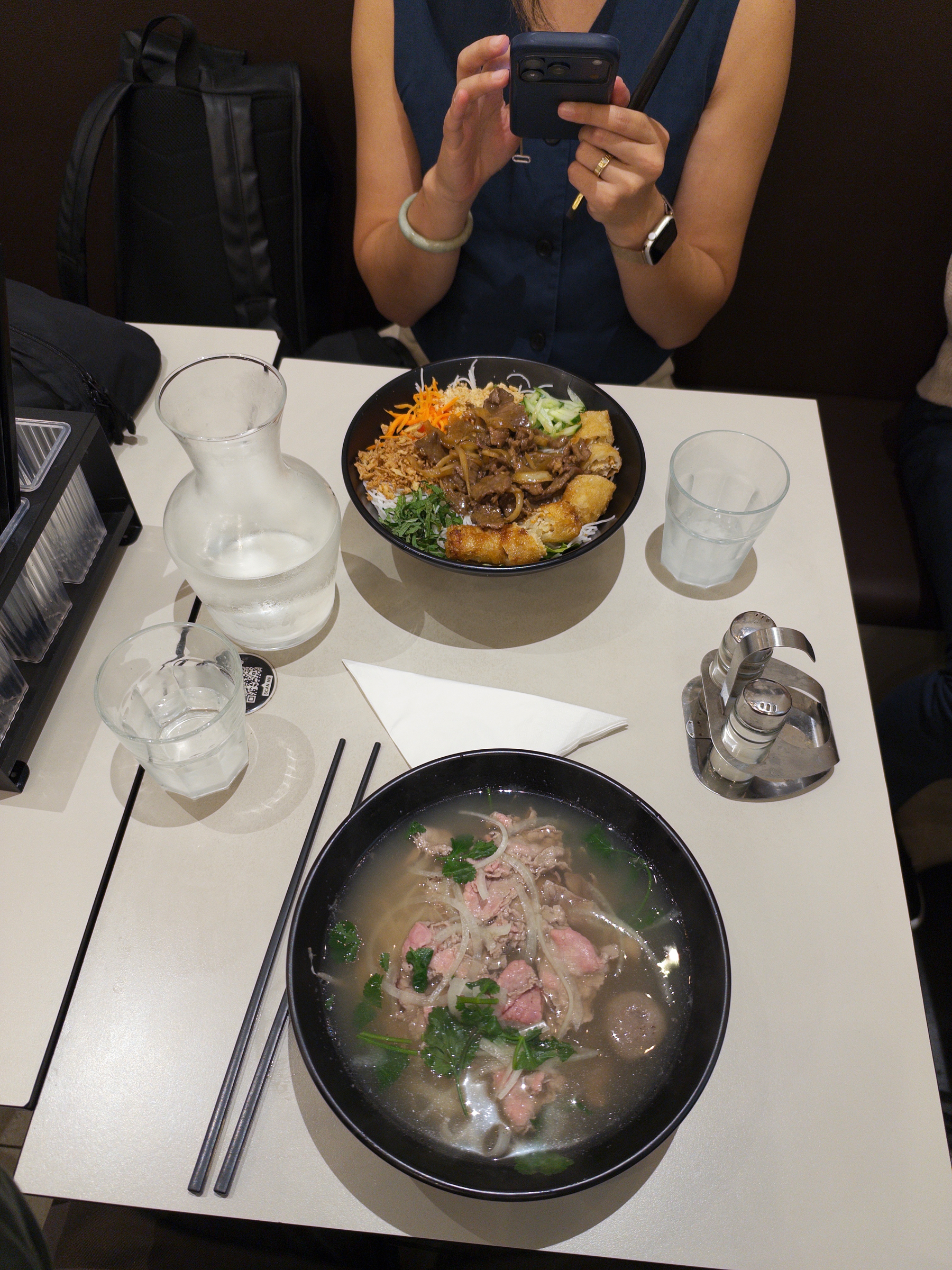
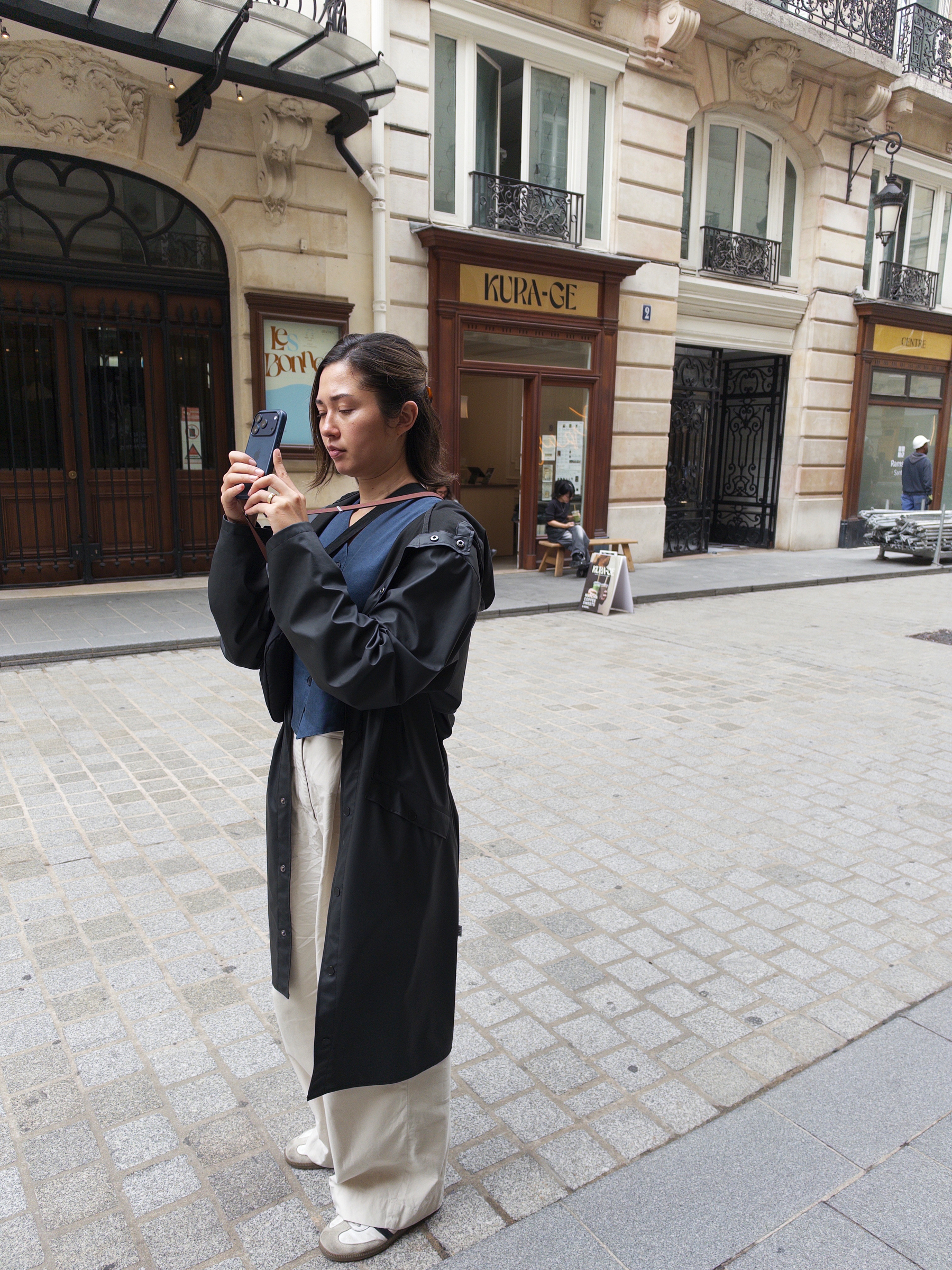
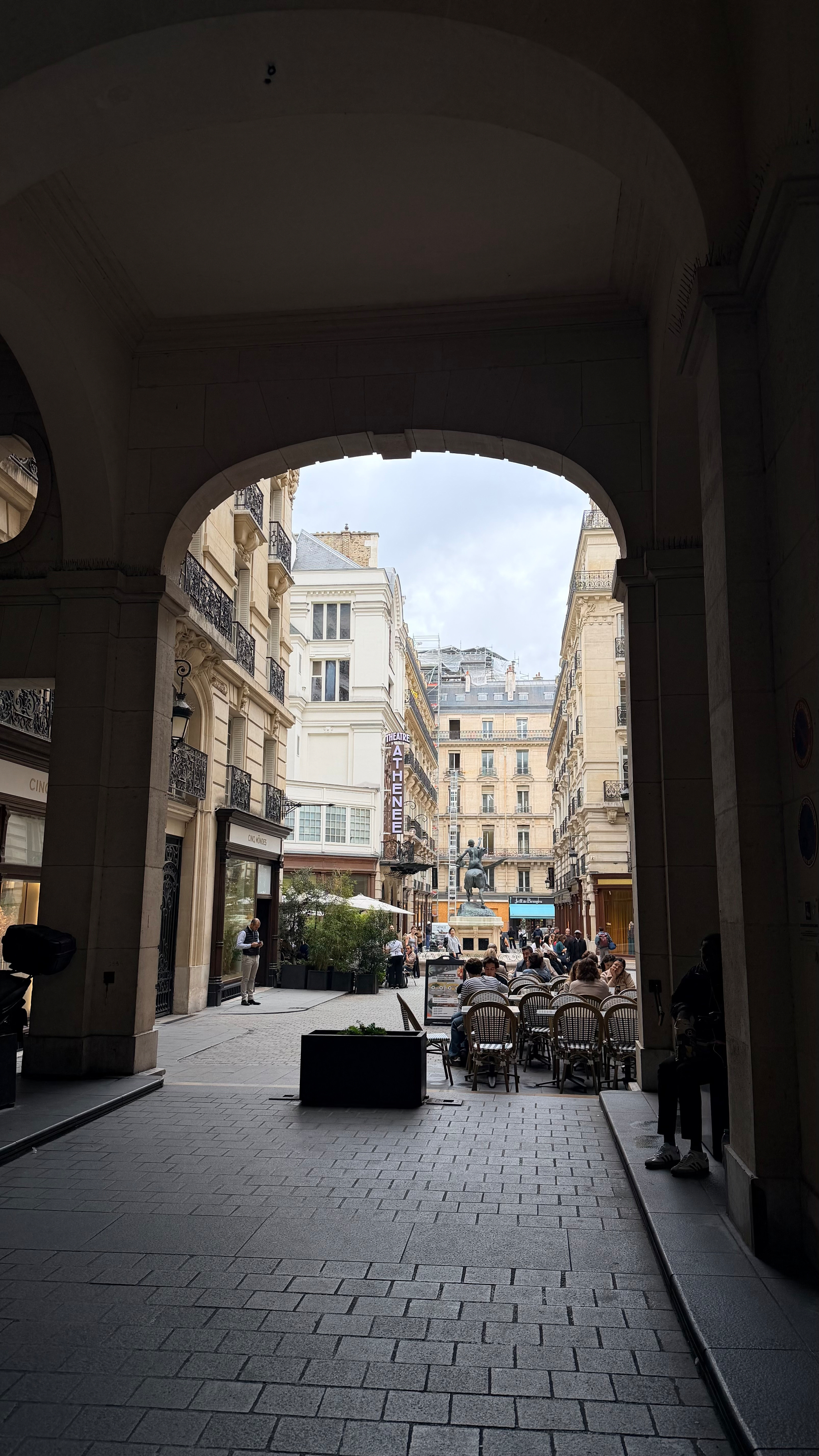
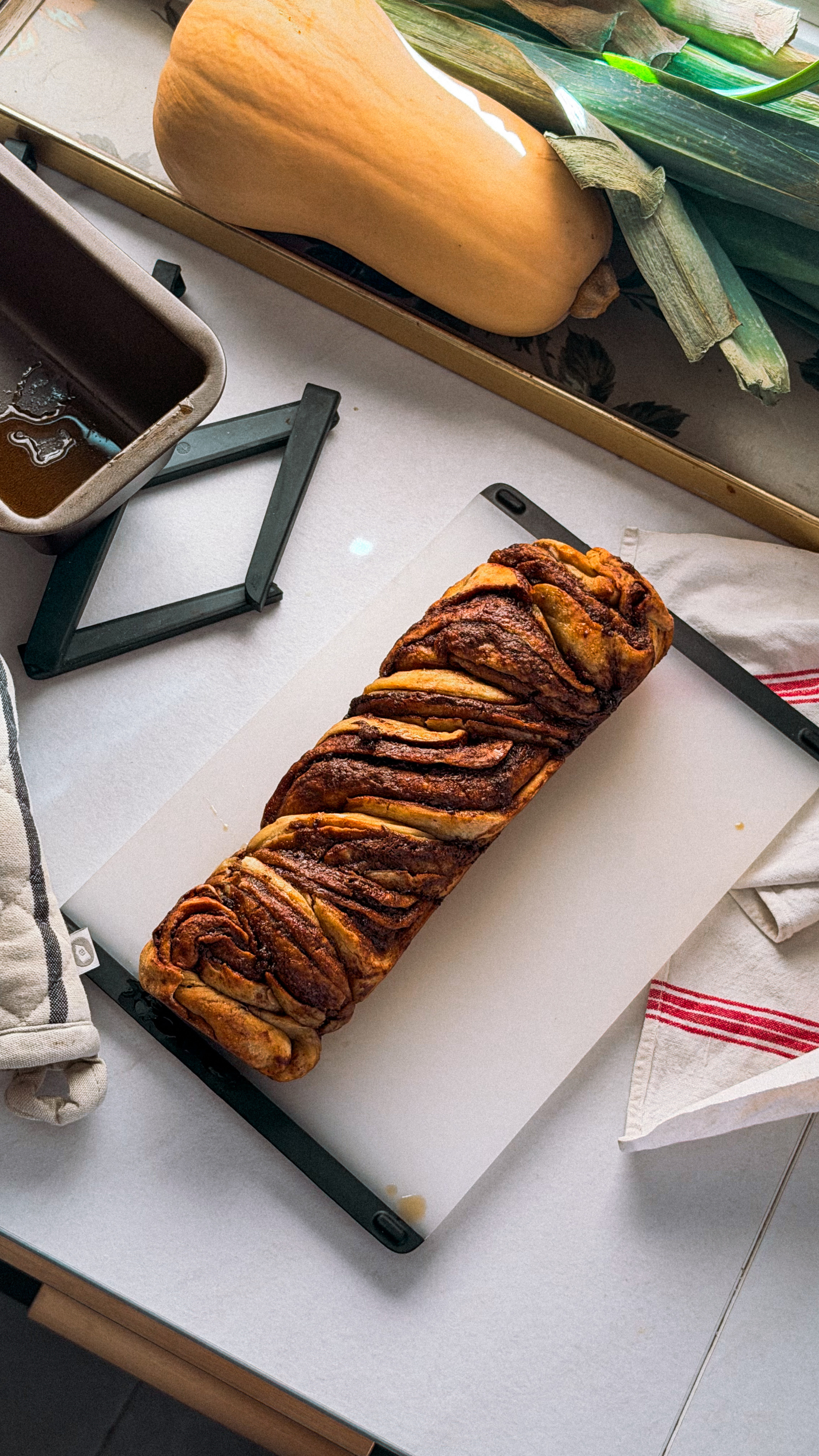
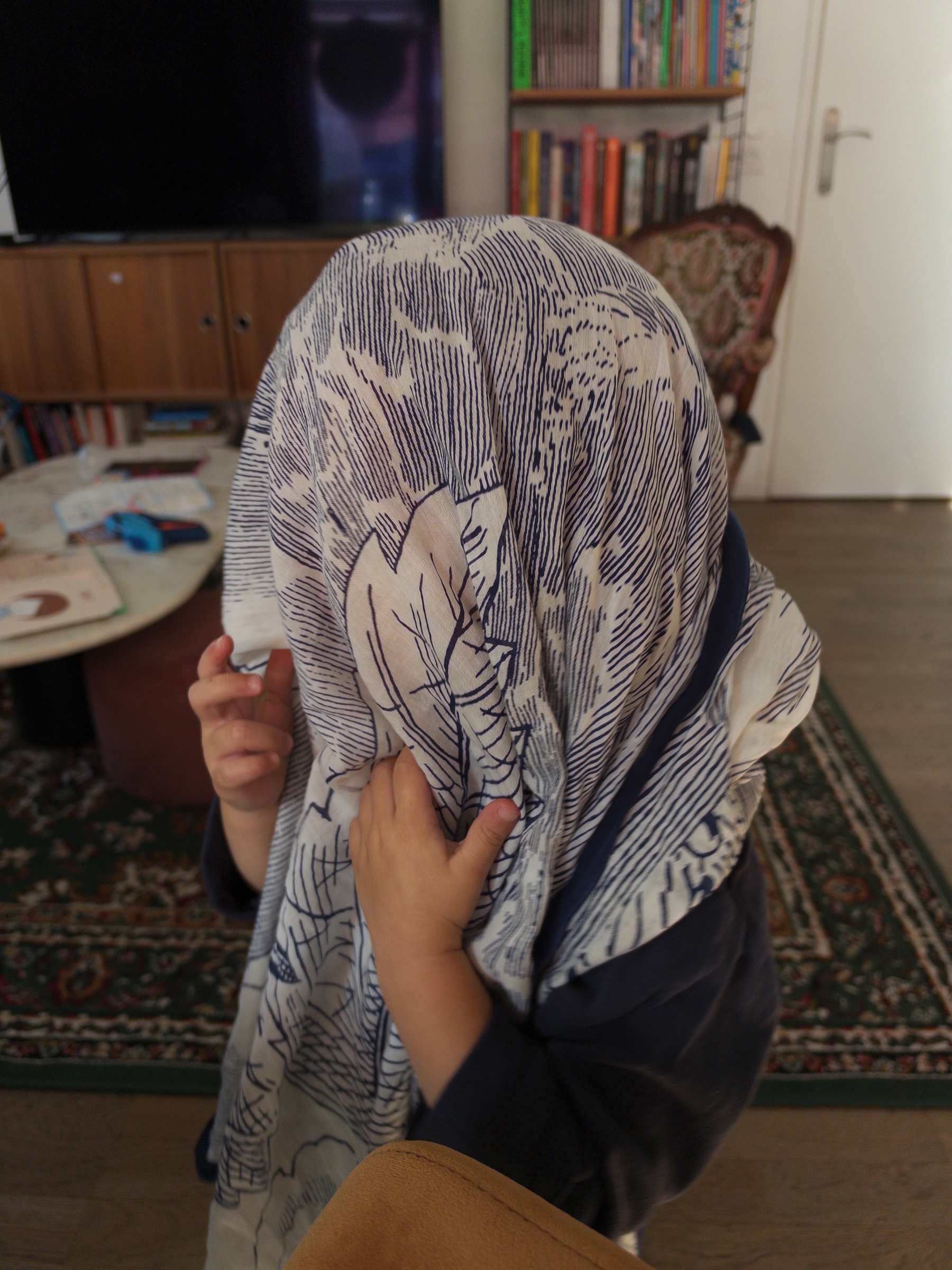
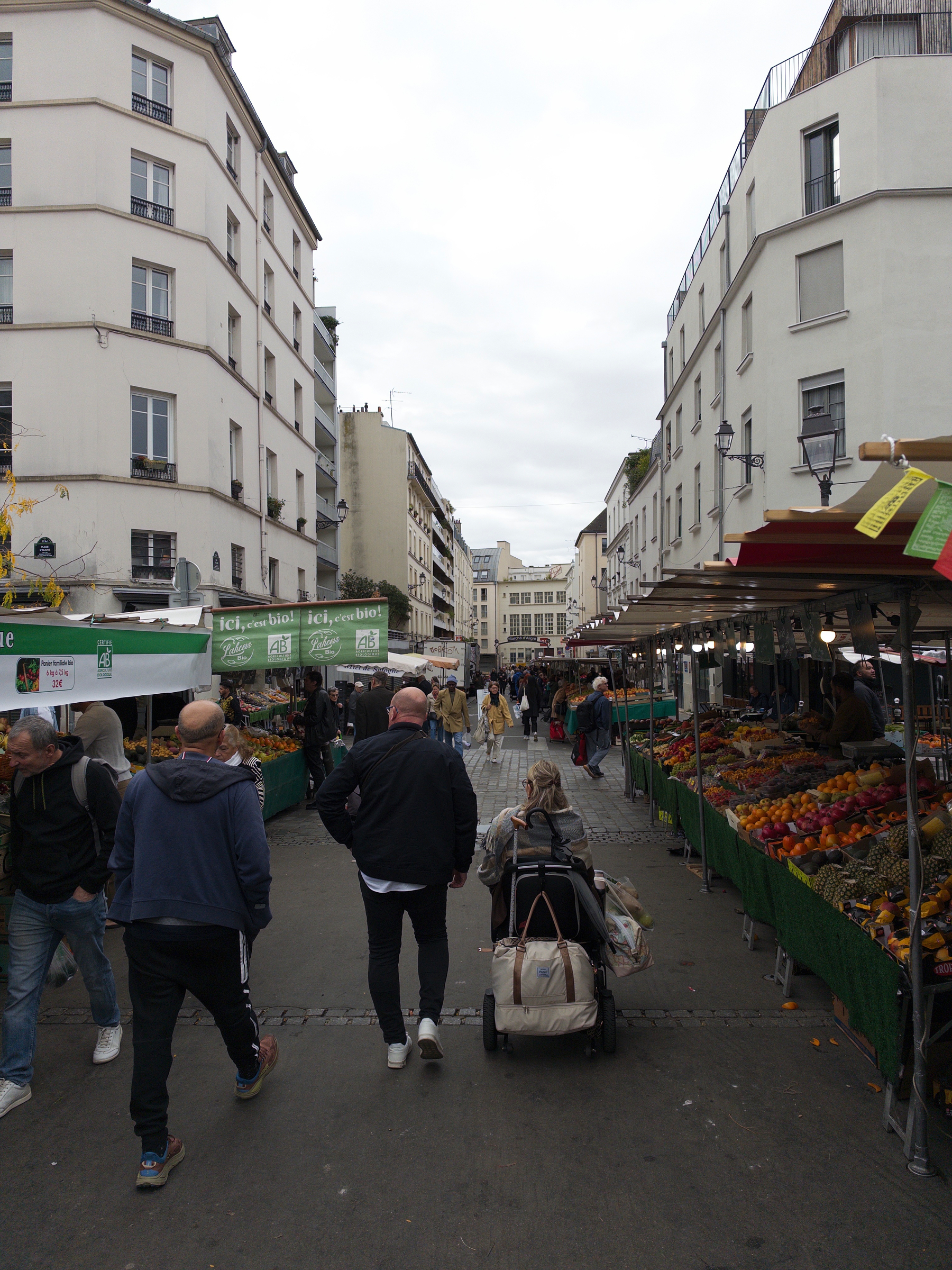
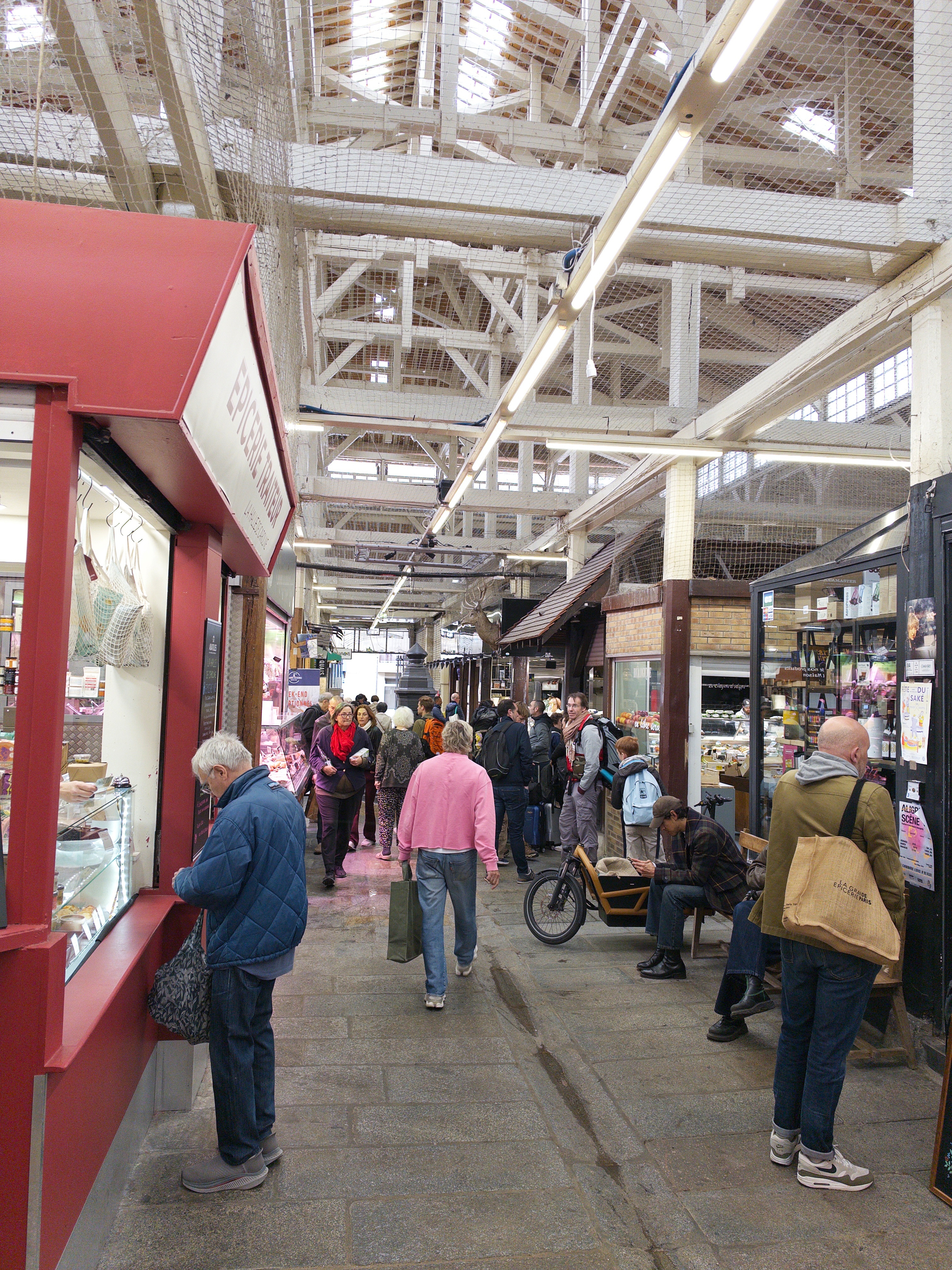
Got an hour to myself and finally getting to discover Marché Aligre!
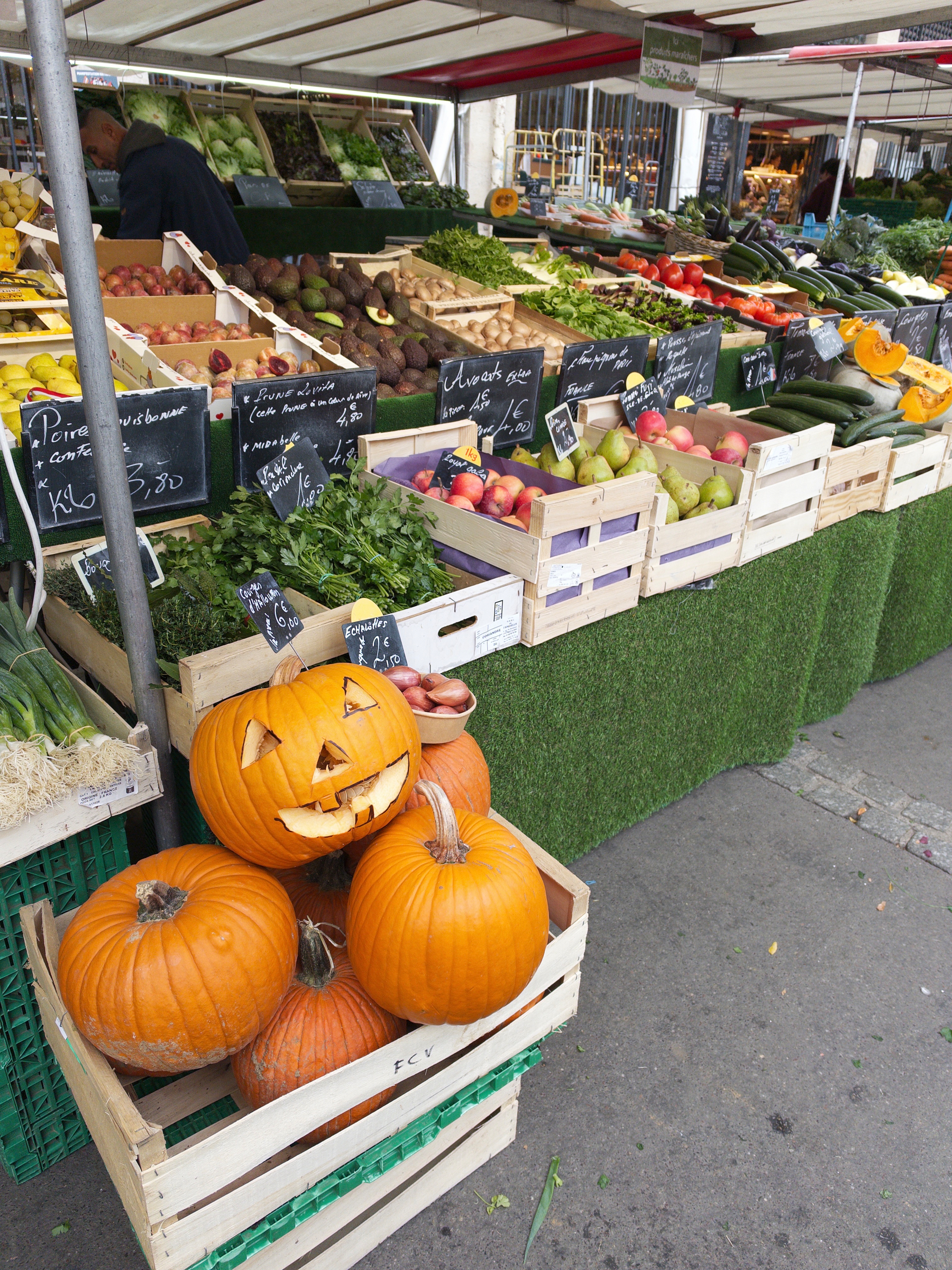
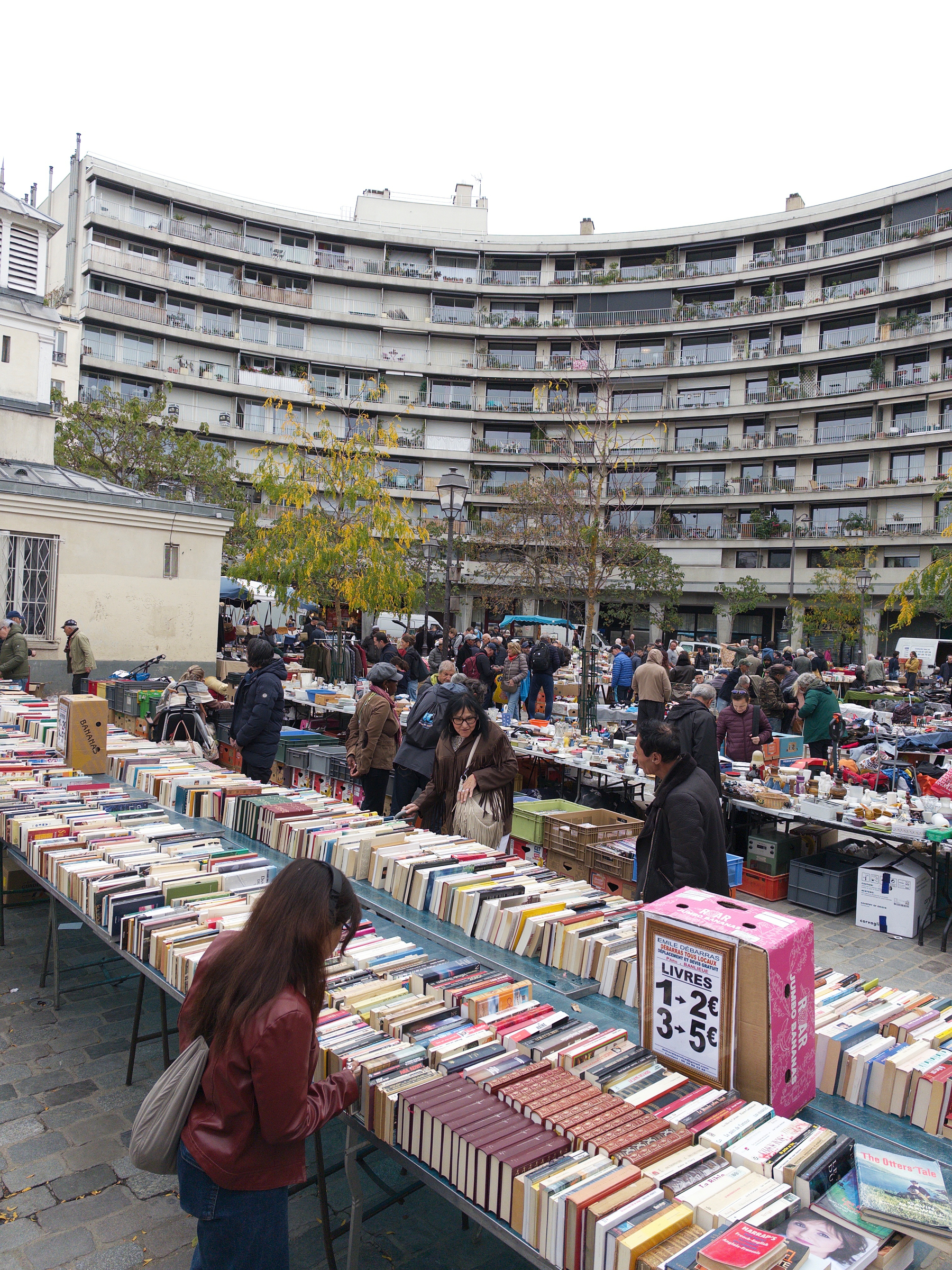
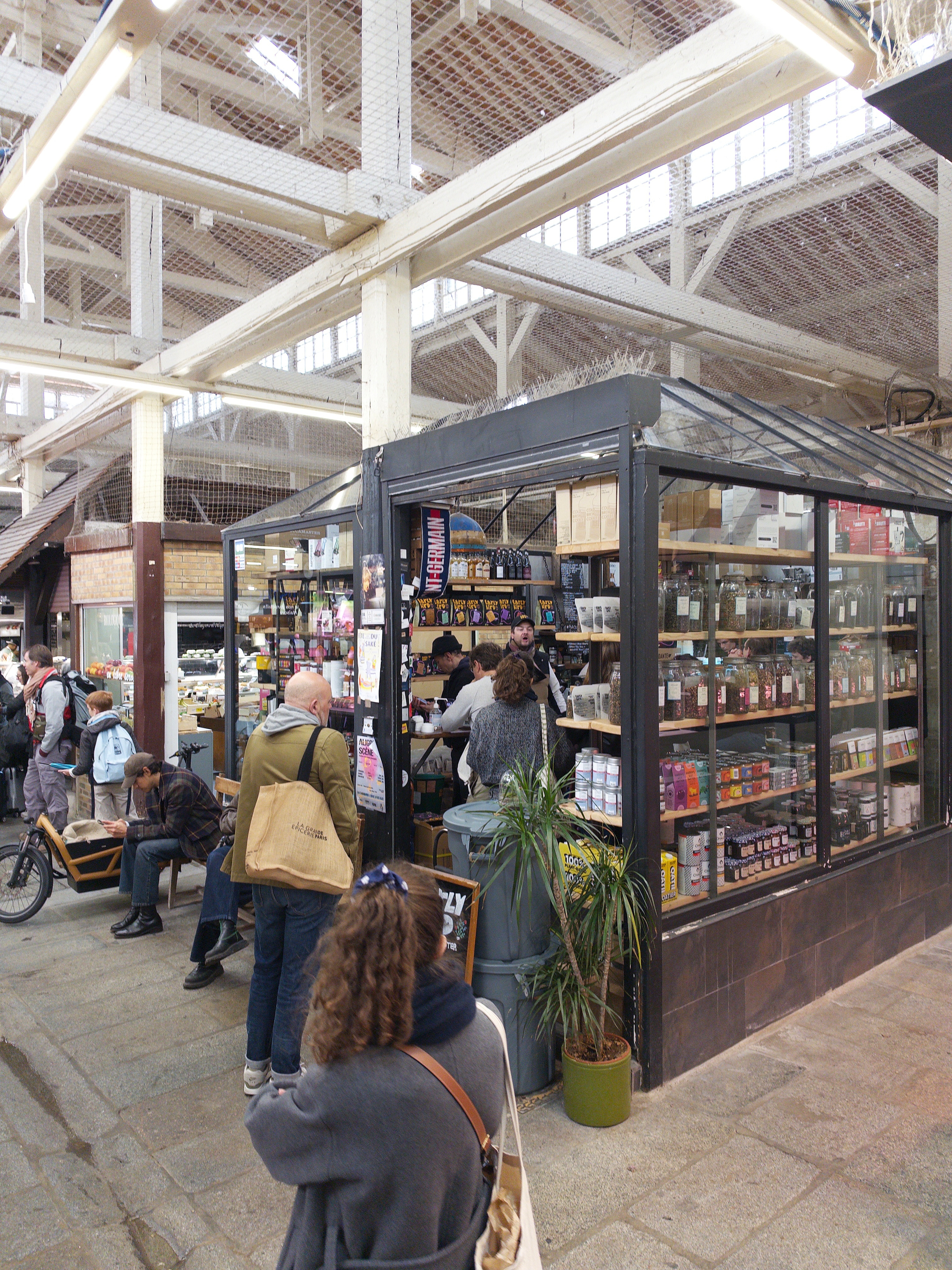
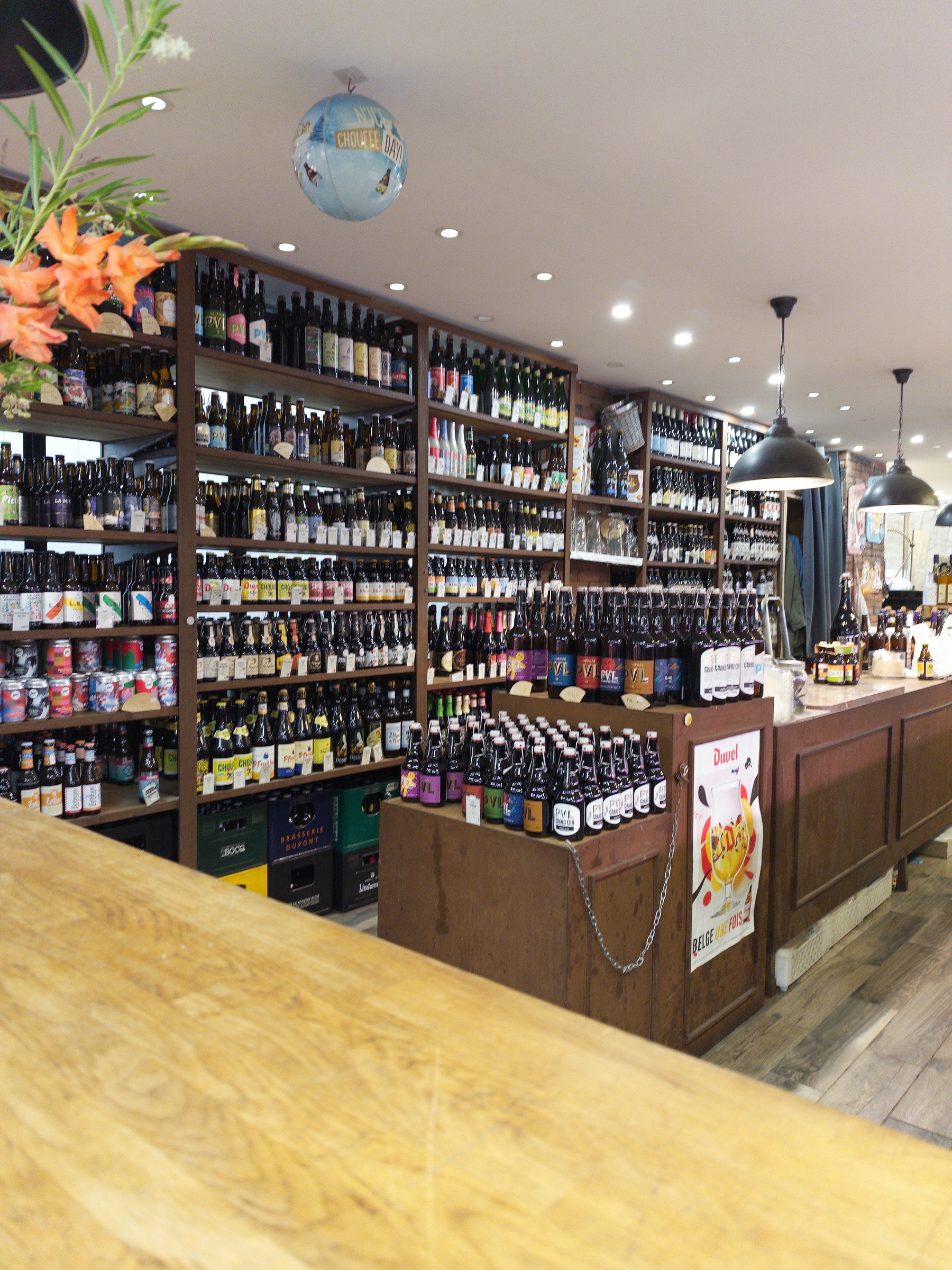
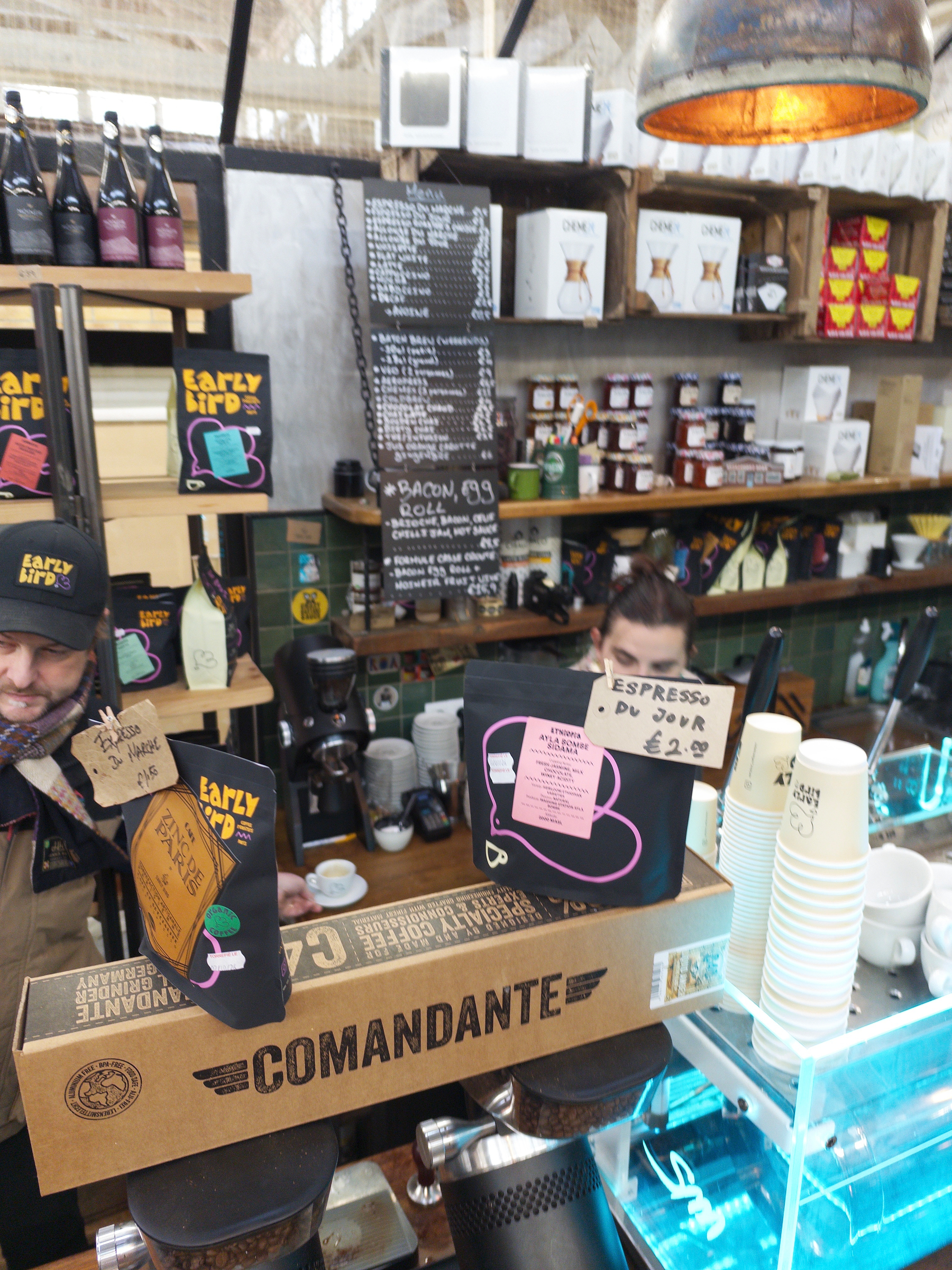
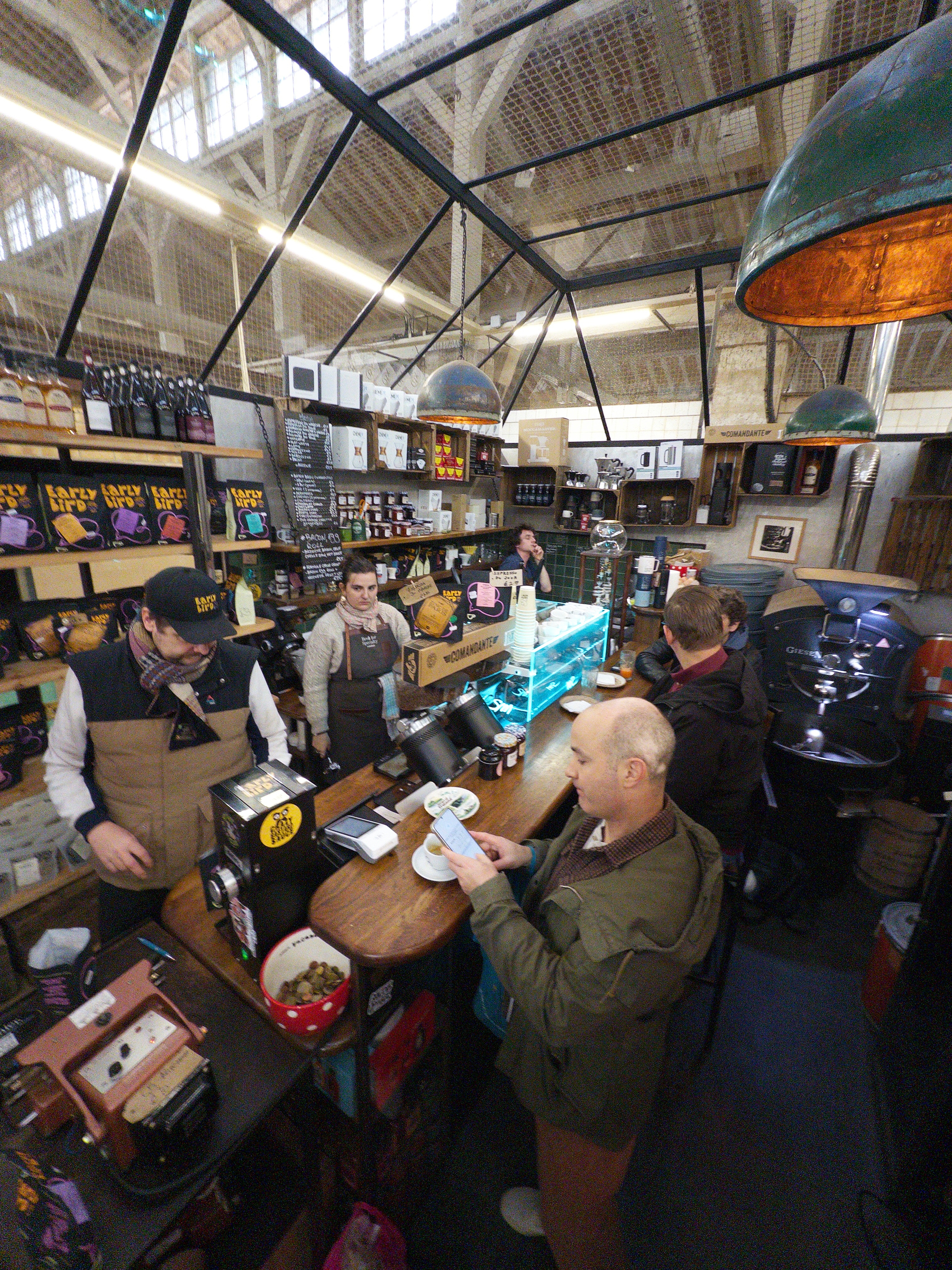
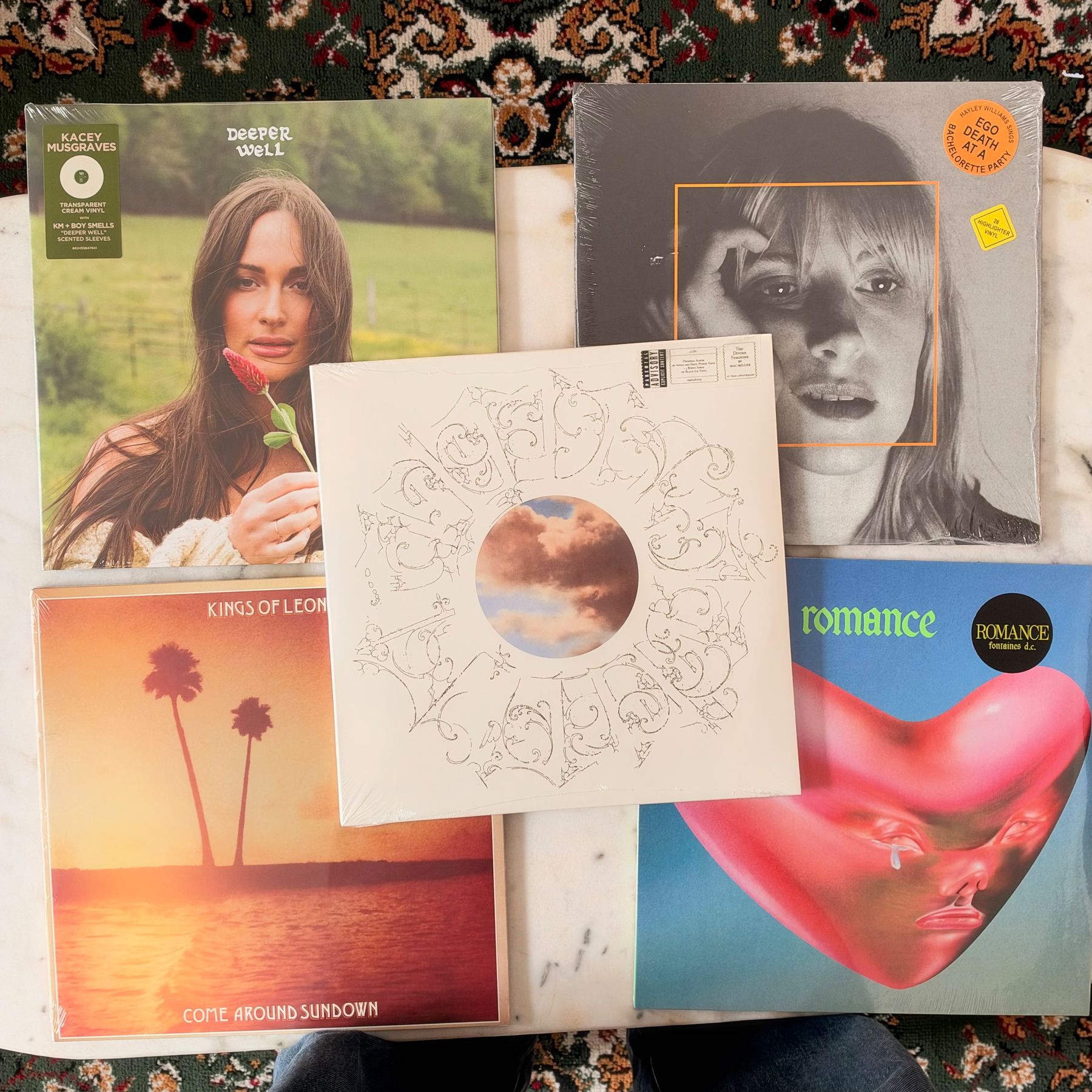
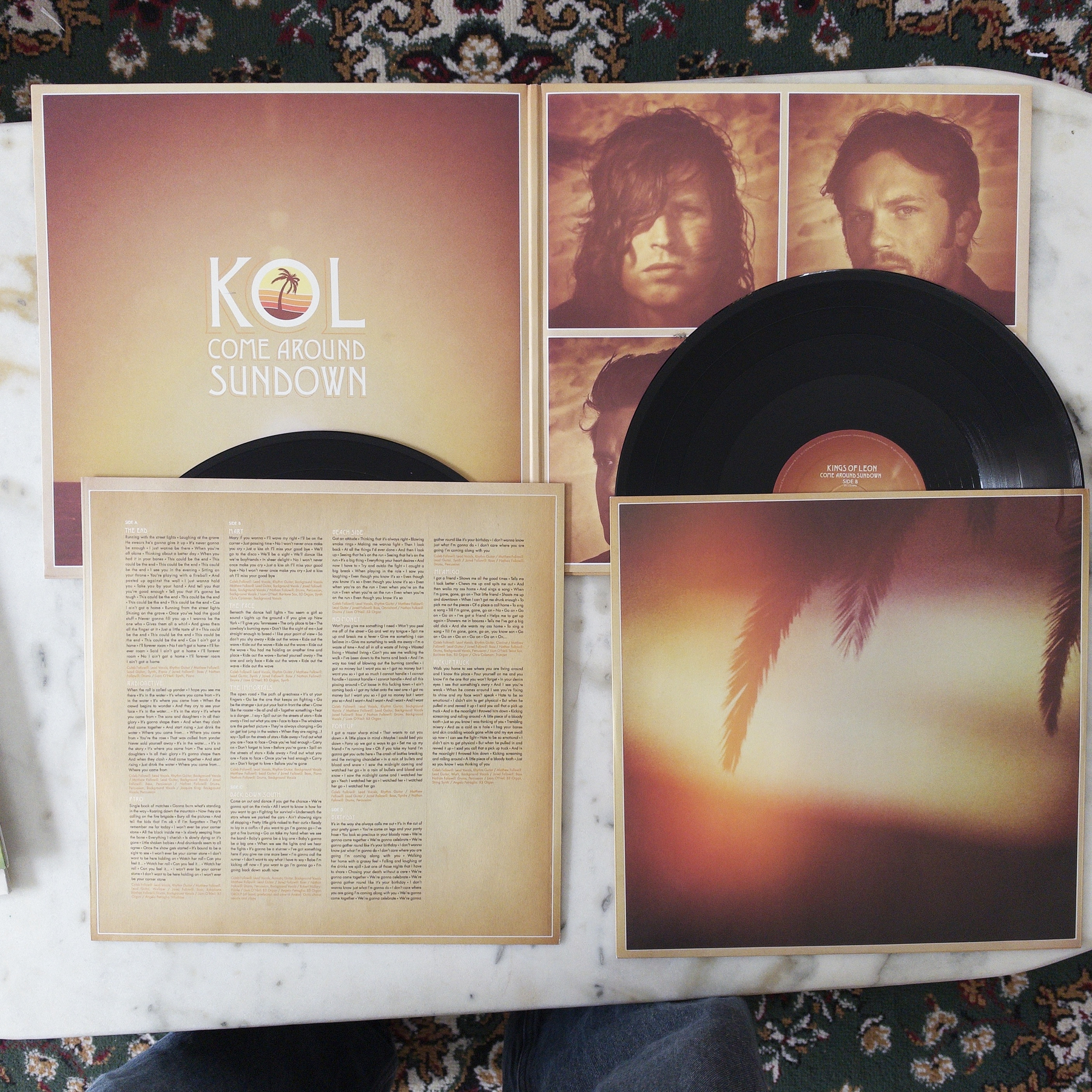
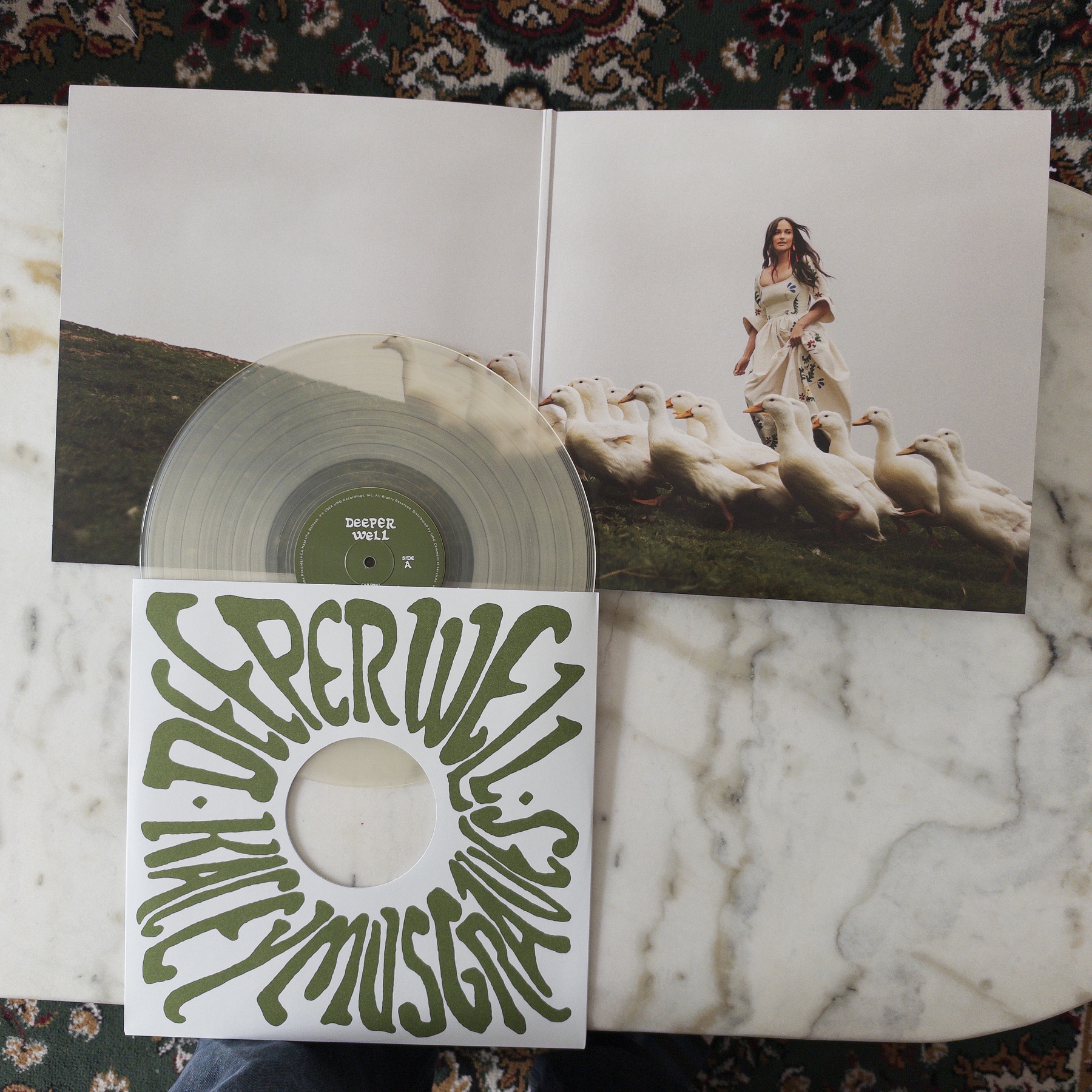
This week’s update to the record collection! (I’m waiting for a final shipment next week, and then we’re good for the winter!):
My wife made the insightful observation that we don’t have enough female artists. Trying to improve on that front with some of our faves!
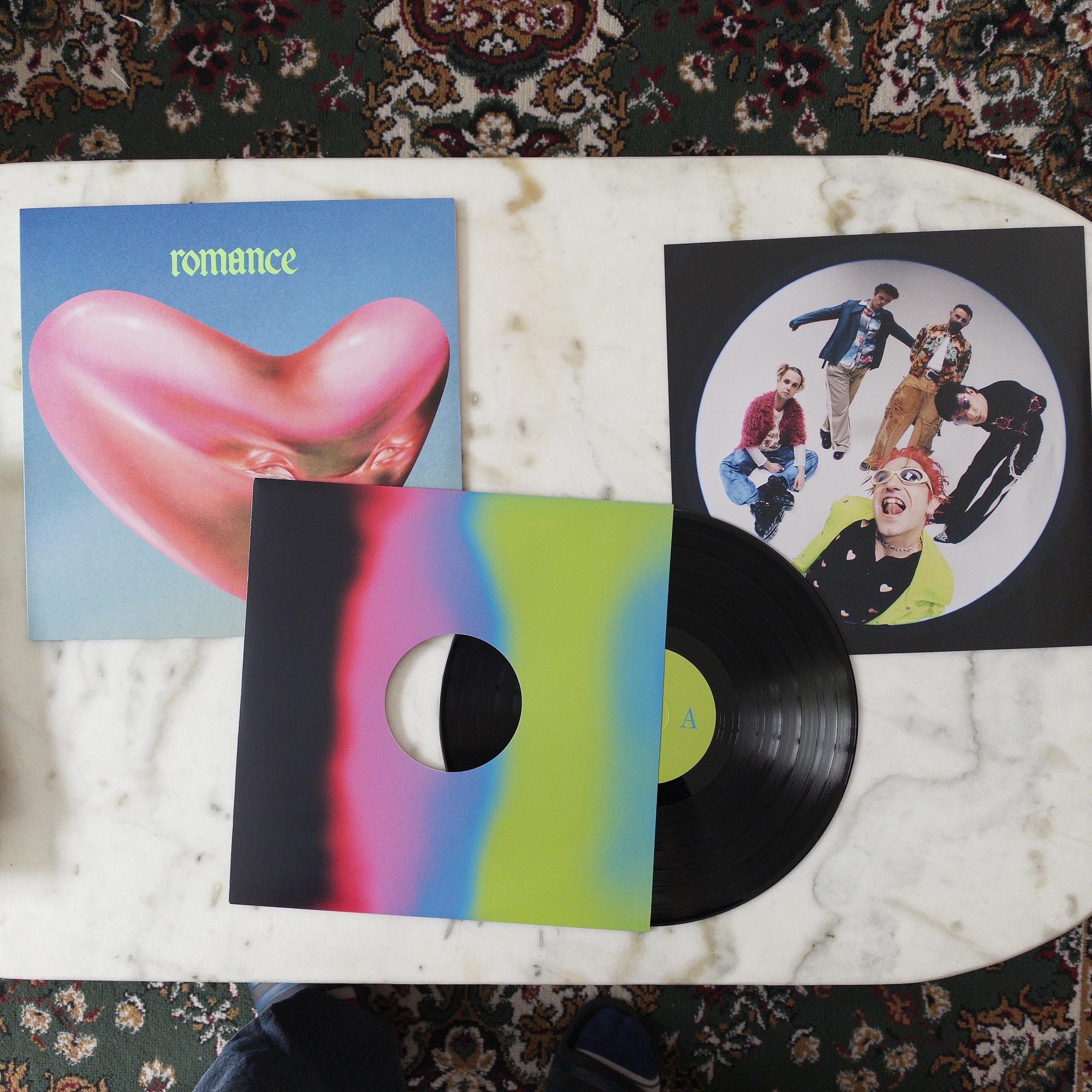
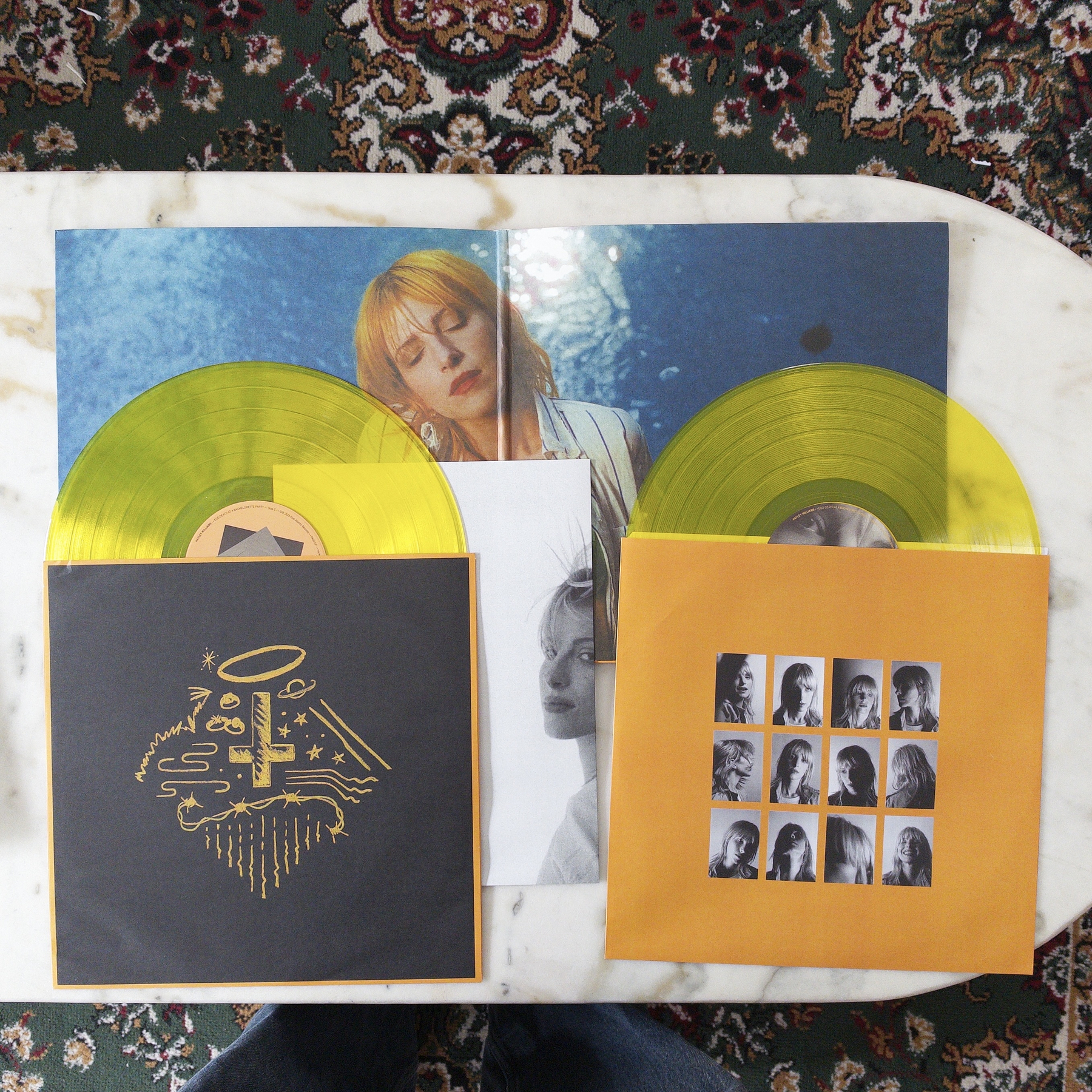
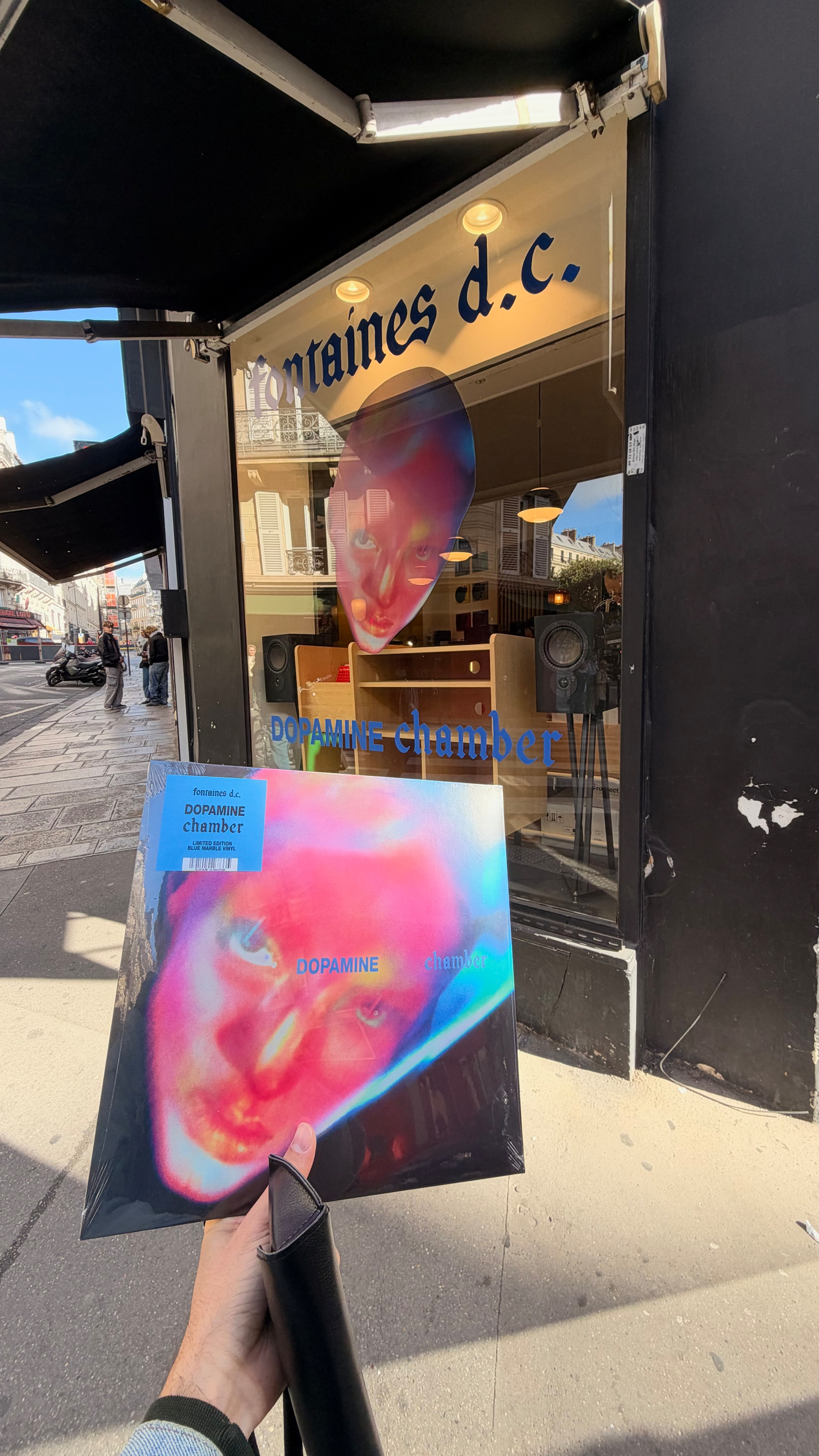
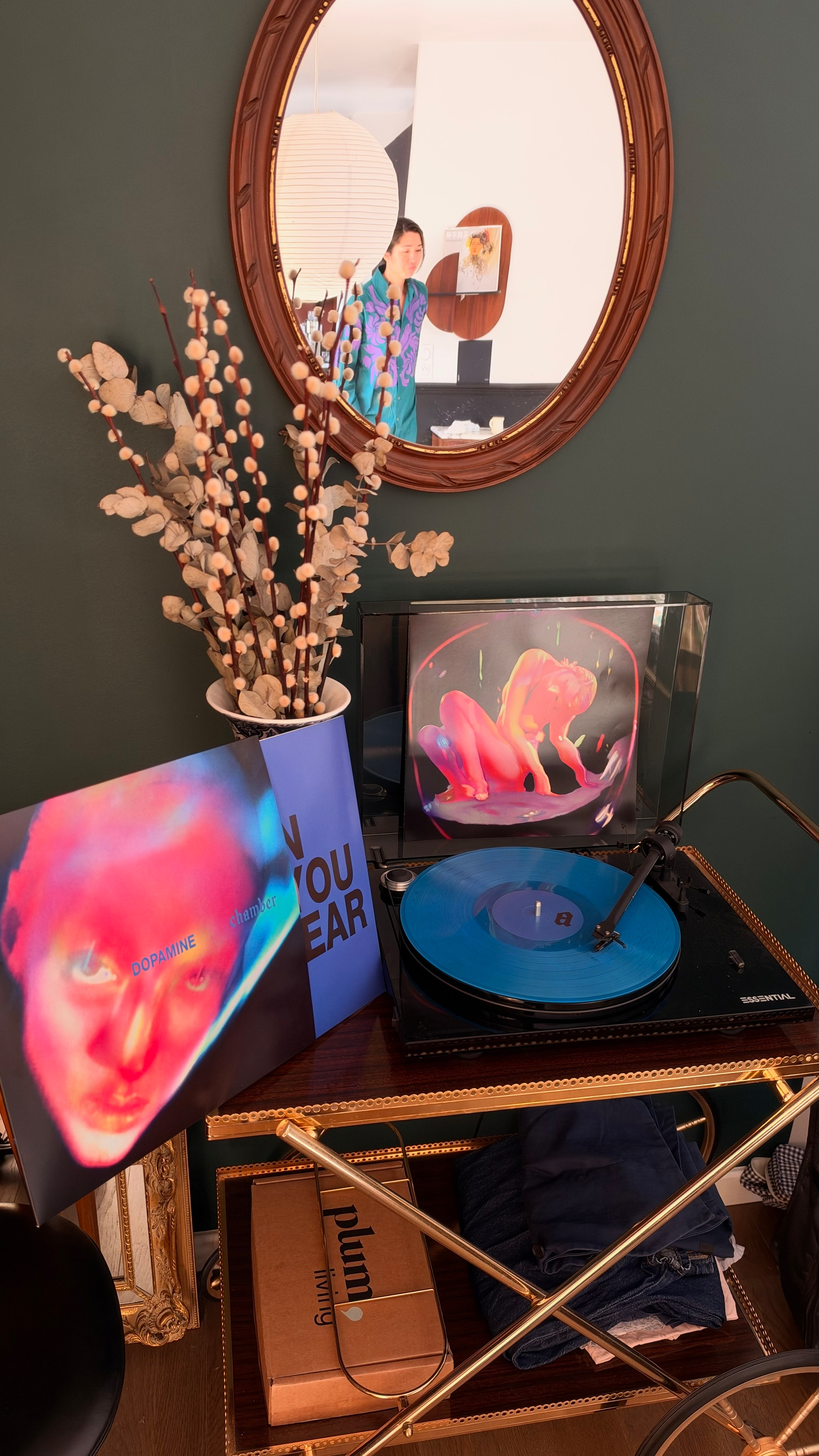
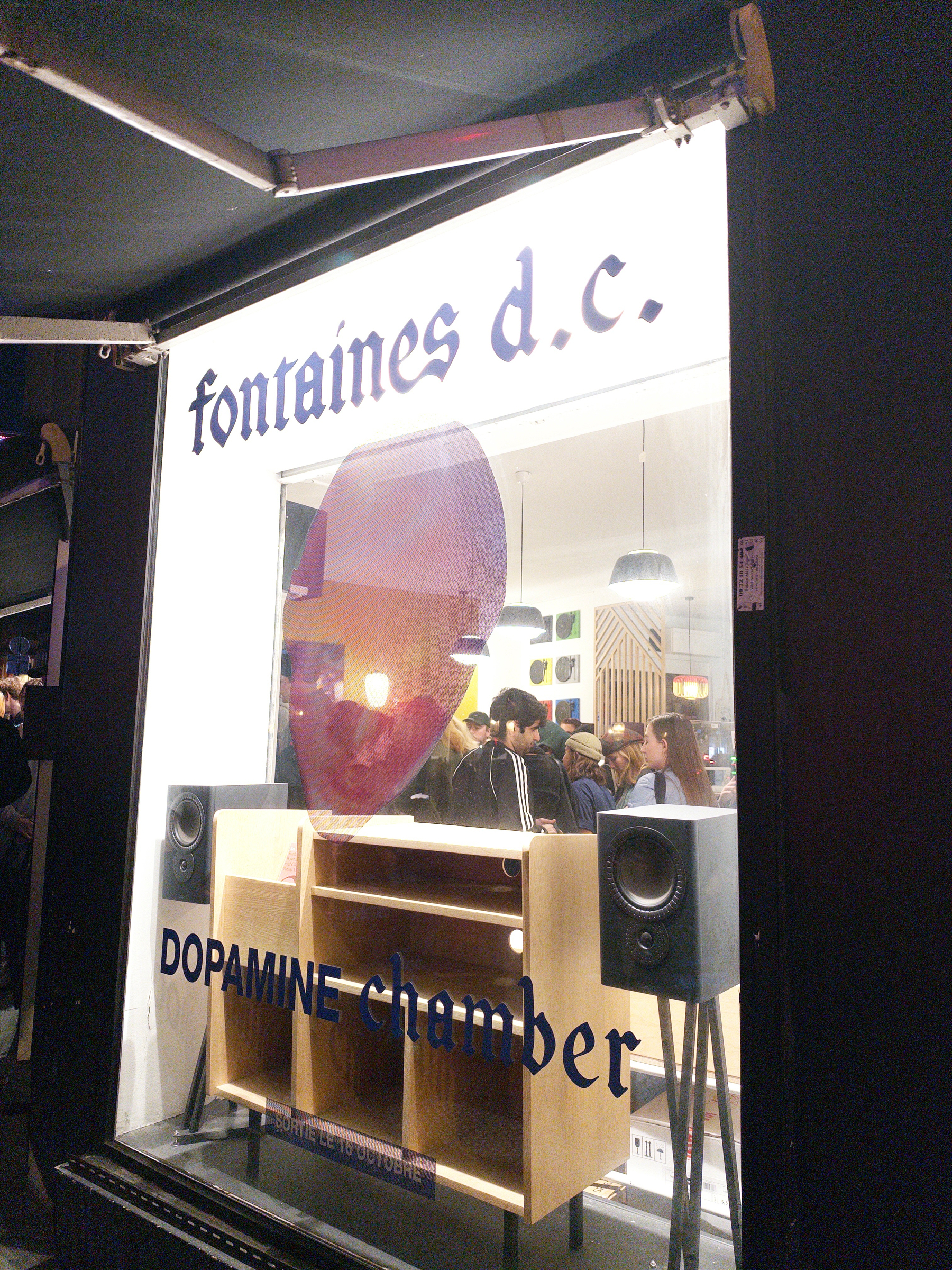
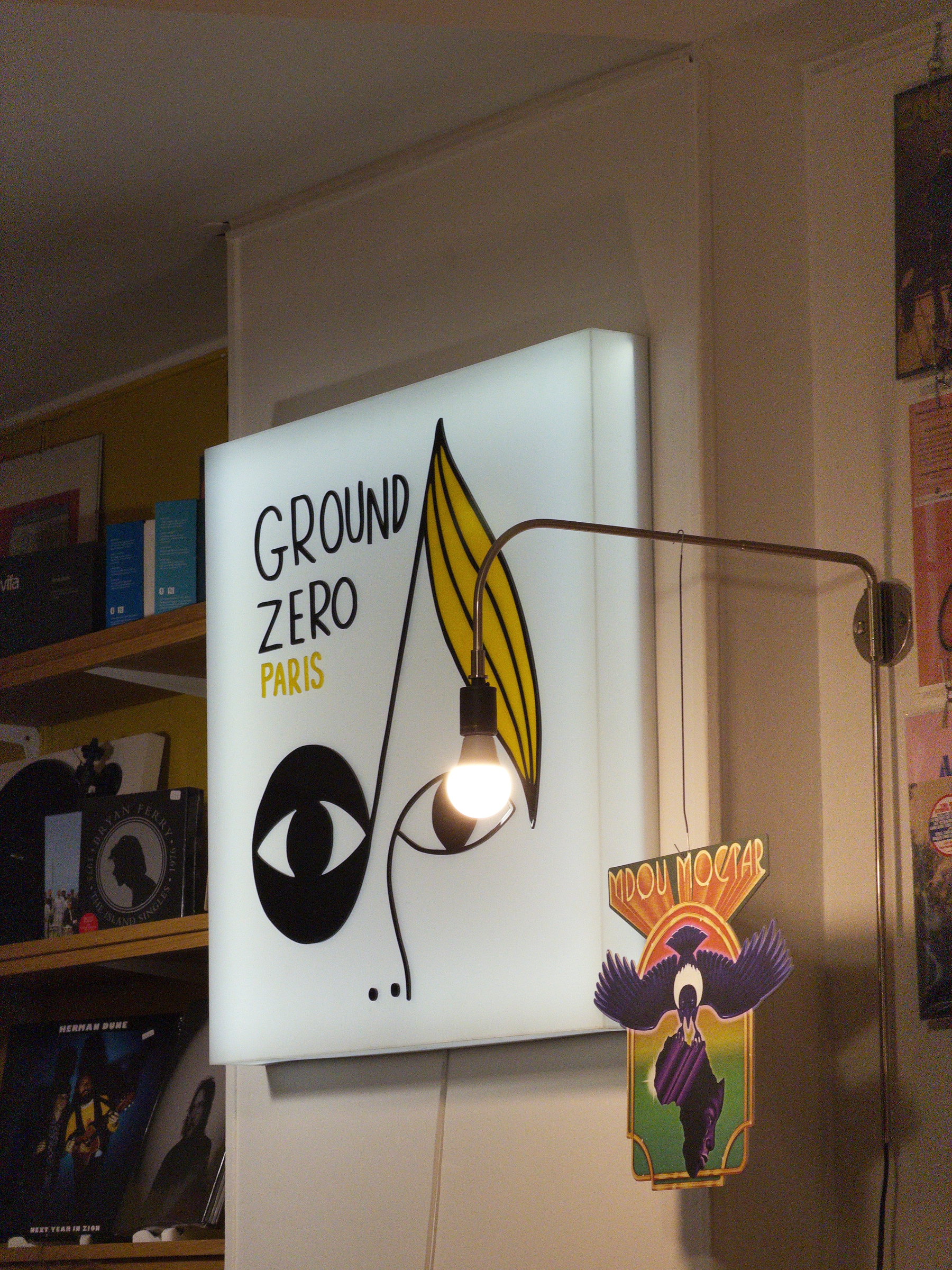
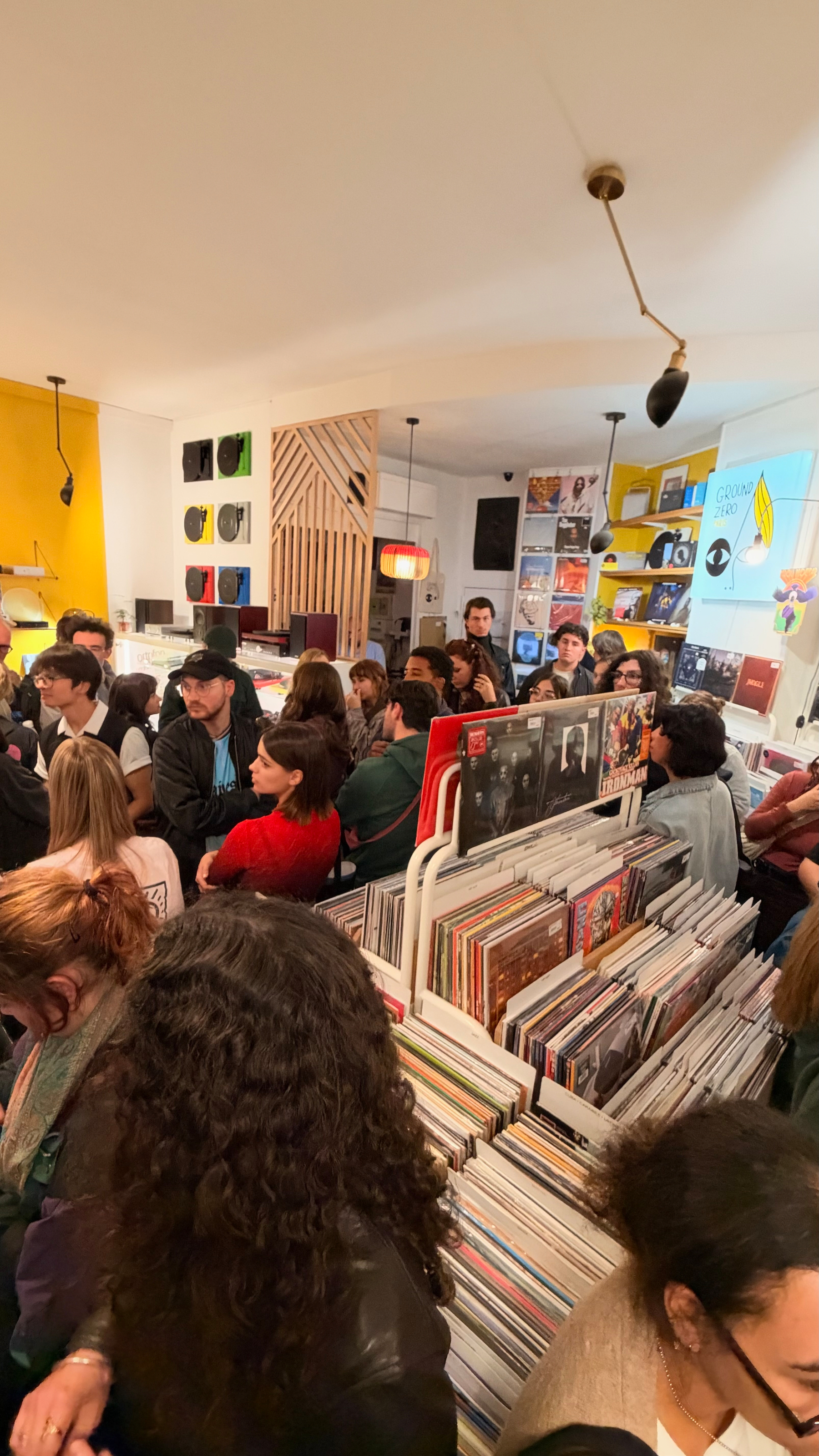
Made it into Fontaines D.C.’s DOPAMINE CHAMBER listening party at my local record store, Ground Zero! Got there 15mn early and the line was already around the block. I had to wait an hour for the first group session to be over before making it with the second group: 60-70 of us packed in a record store, goodies bag in hand 🖤💙💜
The album itself is different beast: more reverb, more synths, almost dystopian at times. But the poetry is all there — it’s a love record about the kind of love that feels right but makes you worse. If Romance was stadium joy to scream out loud, Dopamine Chamber is the comedown 👀 (and yes, Dopamine Chamber = D.C. as a nice call back since it originally stands for Dublin City 😏)
Standouts: the 80s noir of Mimesis, the heavy break on Happy for You 🤘, and Where Is Gone? with ROSALÍA — full Bond ballad energy.
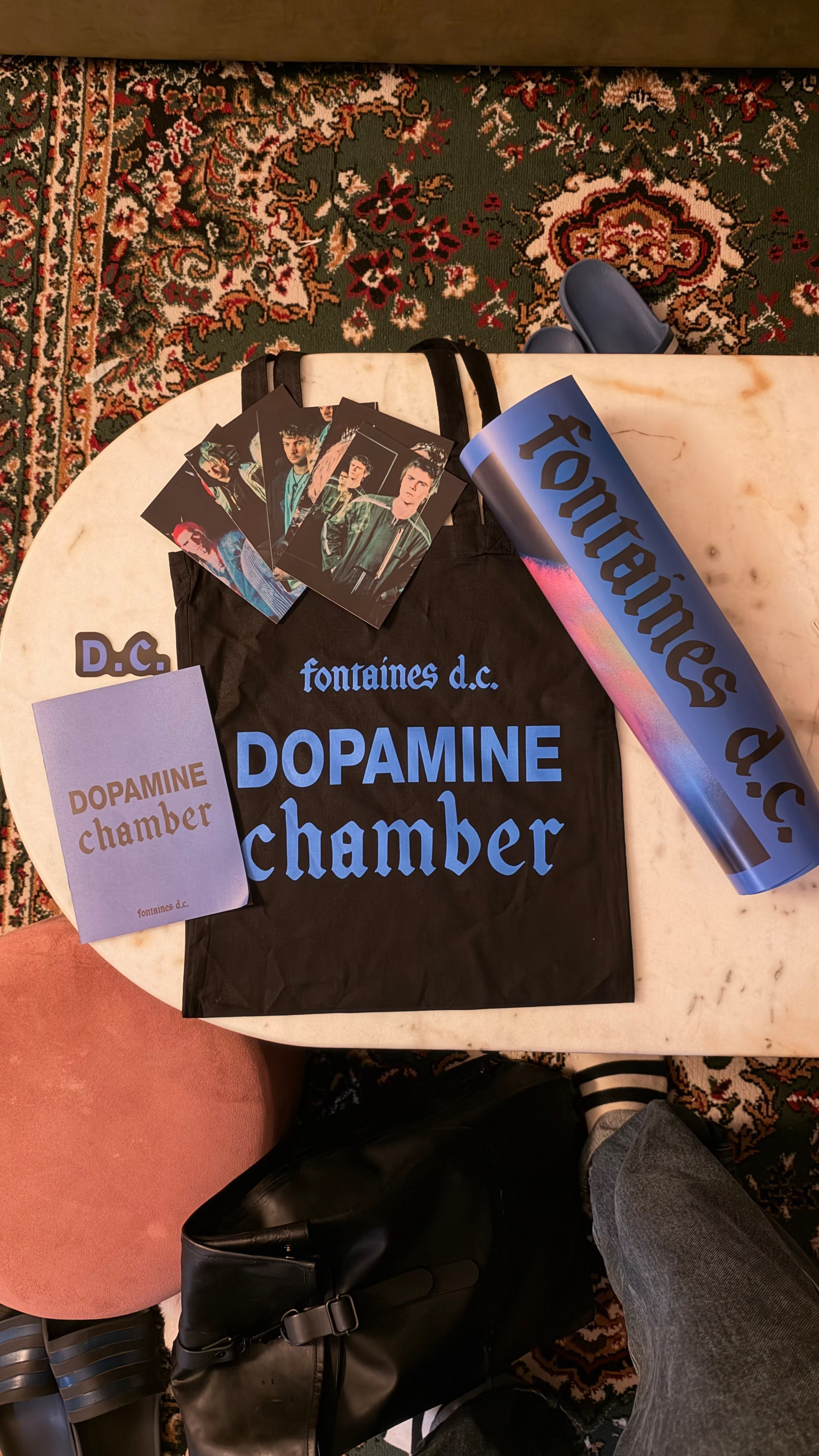
Left with a tote, poster, postcards, sticker and a zine on the making of the album. I can’t wait to listen to the album again when it drops (and I pick up my order at Ground Zero) and later attend the concert in November! 🎸
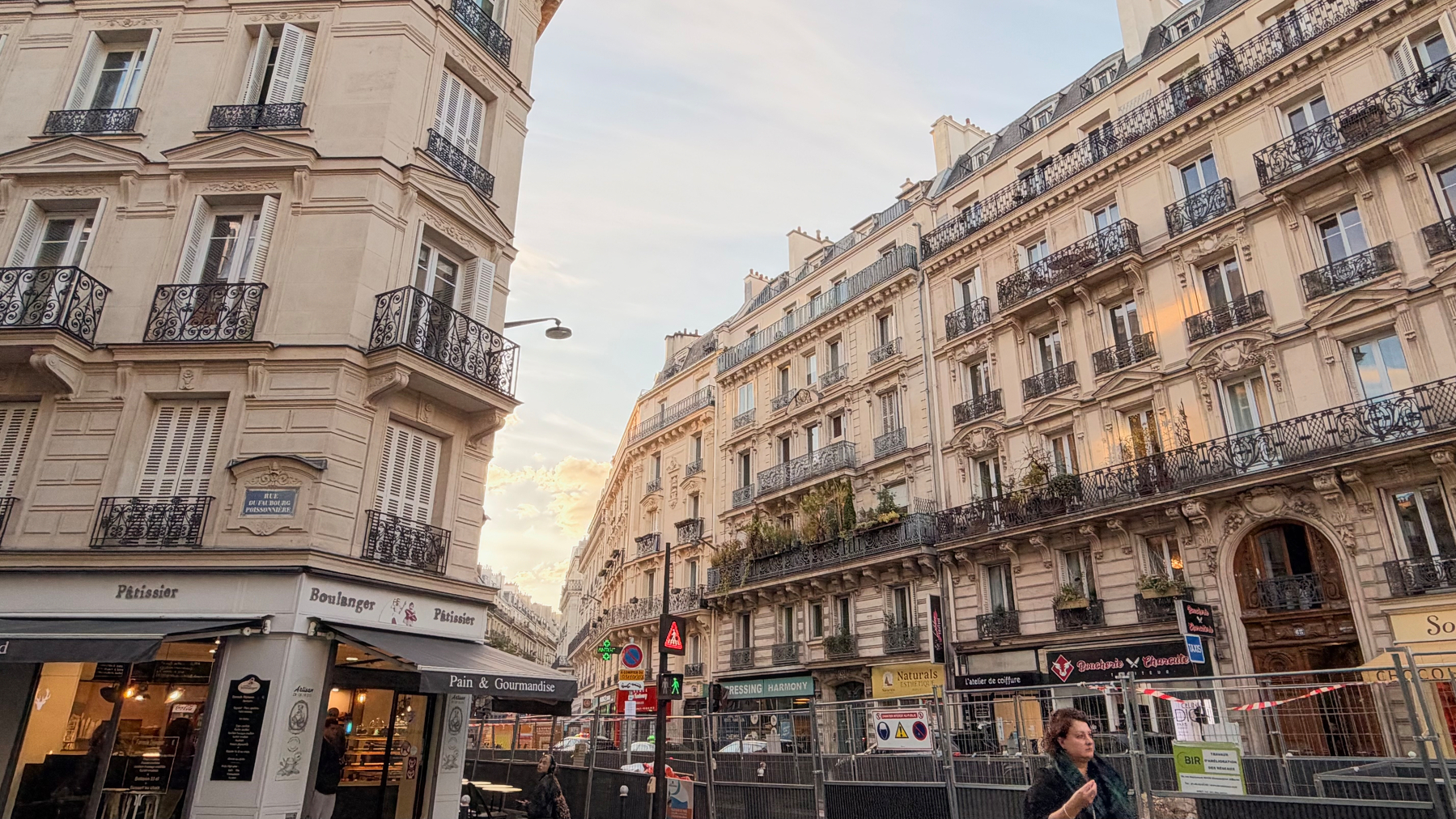
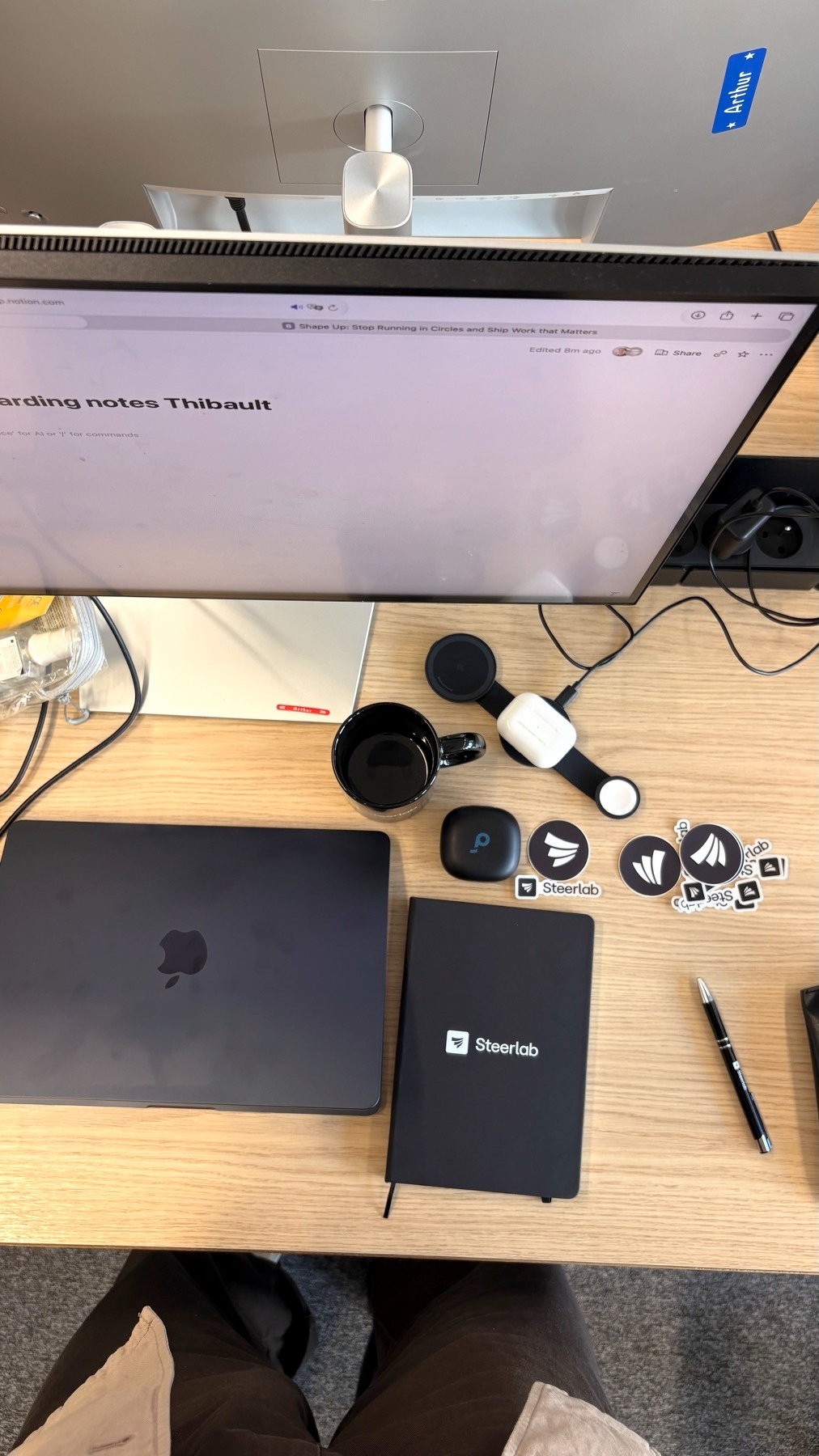
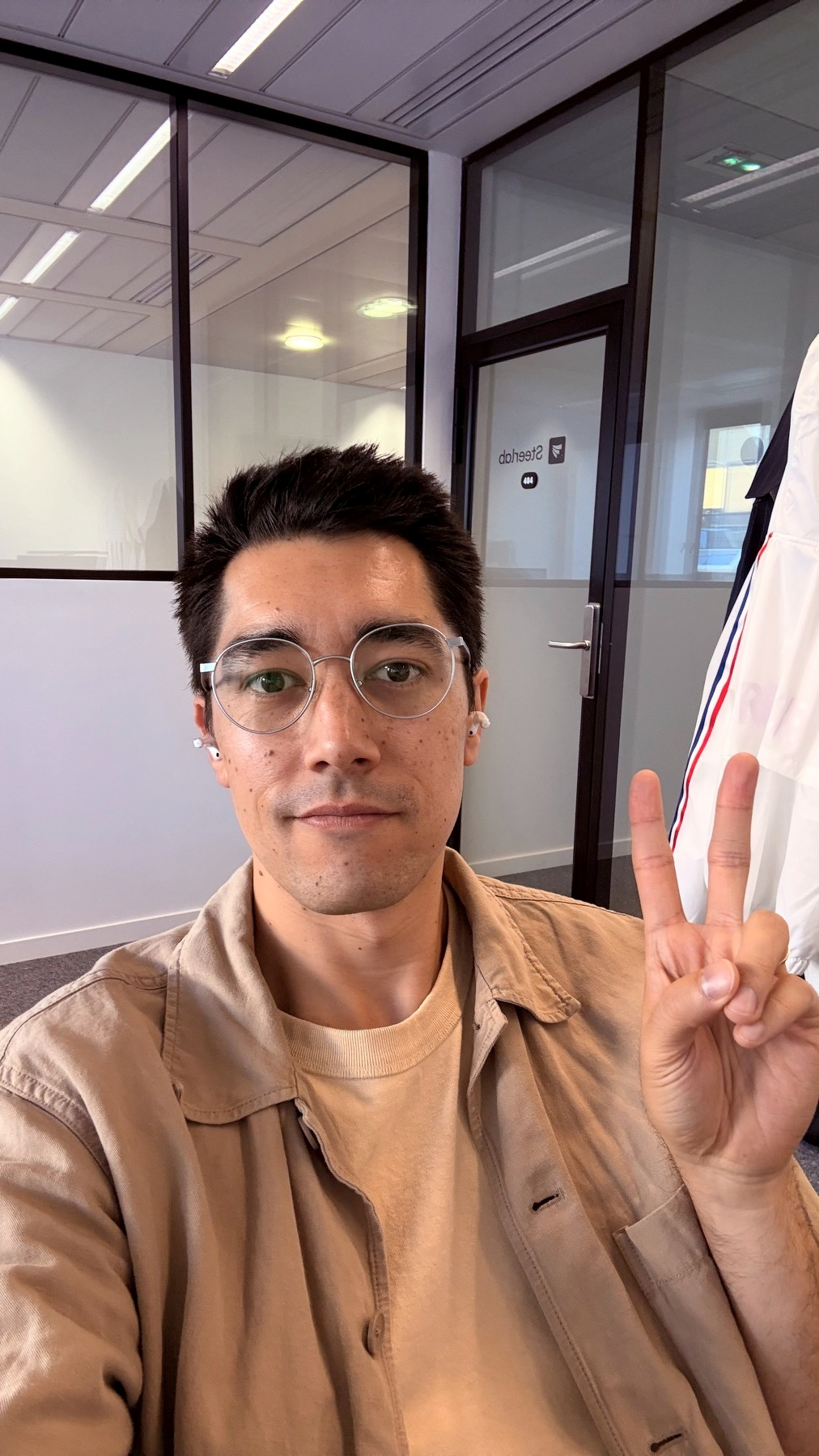
Back to my startup roots: Day one at Steerlab in the books as the founding Customer Success Manager!
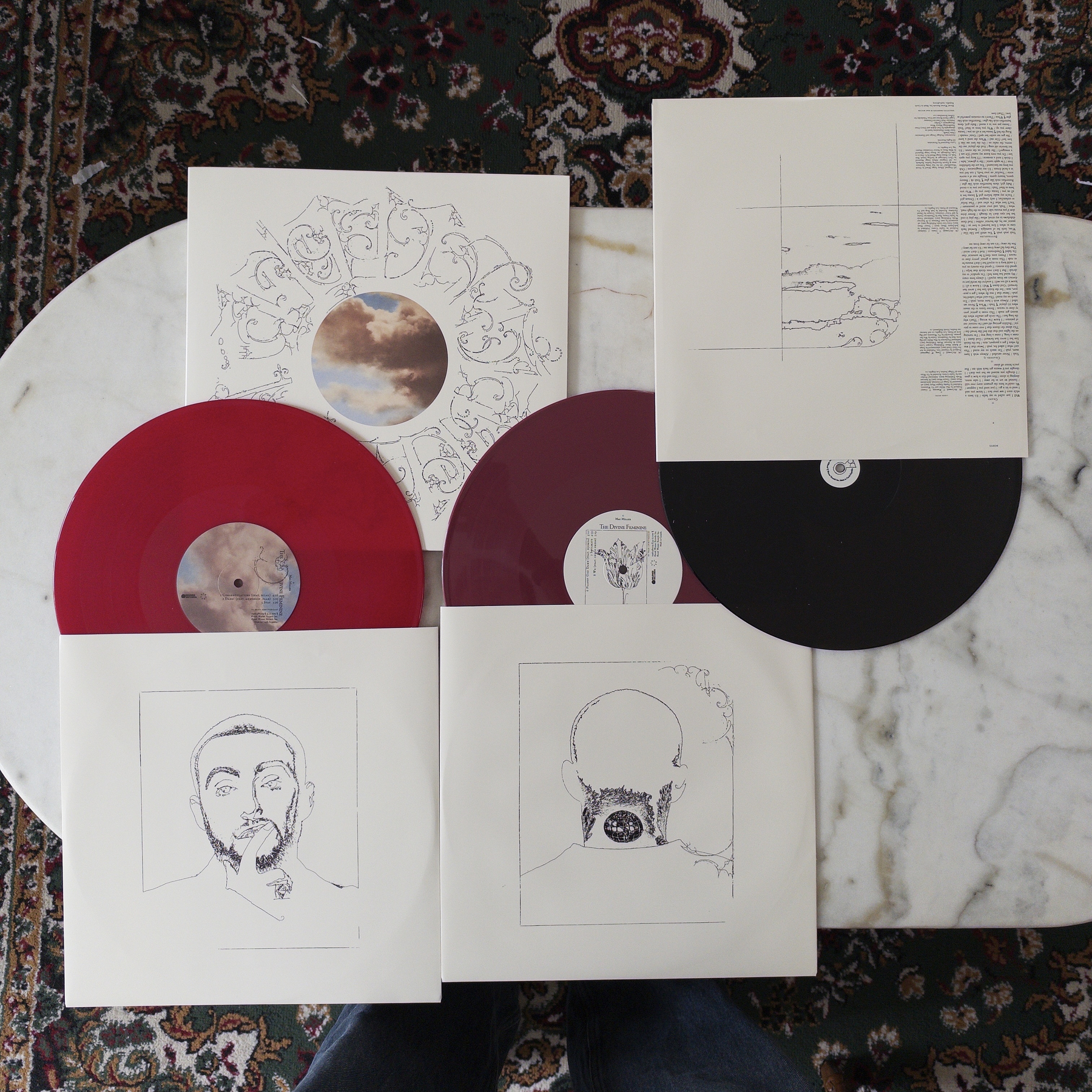
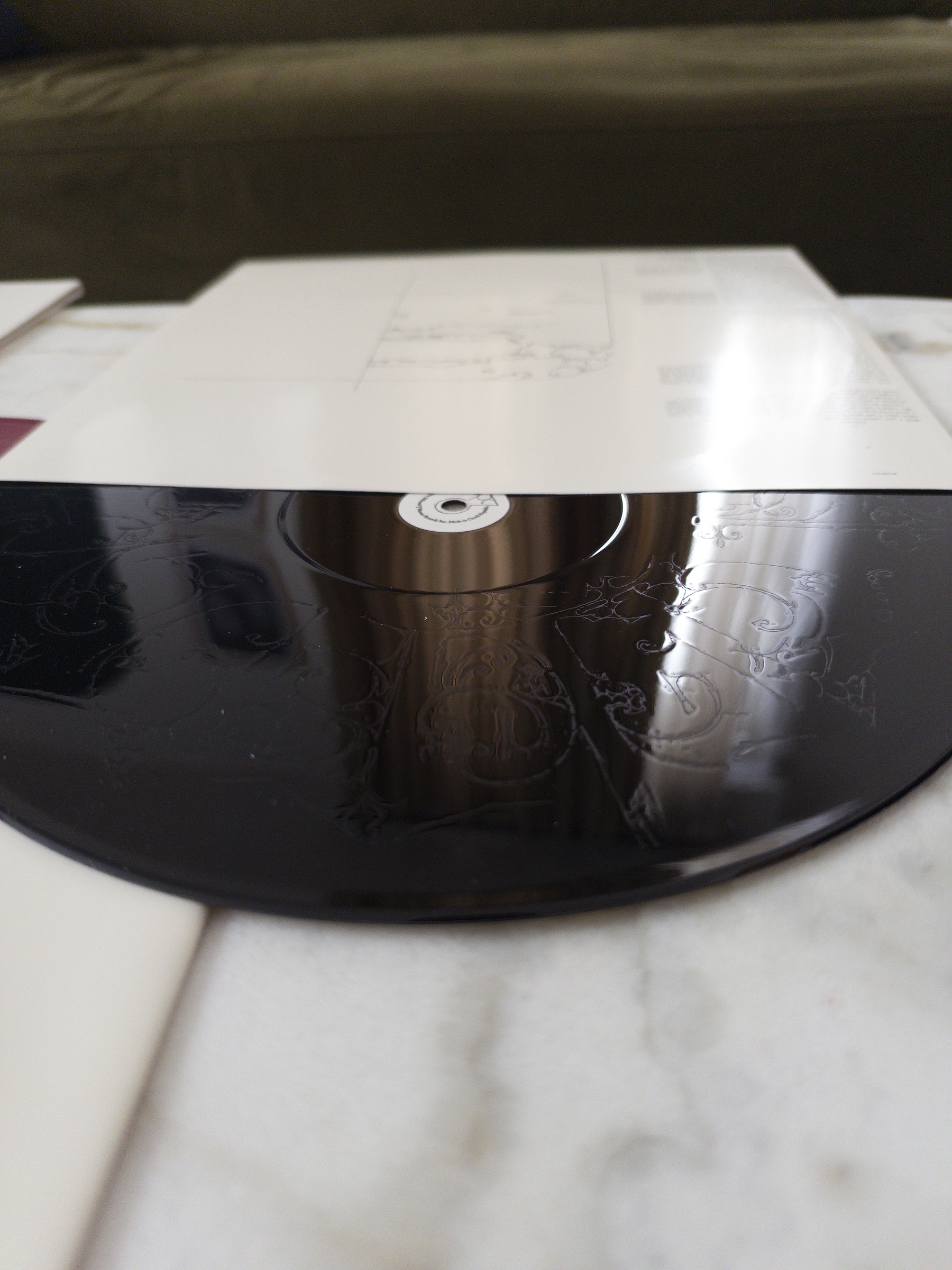
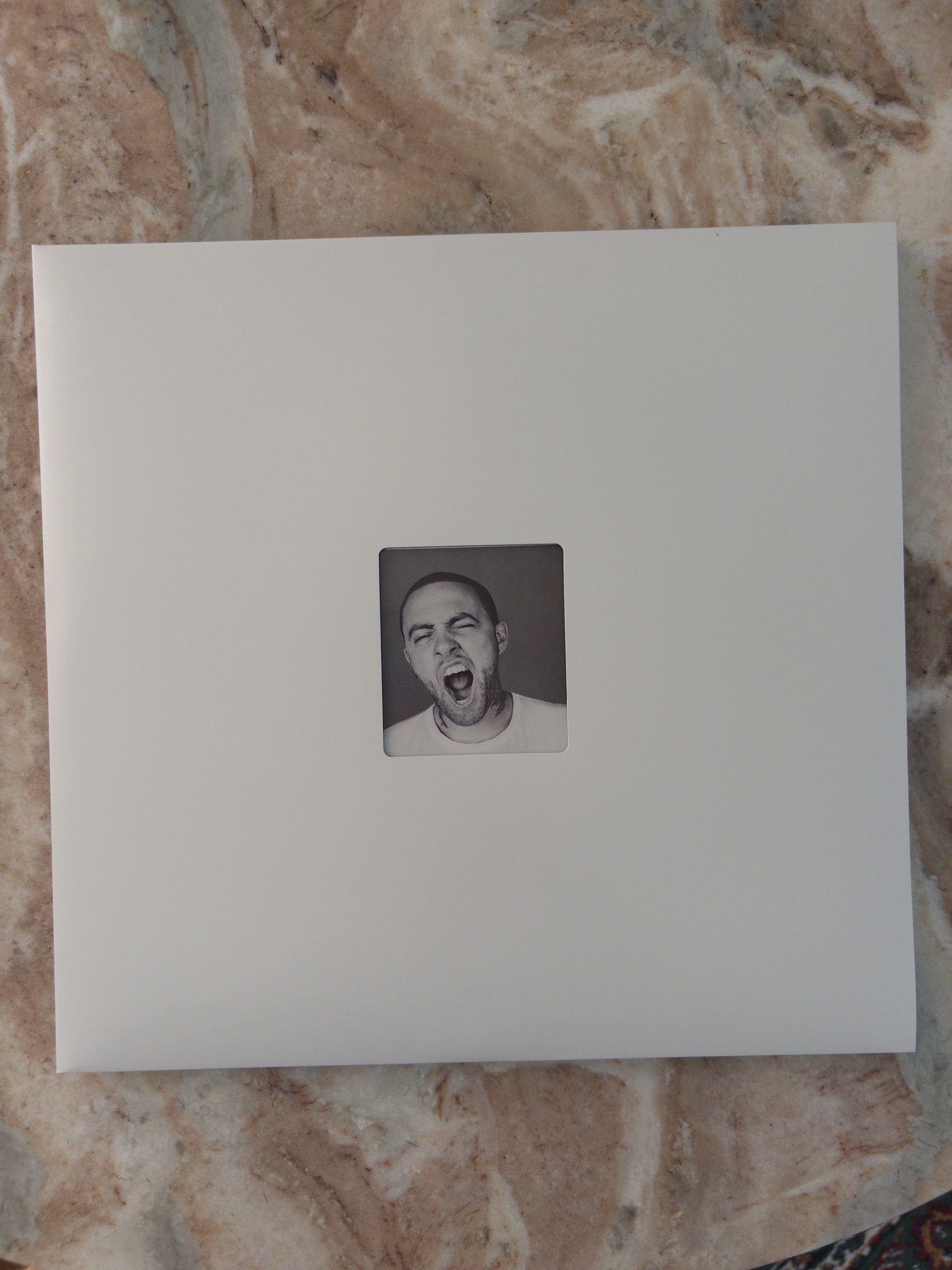
Record Collection update: something for everyone! 🎵💿
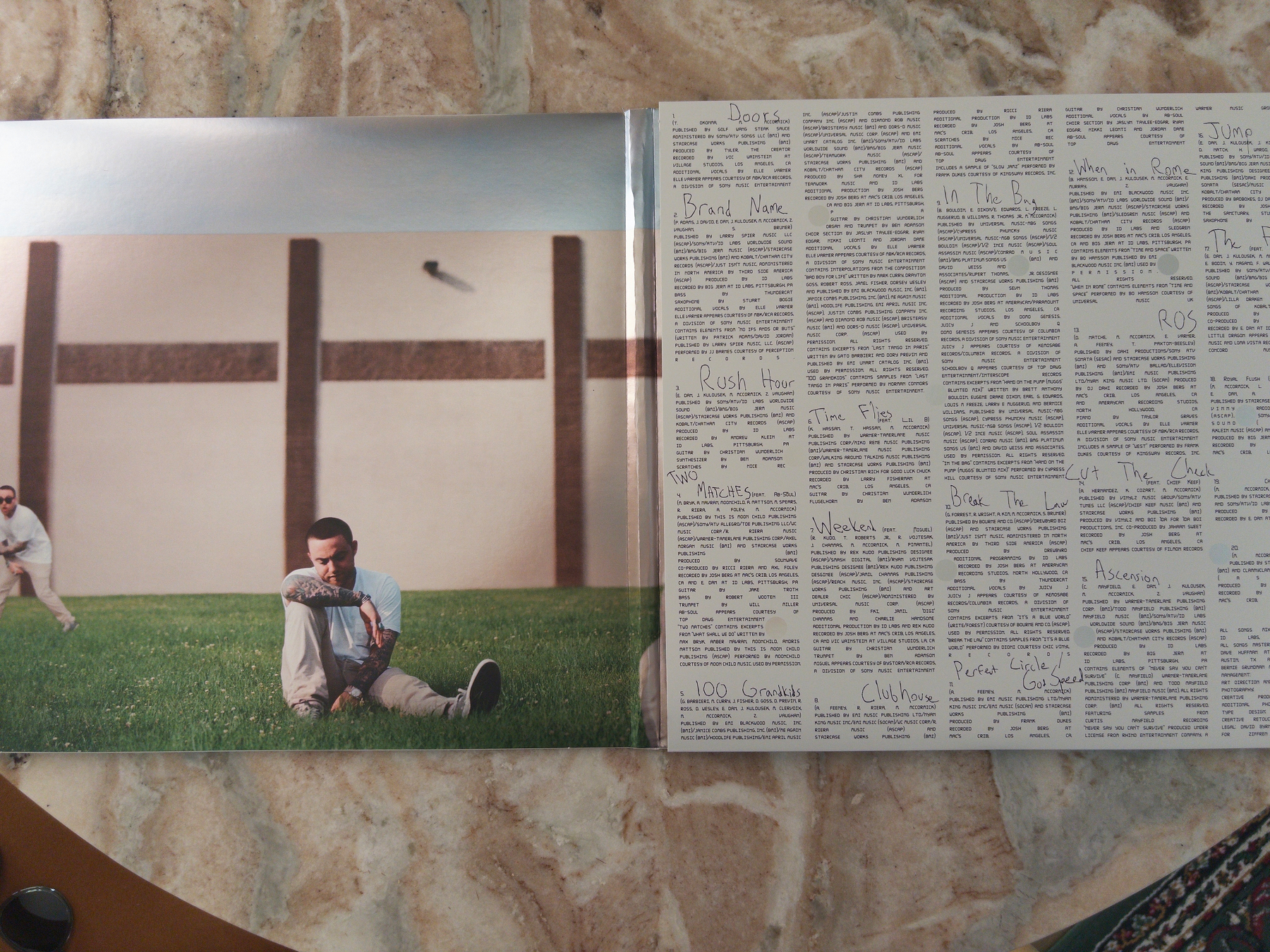
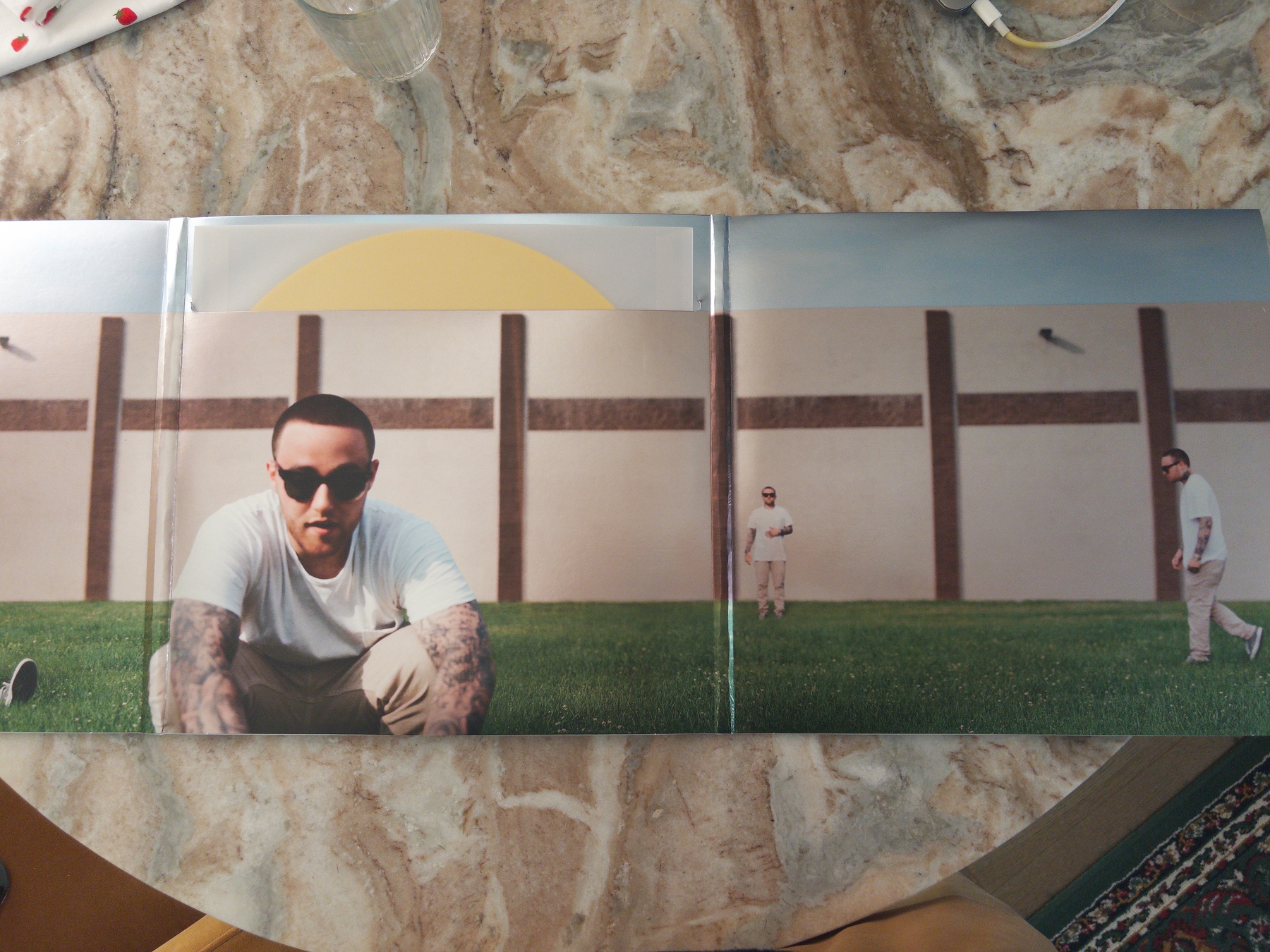
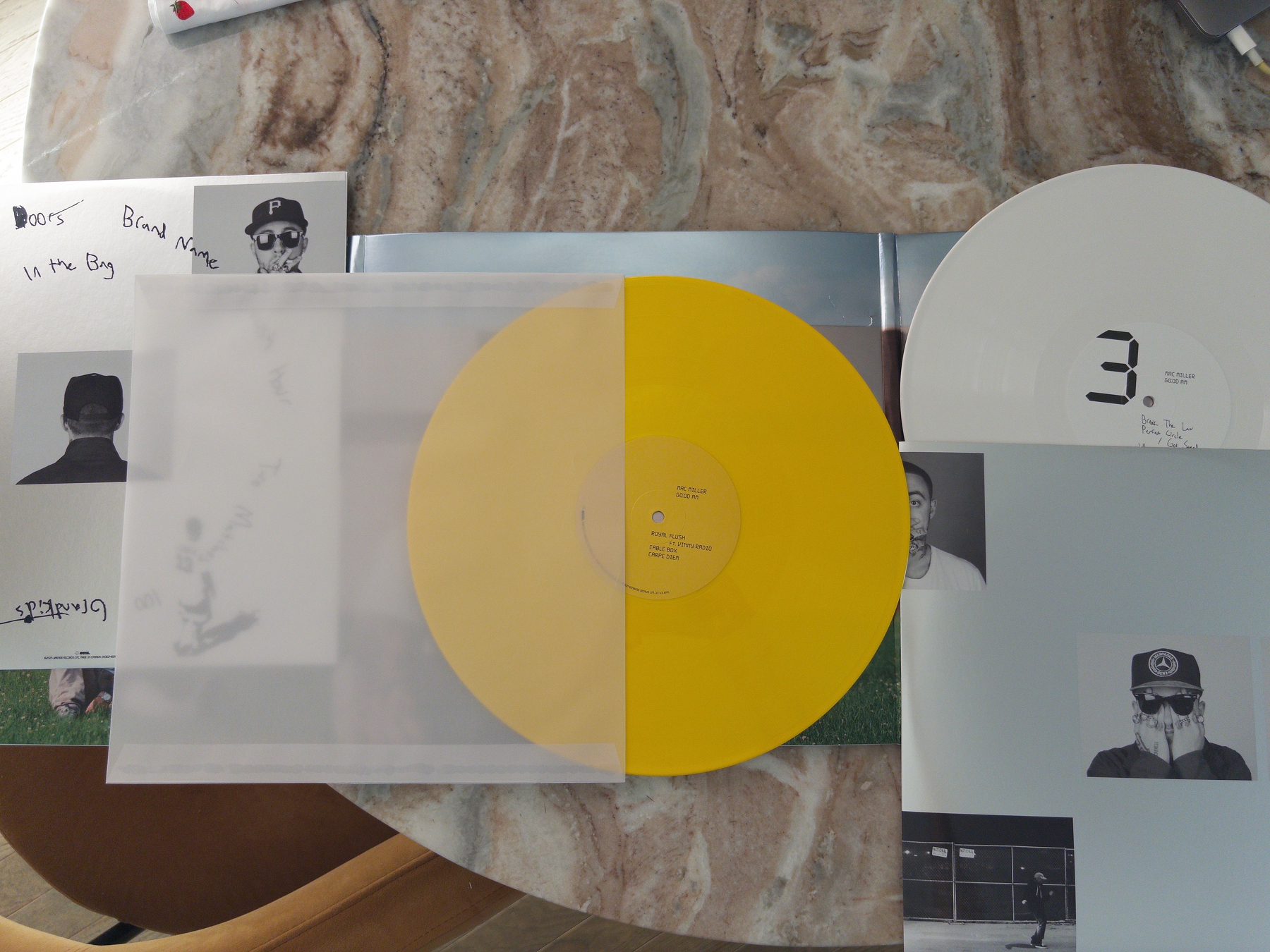
…also we need to talk about the incredible work that the Mac Miller estate is doing on these 10th Anniversary editions: I picked up Good A.M. and should be getting Watching Movies With The Sound Off + The Divine Feminine anytime soon! 🥰
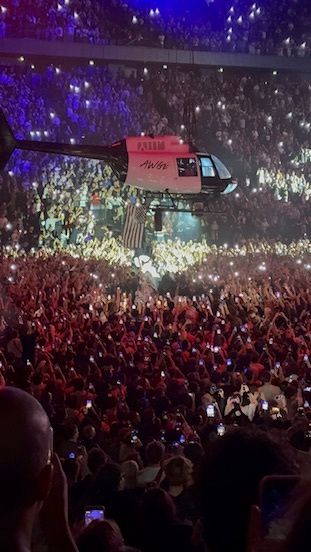
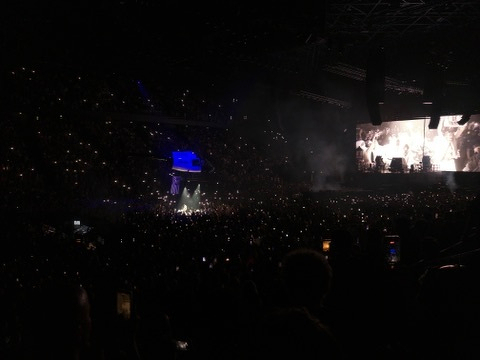
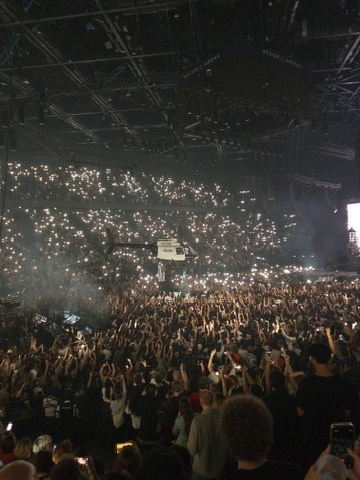
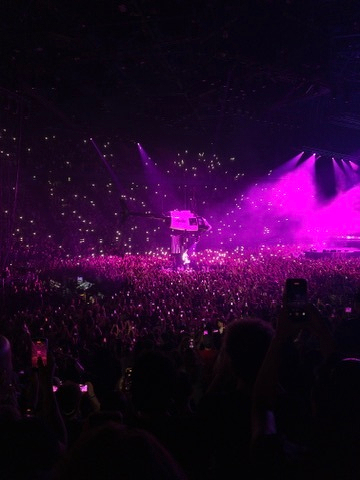
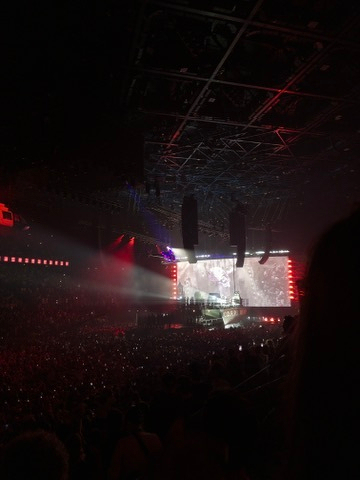
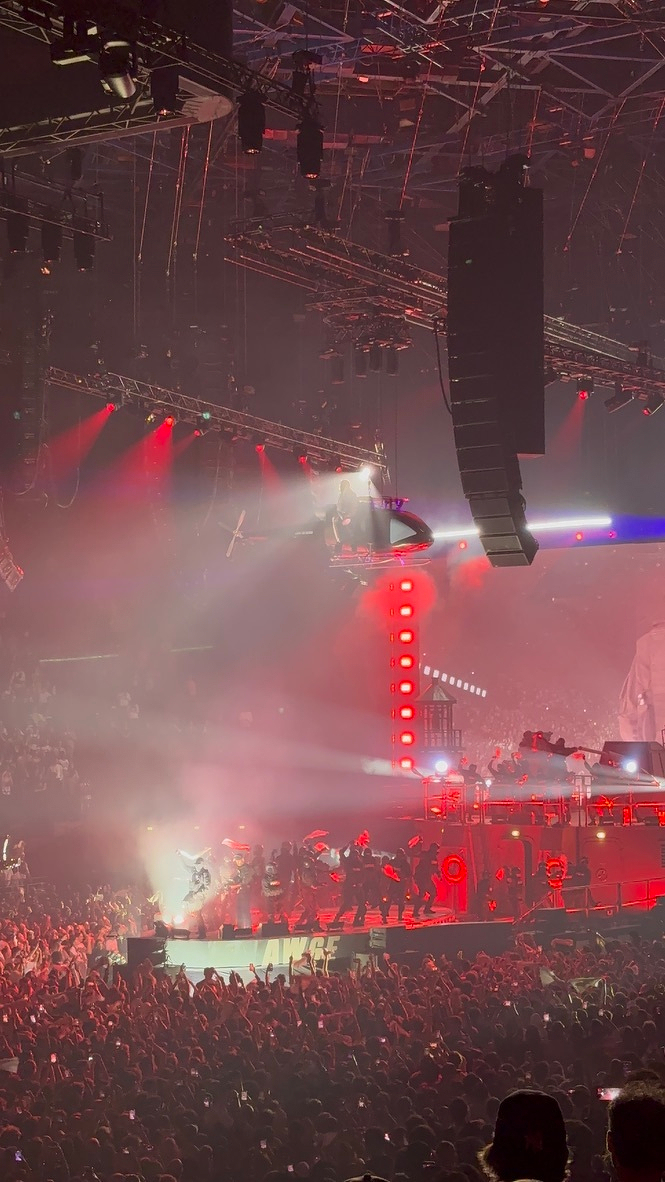
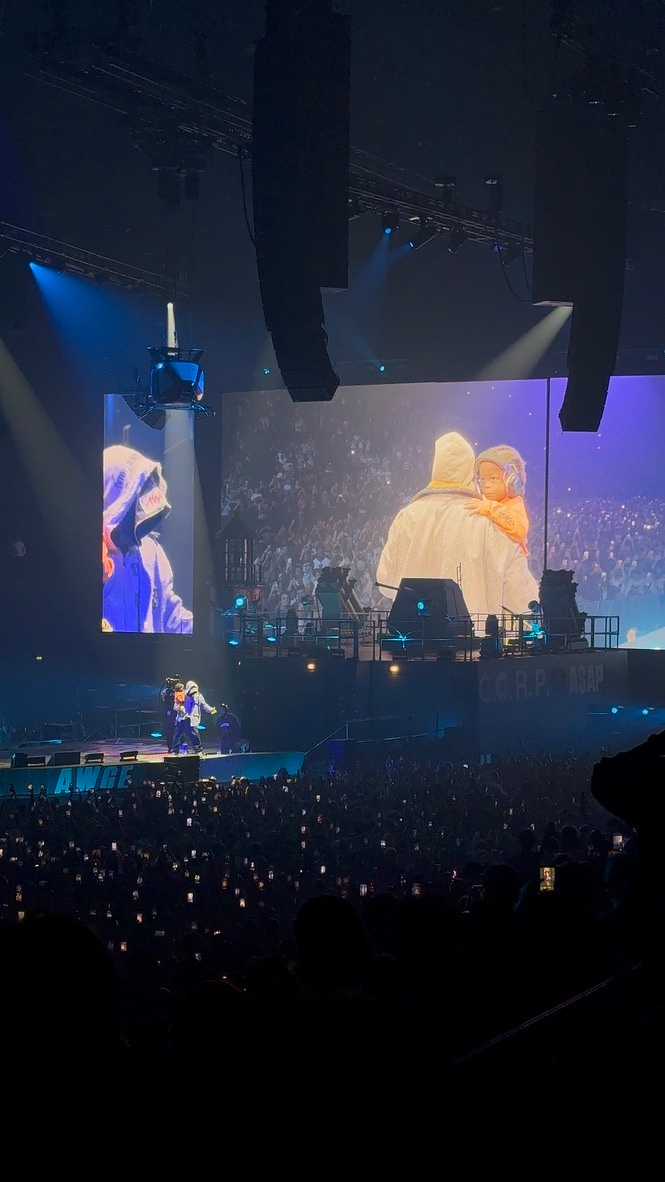
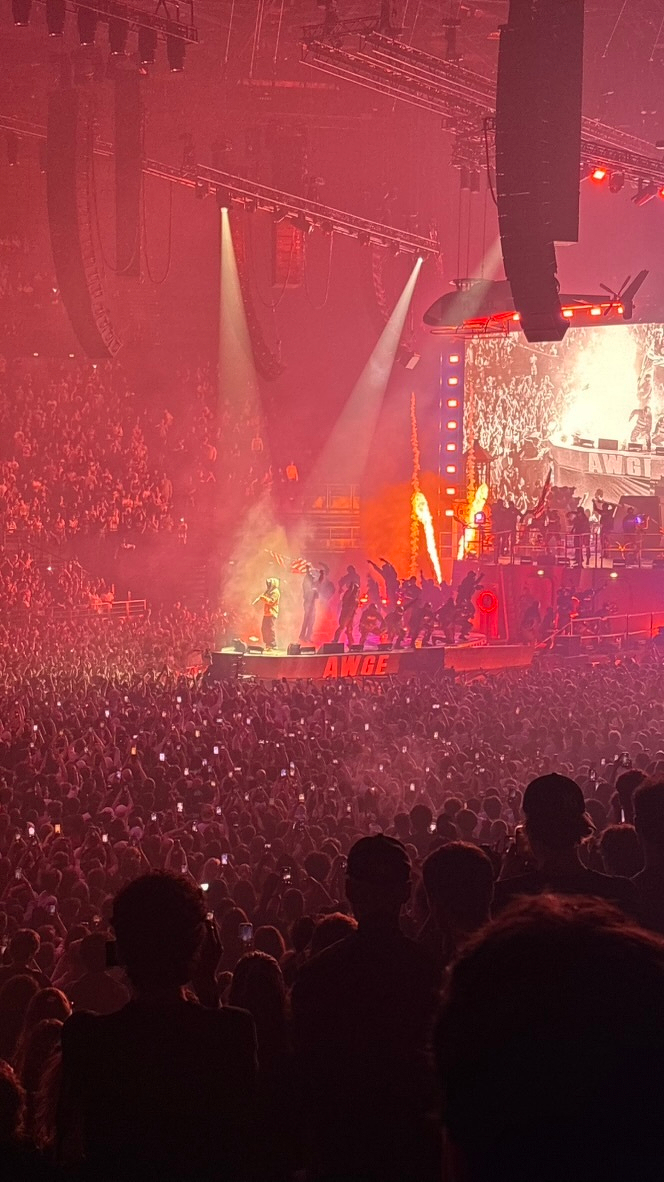
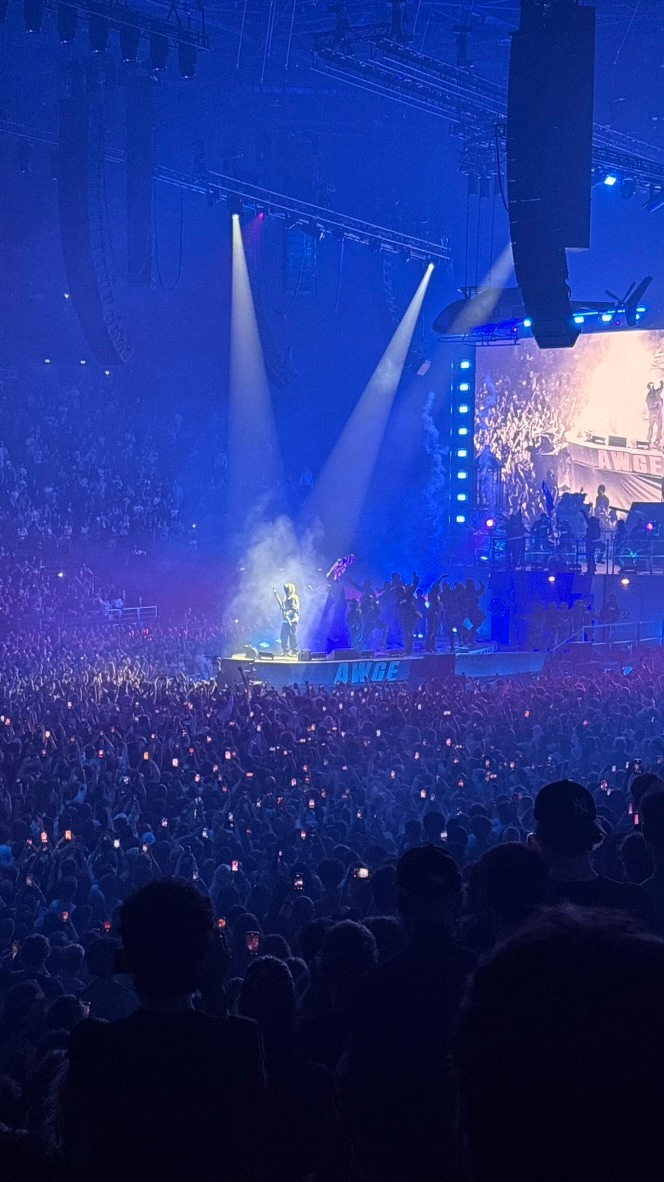
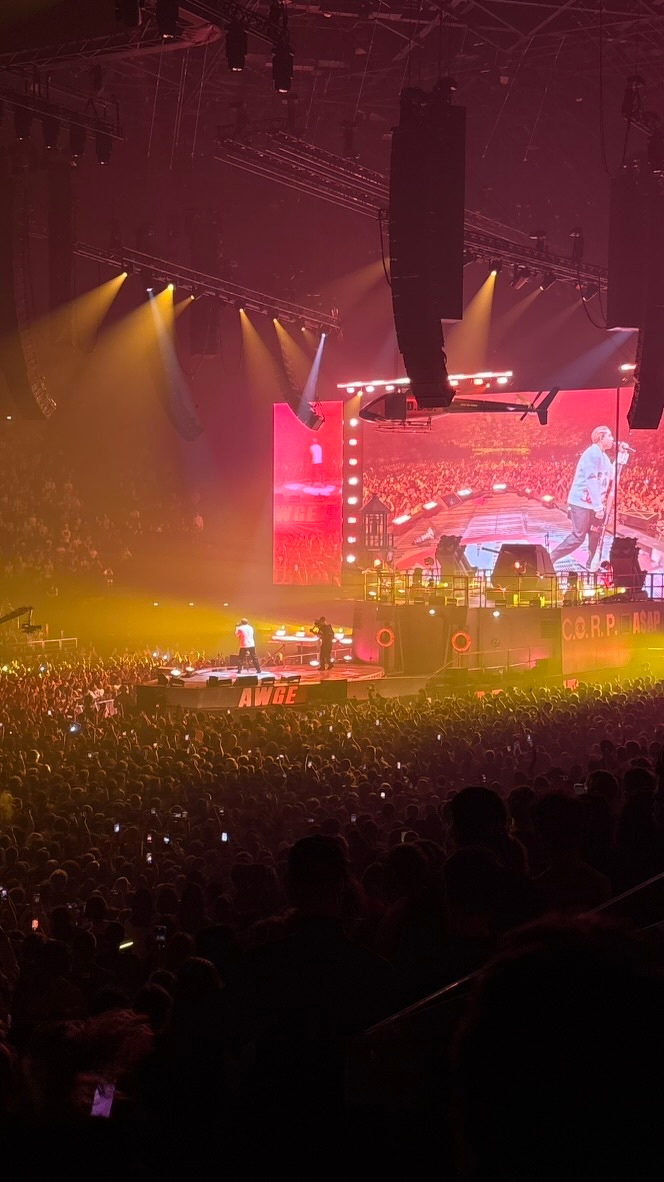
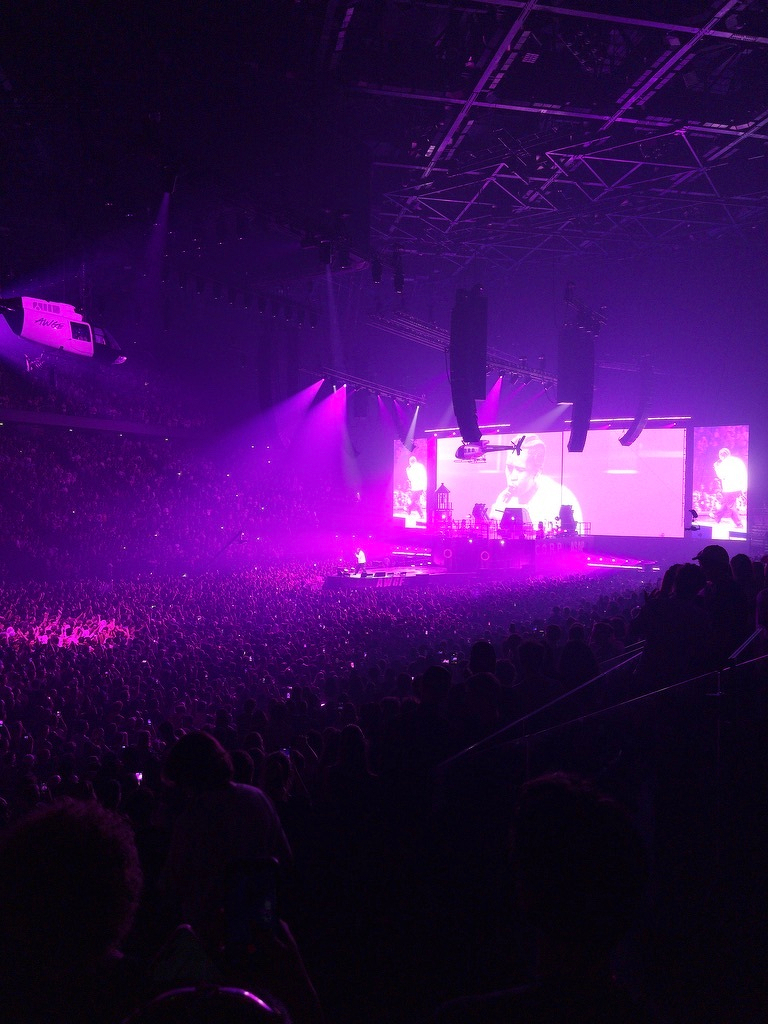
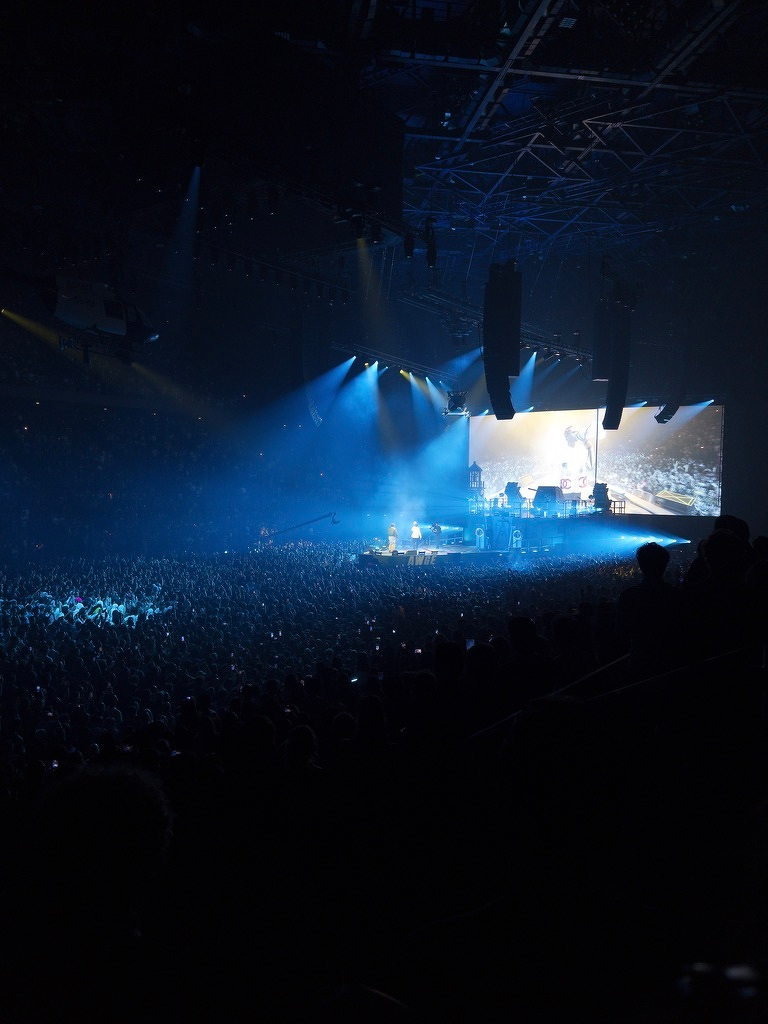
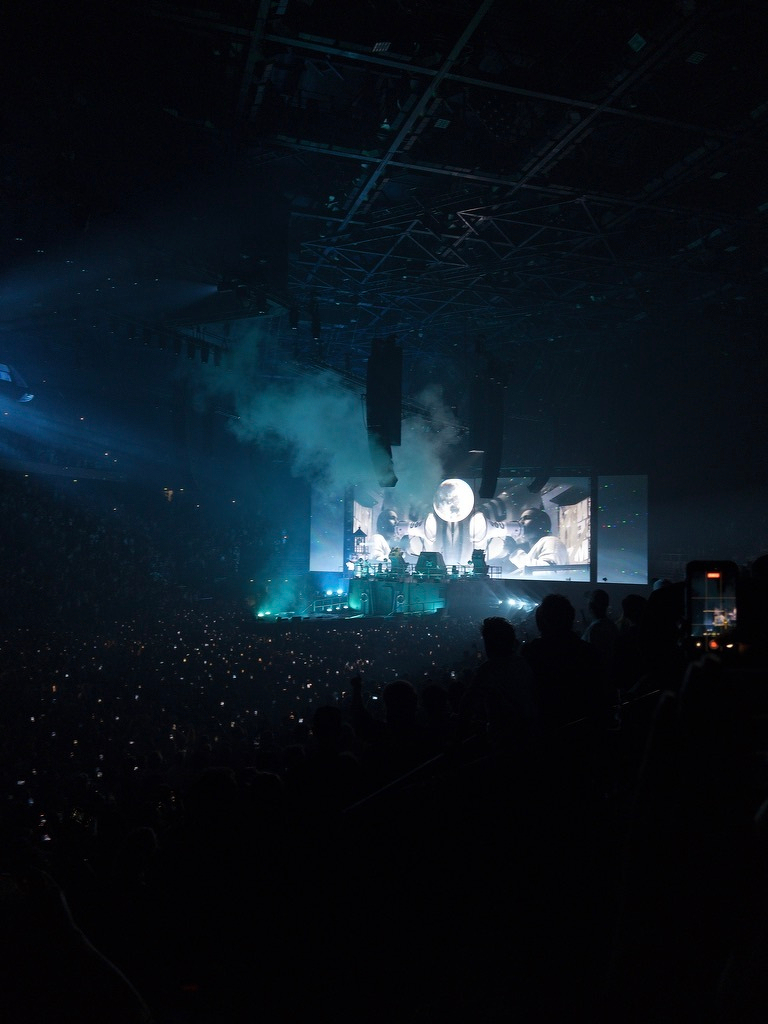
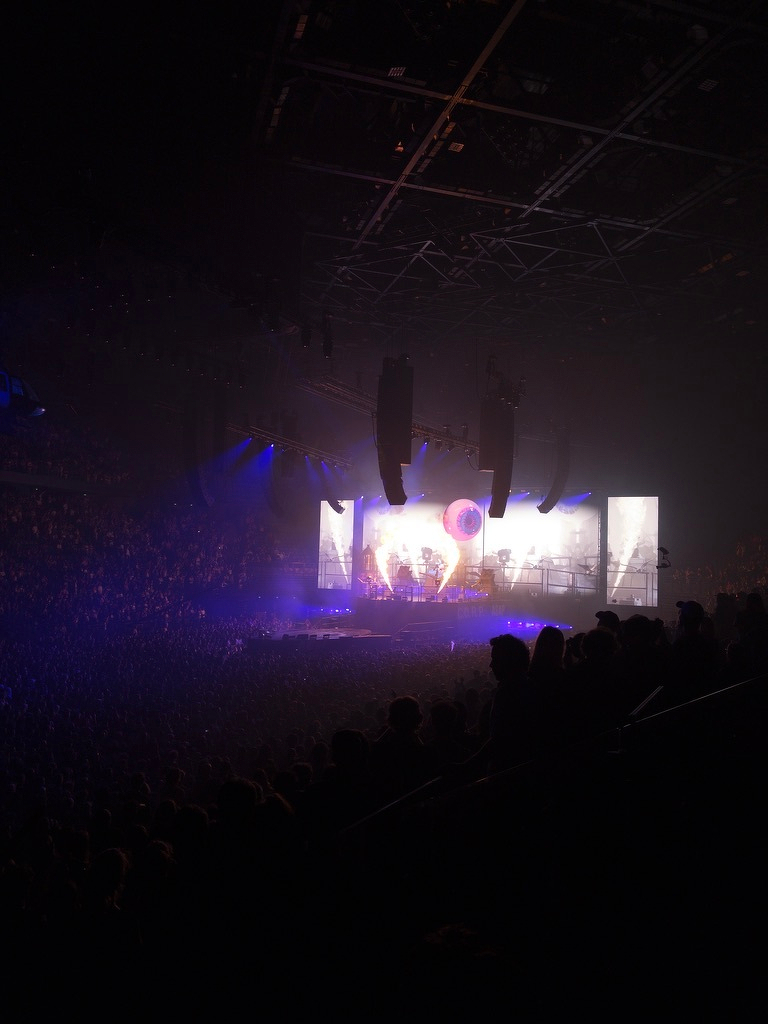
The show started with the AWGE Paris Fashion Week runway show (Rocky’s fashion label), which they ran at the arena a few hours before the show.
Then the concert started and turned the whole thing upside down.
A$AP Rocky was never the most skilled rapper, but he has always been one of the more creative artists in his scene. The man knows how to put up a show!
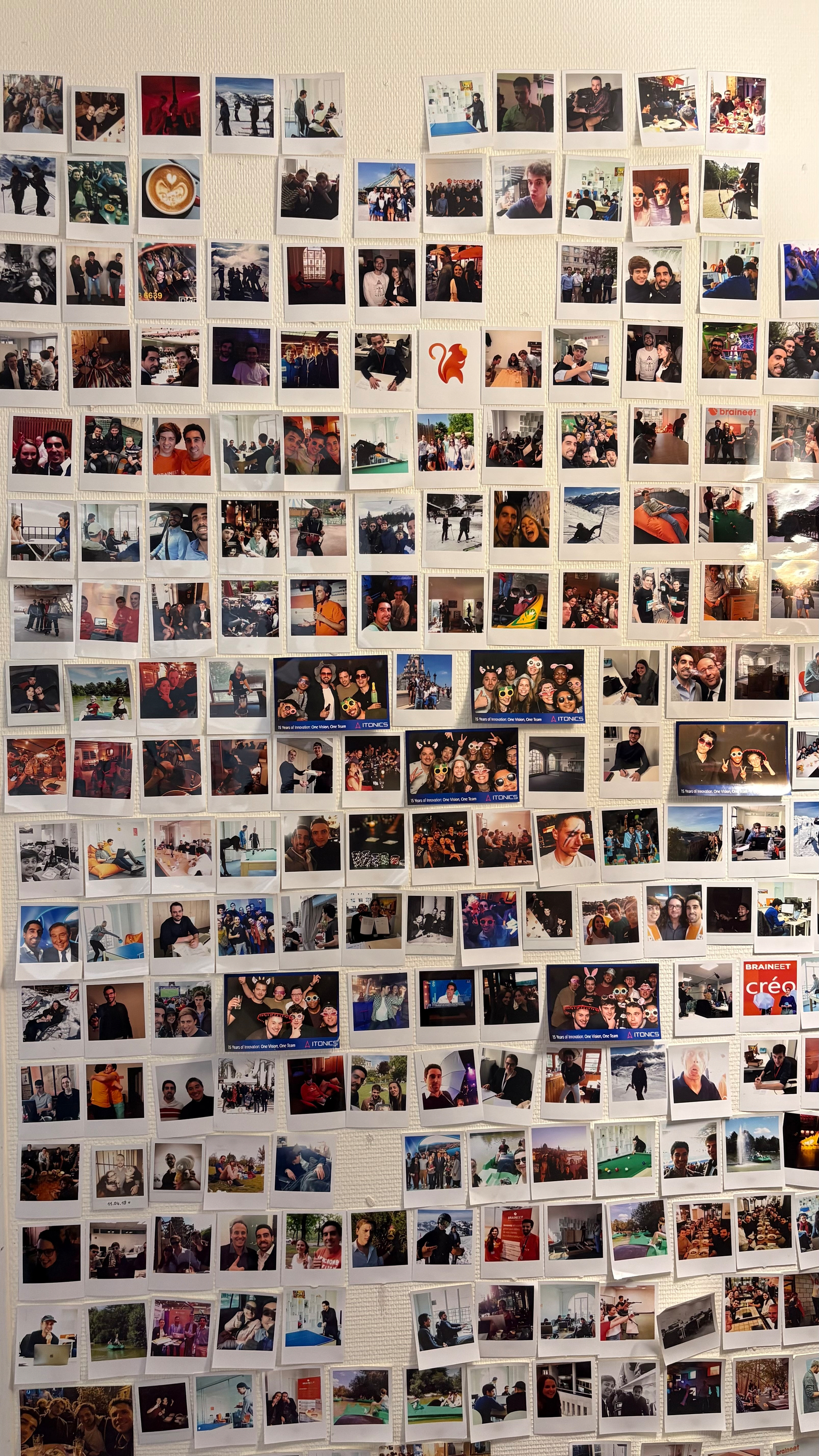
Final day at my job today. A new era begins next week.
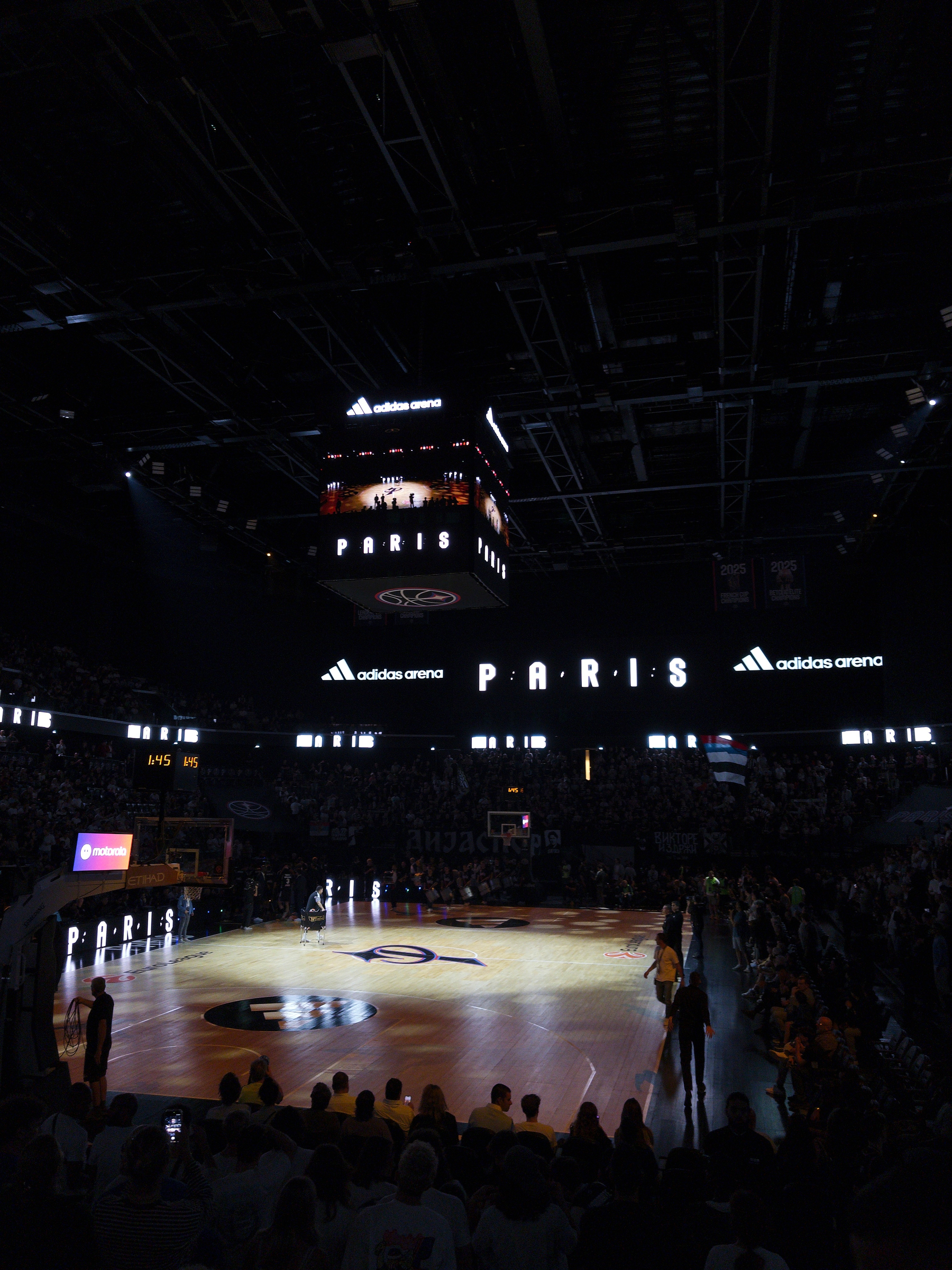
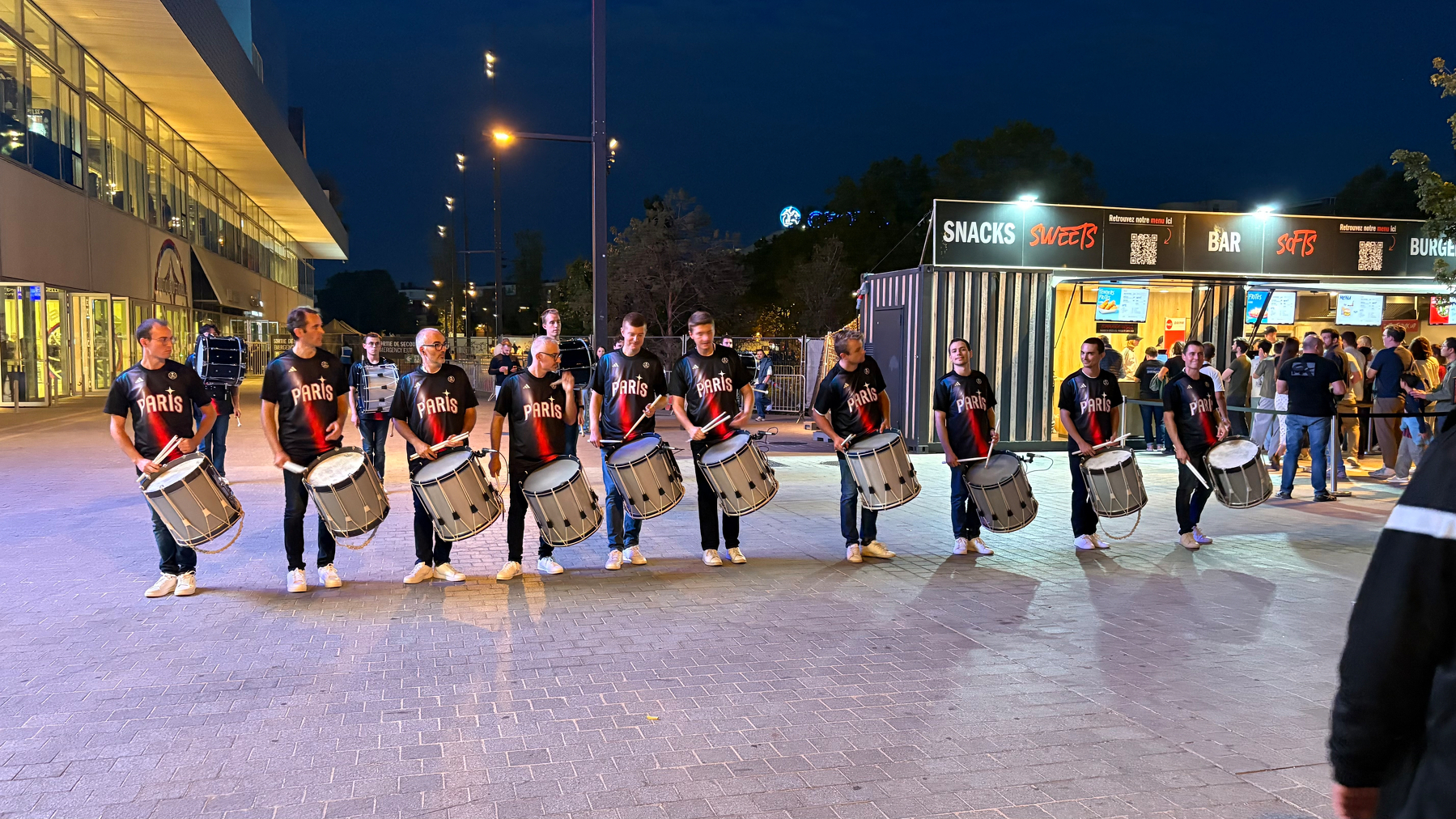
Happy to be back to my second home for our season opener!
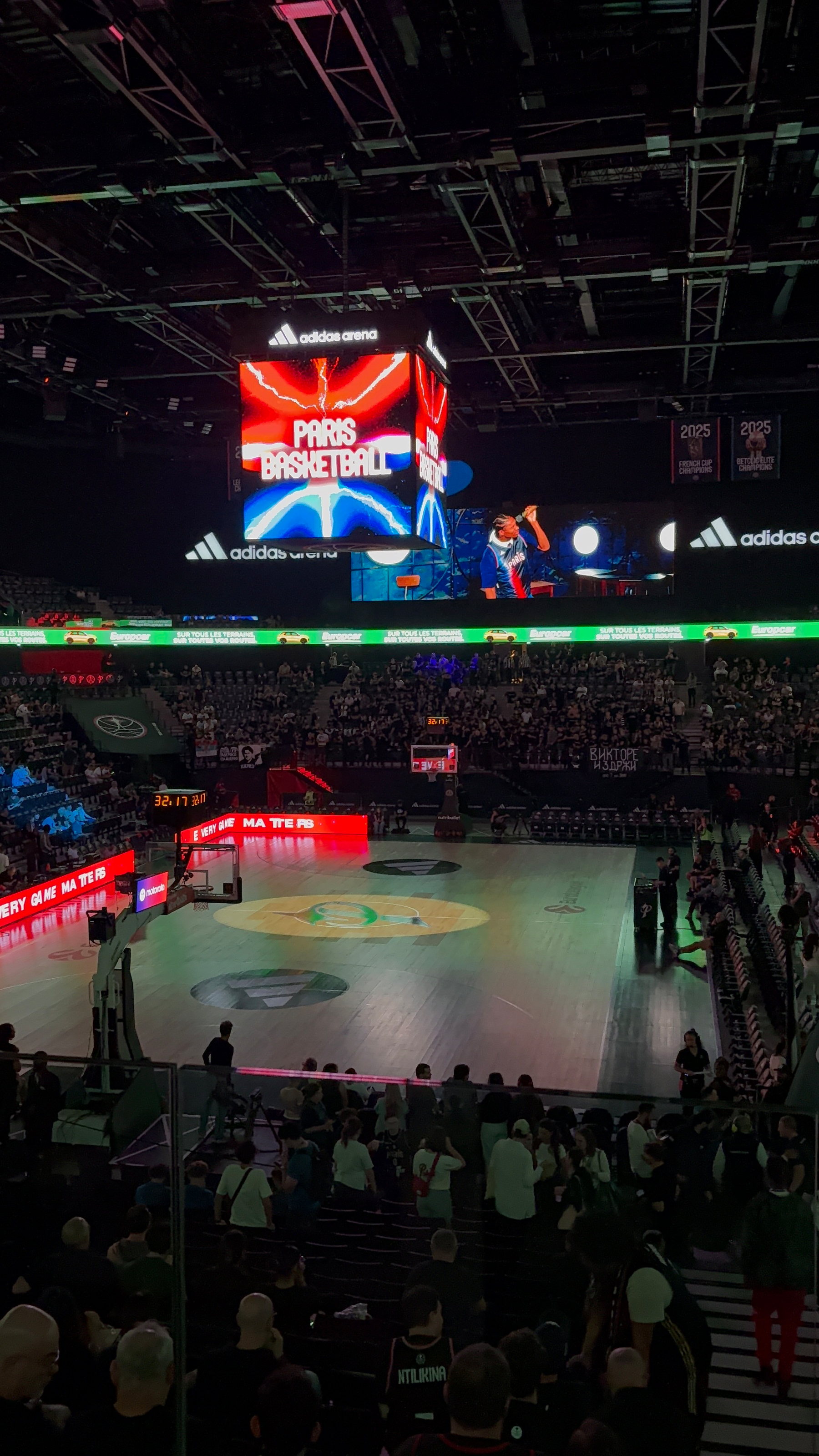
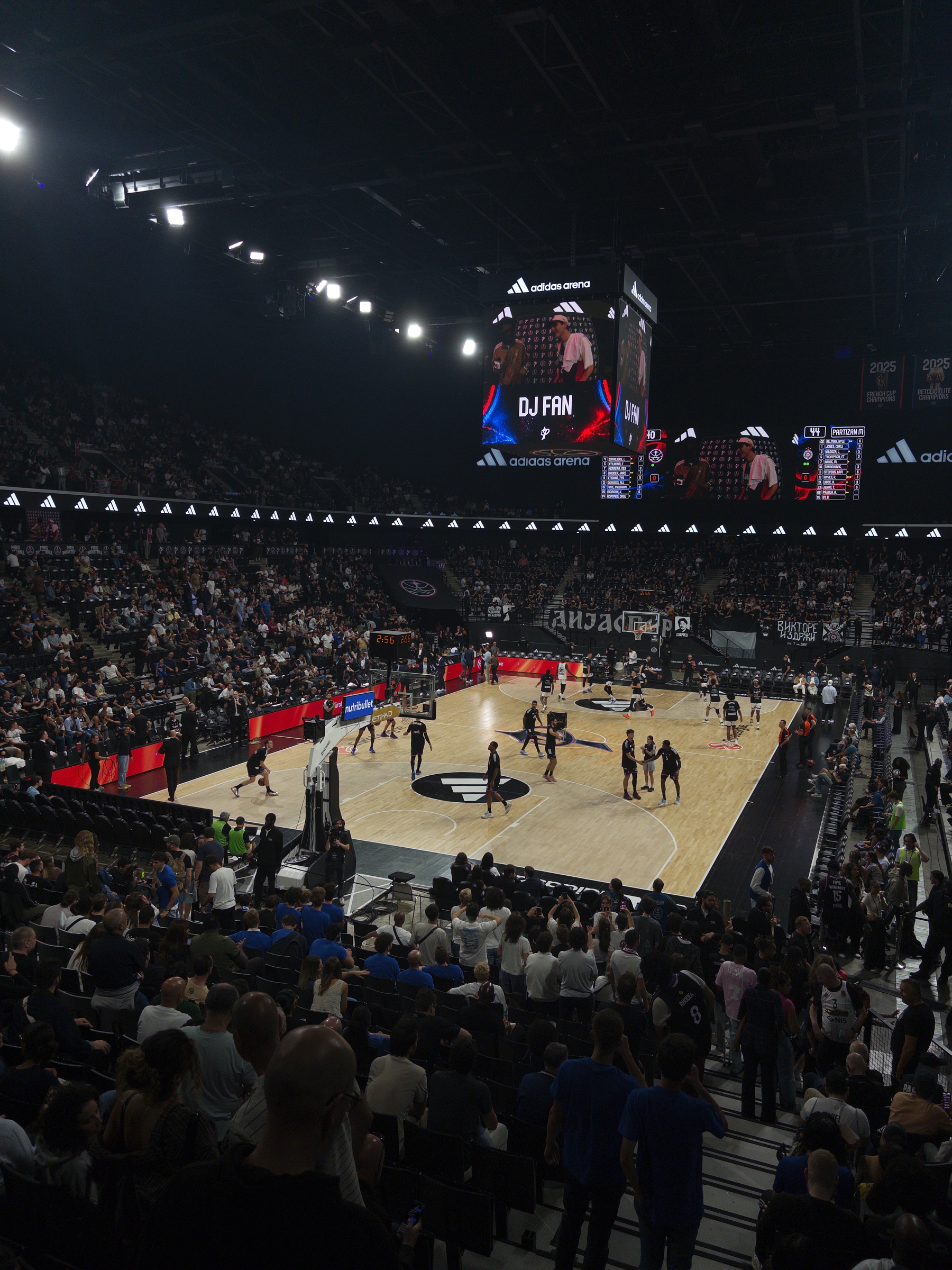
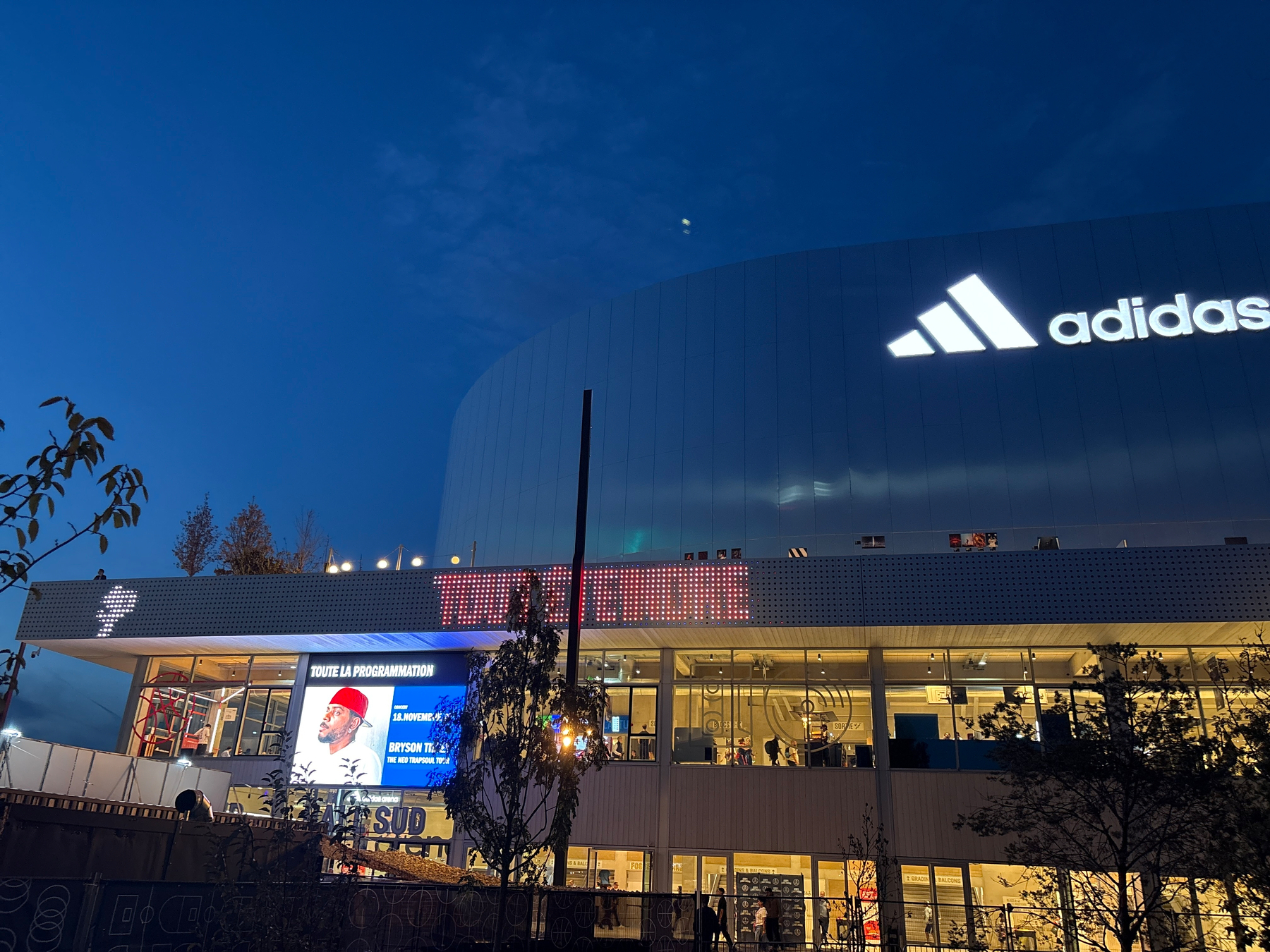
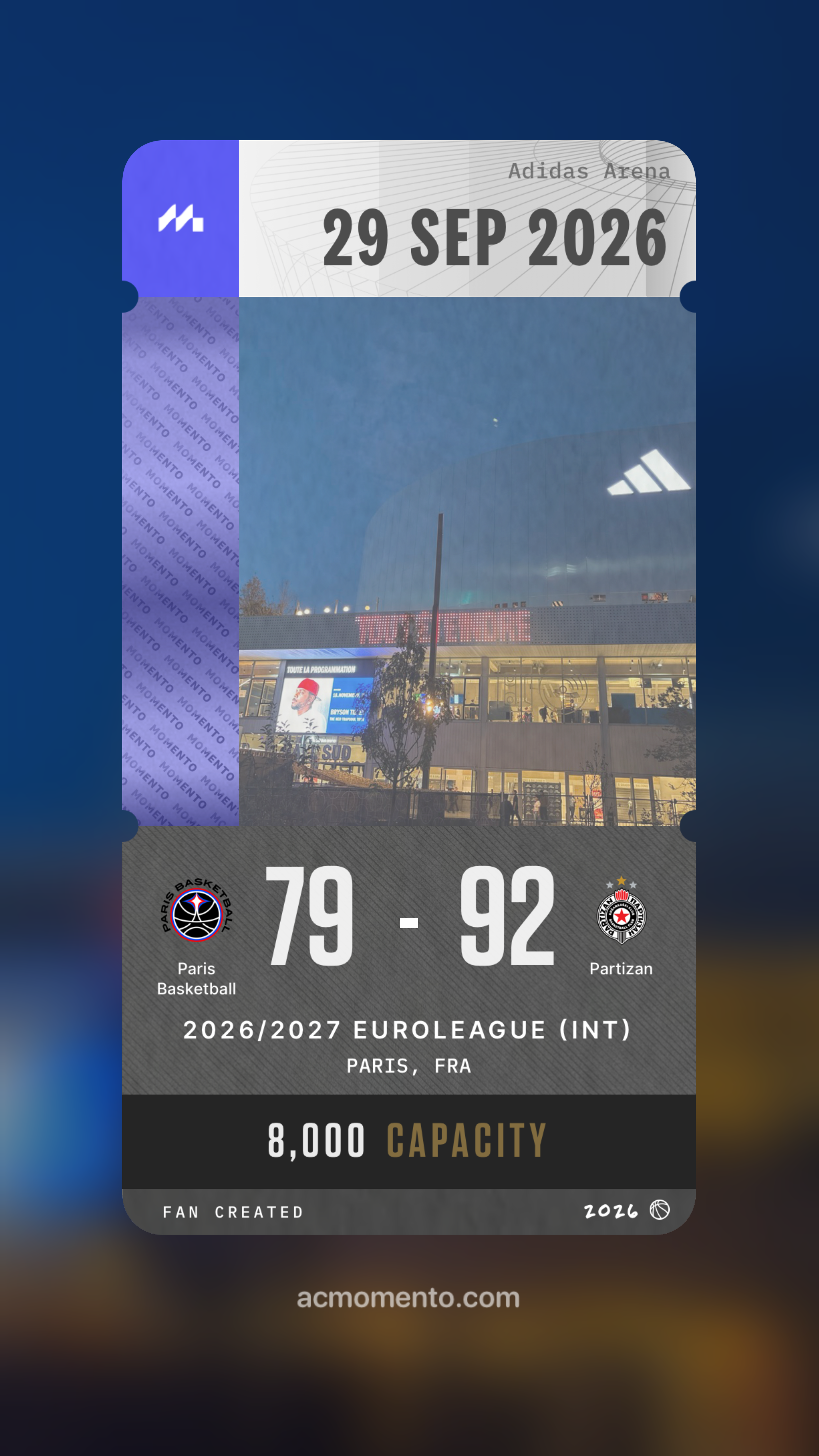
Something I’m taking into my next job:
If I share an asynchronous update with my team, no one is getting me to run a 15-30mn meeting going through the damn update 🙃
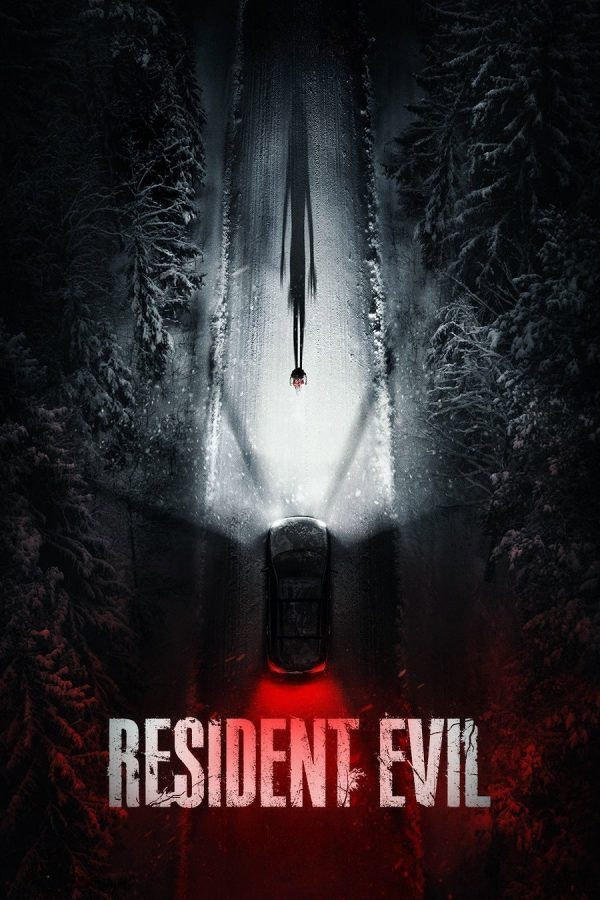
⭐️⭐️⭐️💫 Resident Evil
Bumped into my friend who had booked the exact same screening three seats away.
Both a lot funnier and a lot jump-scarier, body-horror galore, and quite a different take from the past movies and Saga. And yet it feels very faithful to the video games!
I’ll forever regret not being able to attend a Mac Miller concert.
Mac —as well as Prince— is an artist that left us before I got the chance to see them perform live.
If you can afford it, definitely go see your favorite artists. Human connection is all we got!
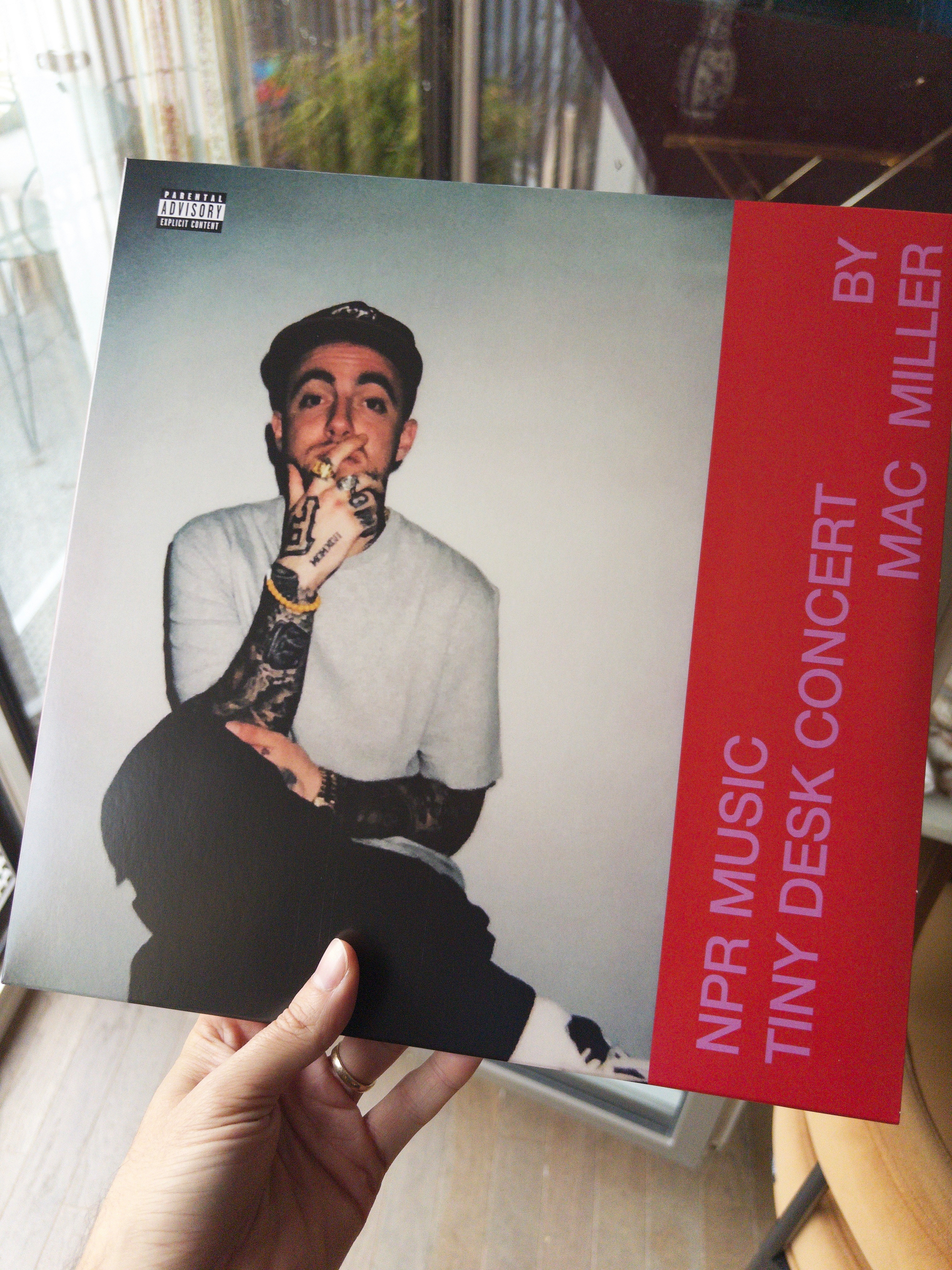
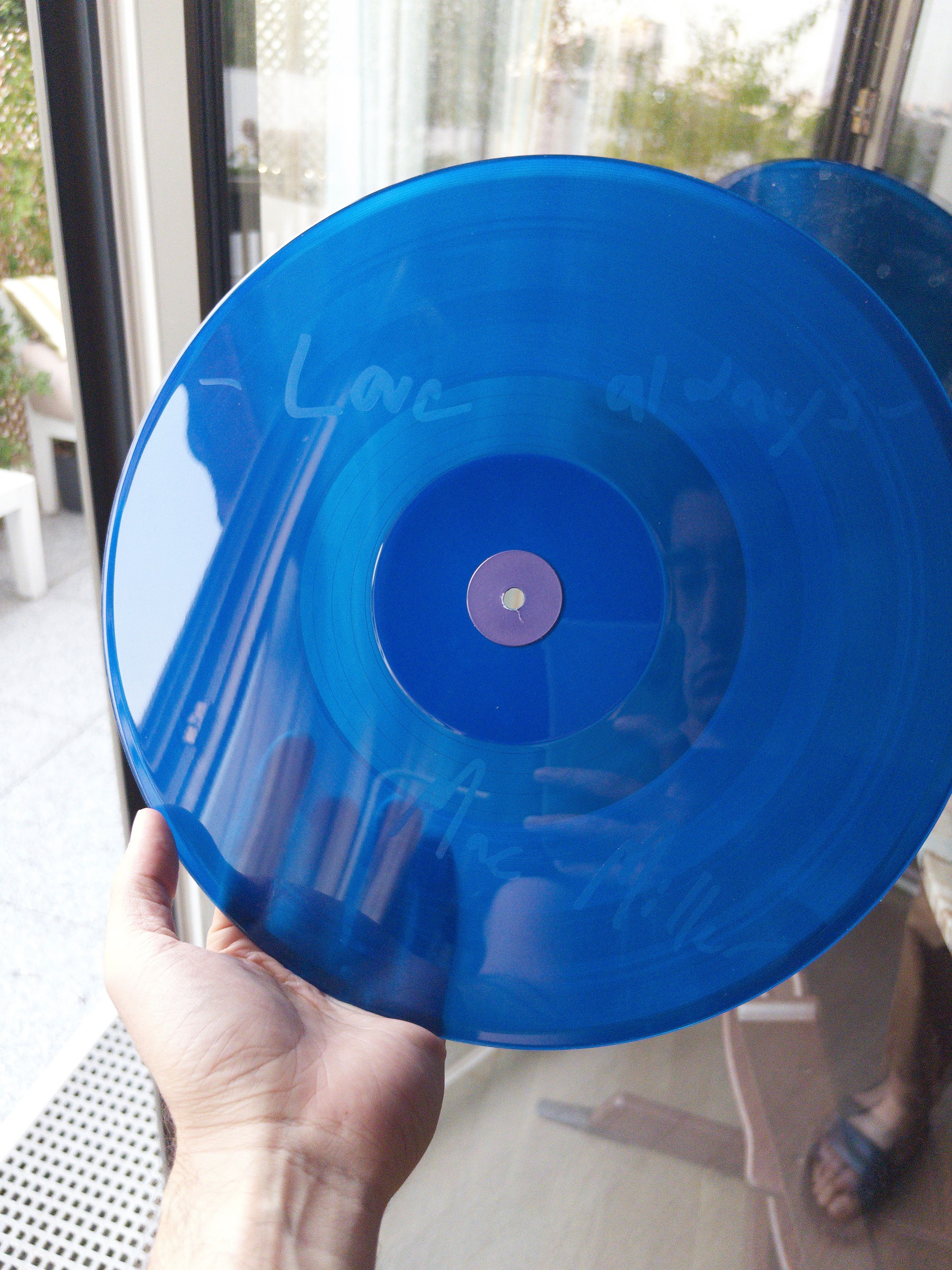
🆕💽 Mac Miller - NPR Music Tiny Desk Concert
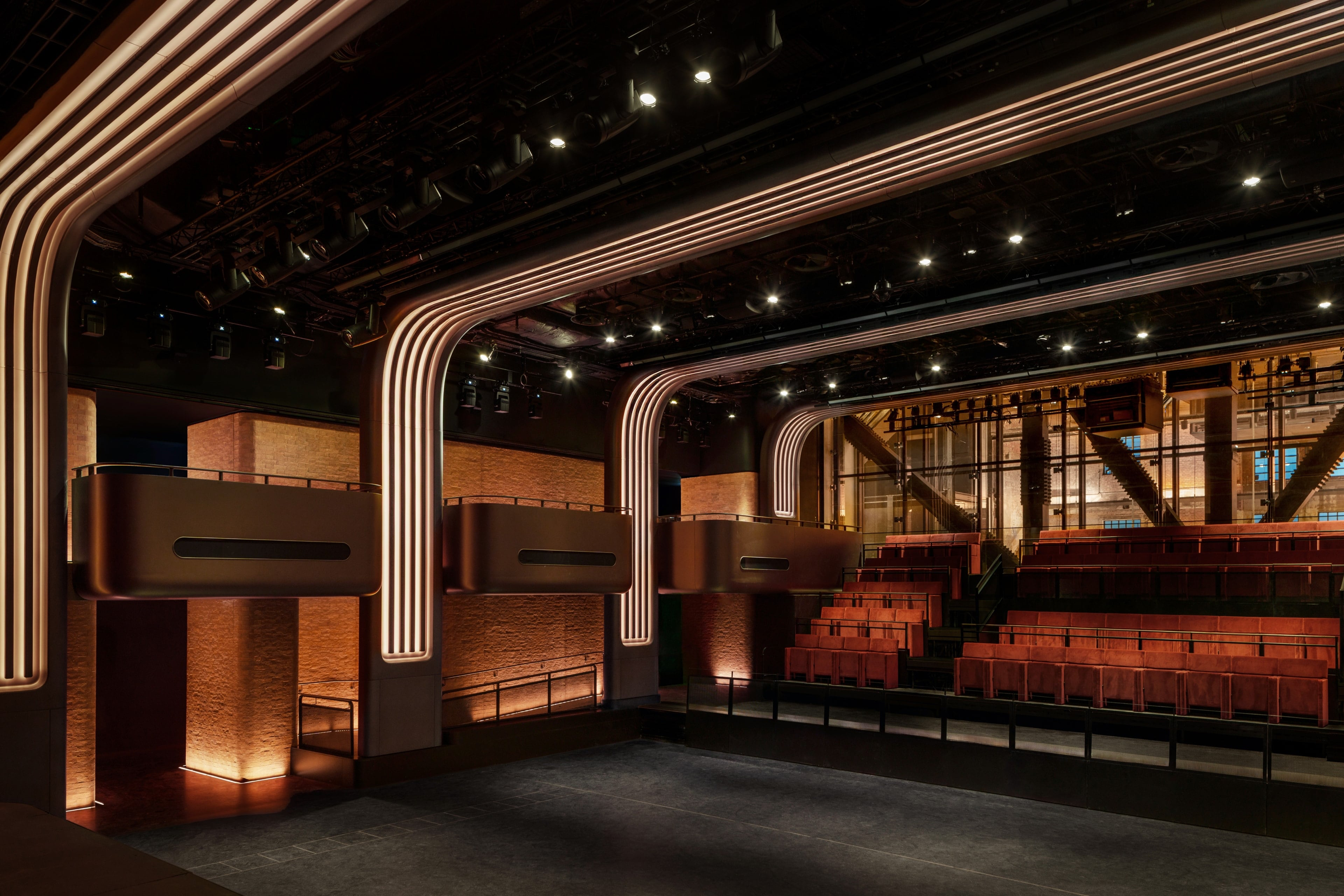
Dang Apple Music Hall (mouthful!) looks gorgeous! (opening up inside London’s old iconic Battersea Power Station)