Home

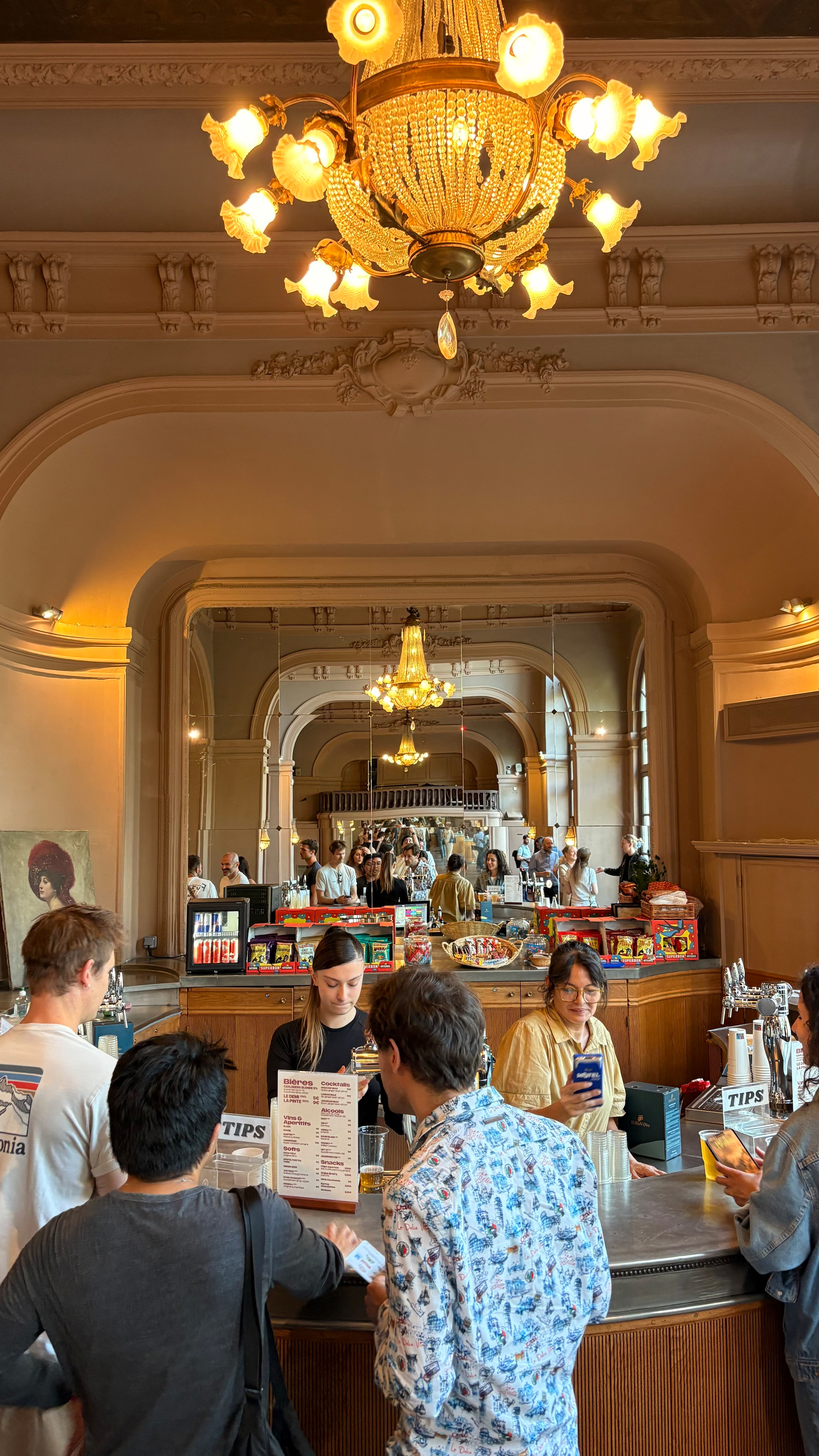
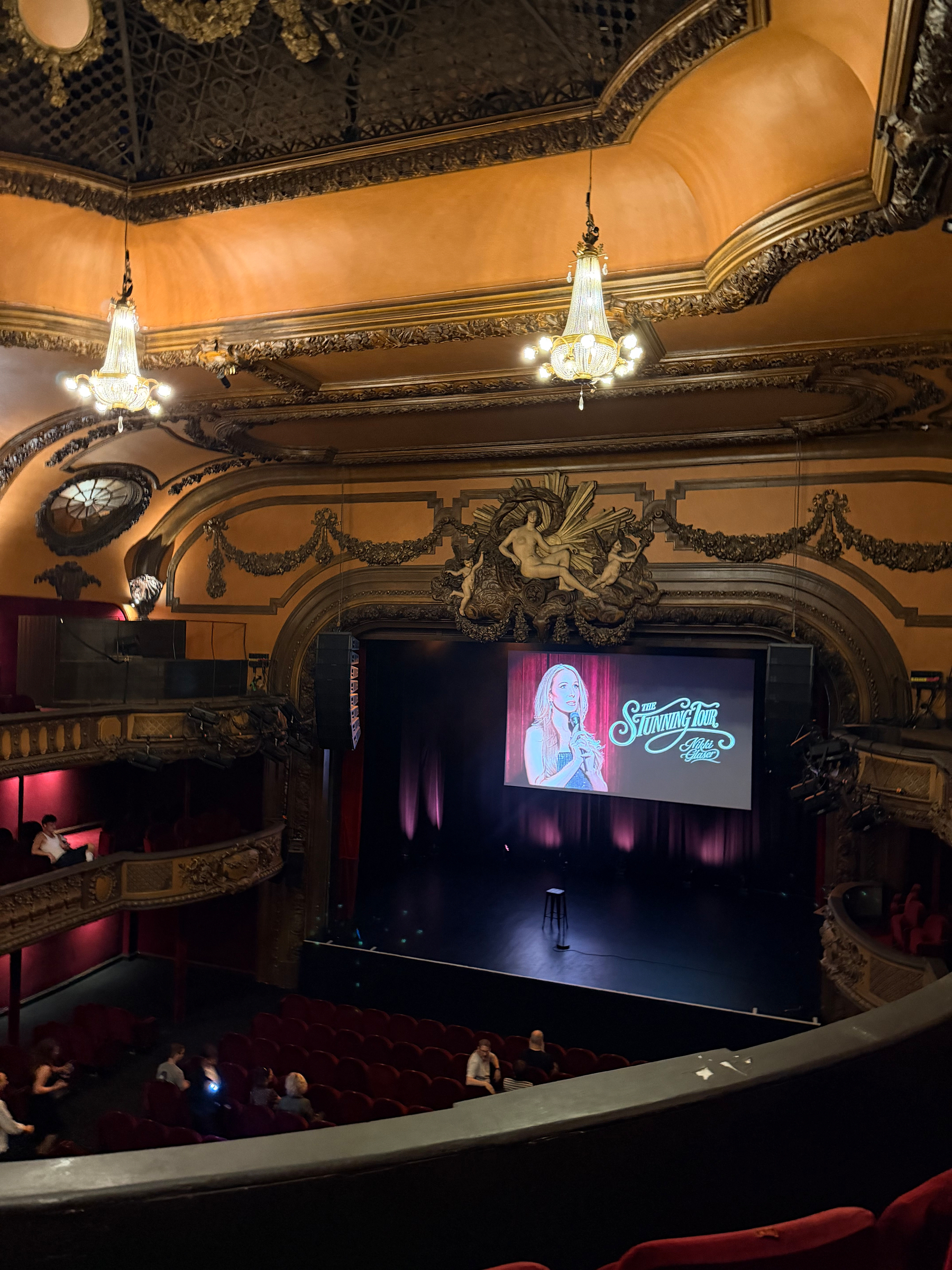
Looking back on a truly wonderful weekend in Strasbourg with some great friends!

Auto-generated description: A child holding a colorful toy sits next to an adult reading a magazine, with another adult nearby and items on a small table.

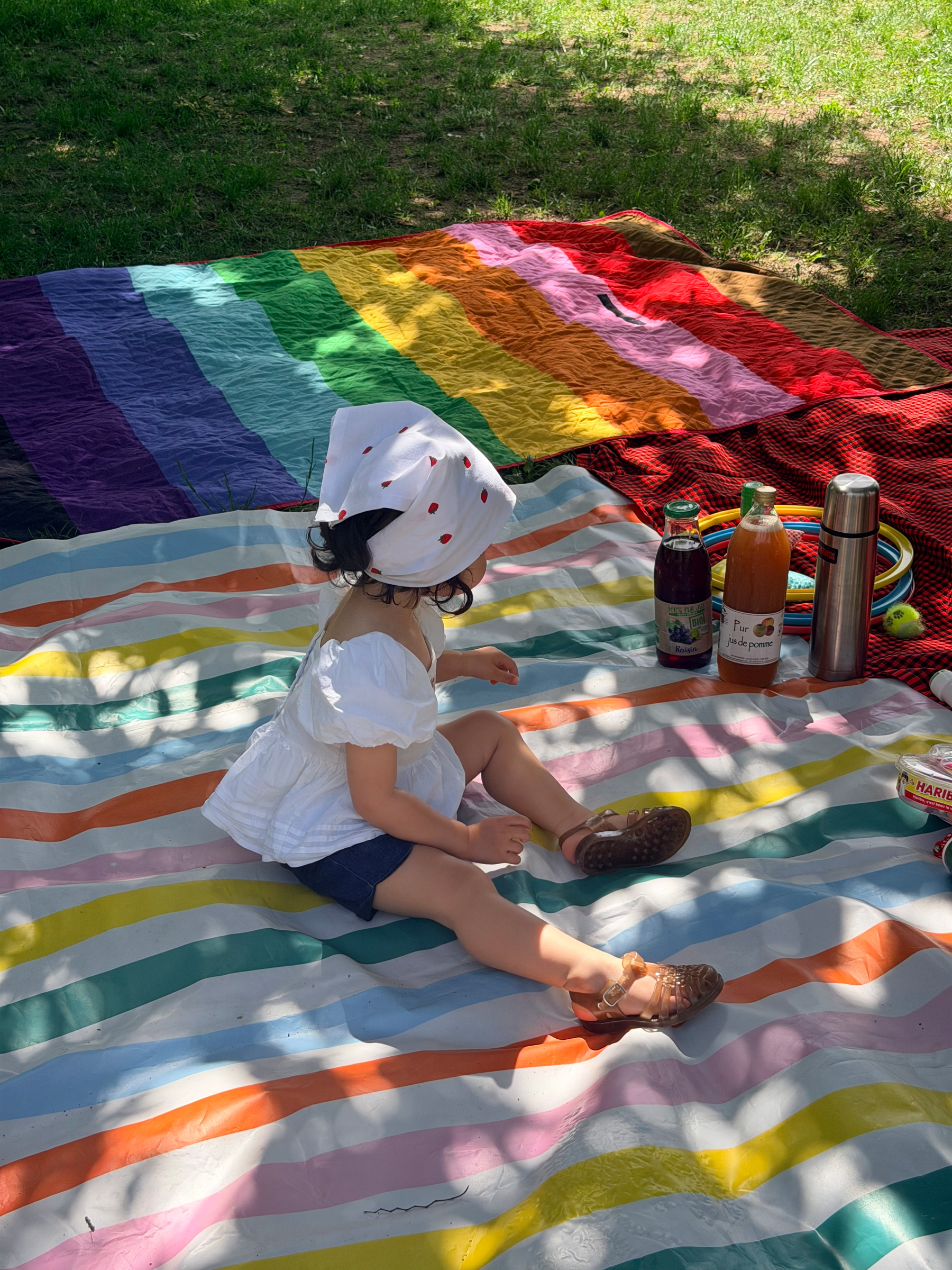
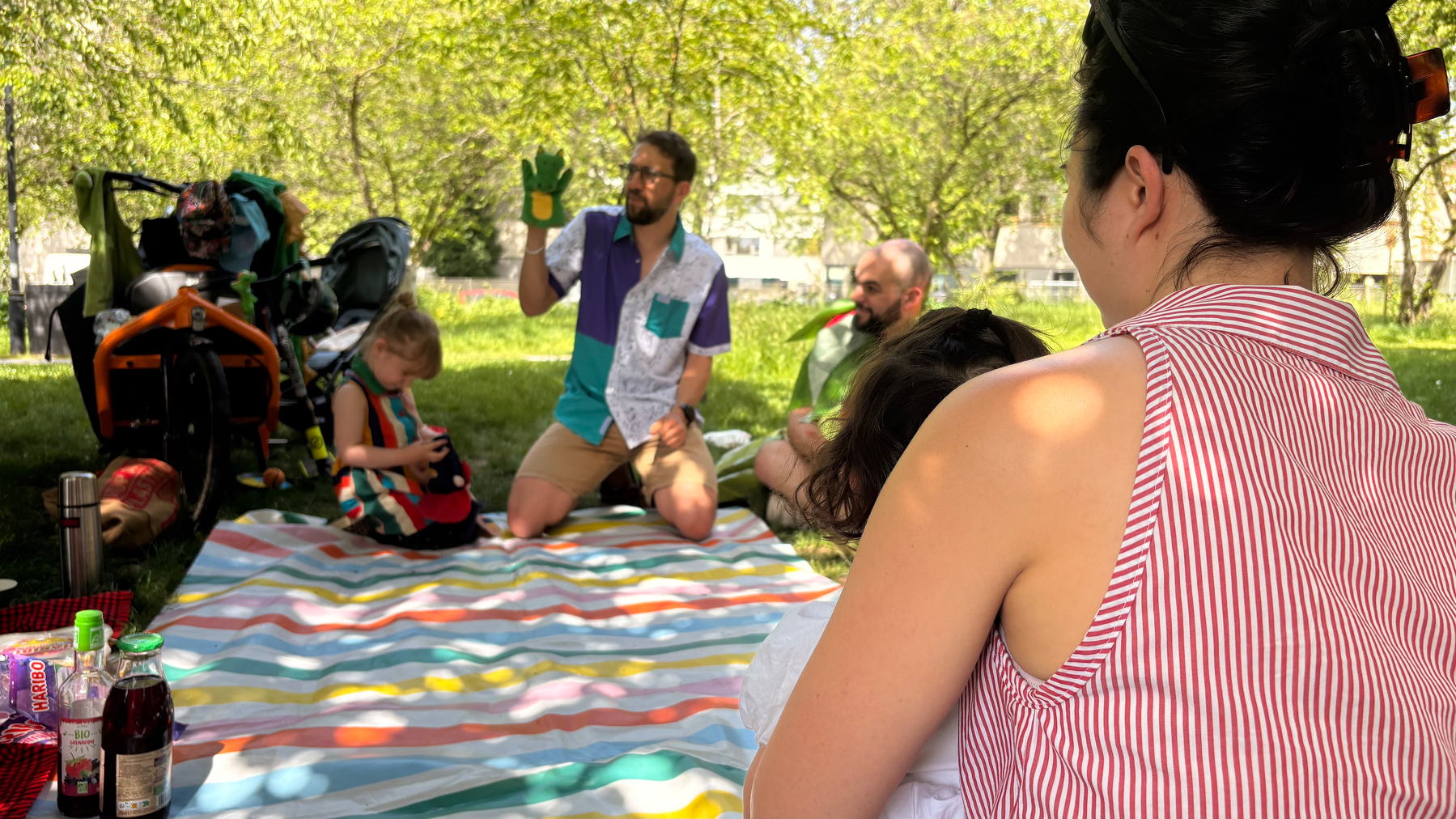
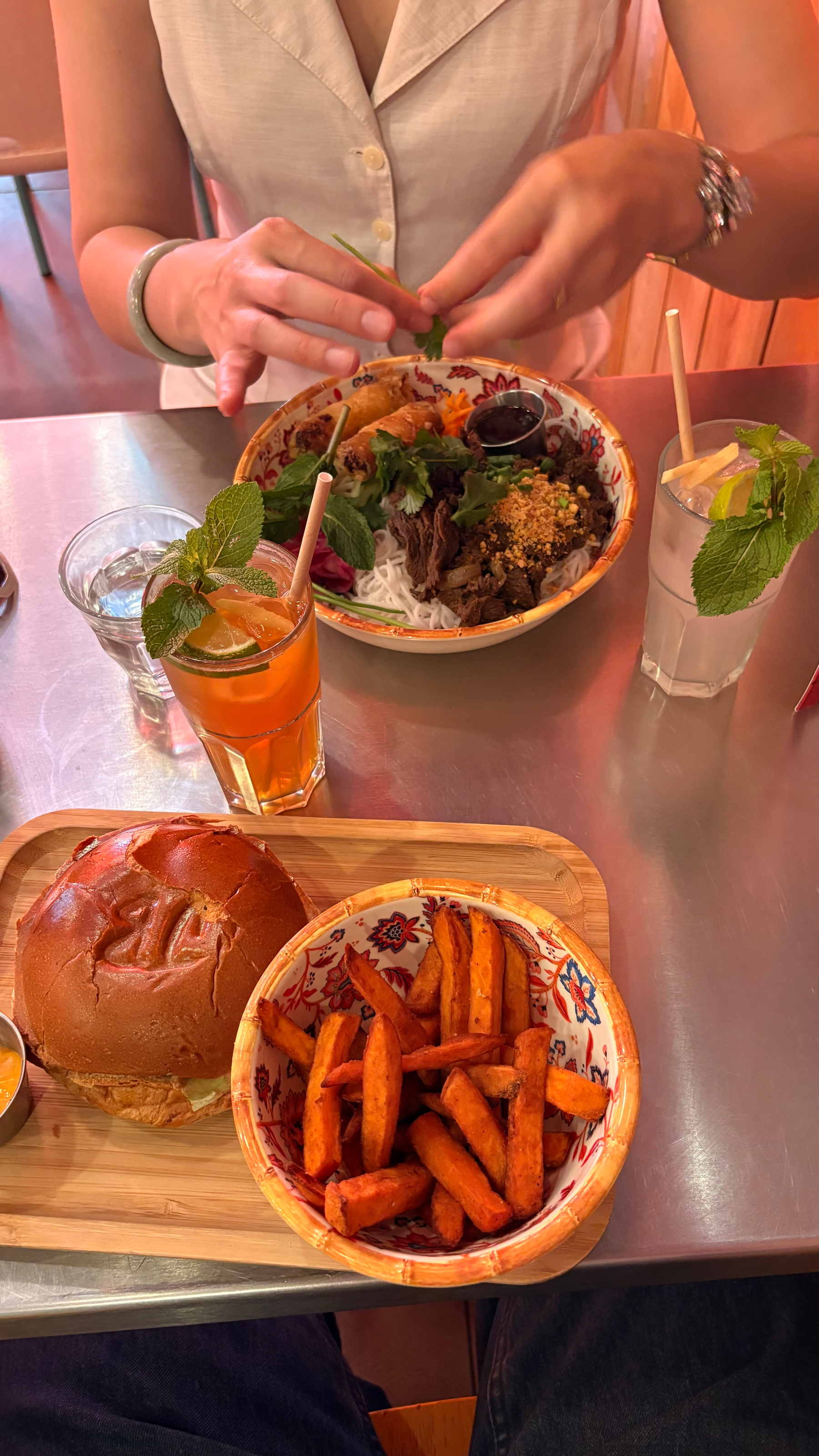
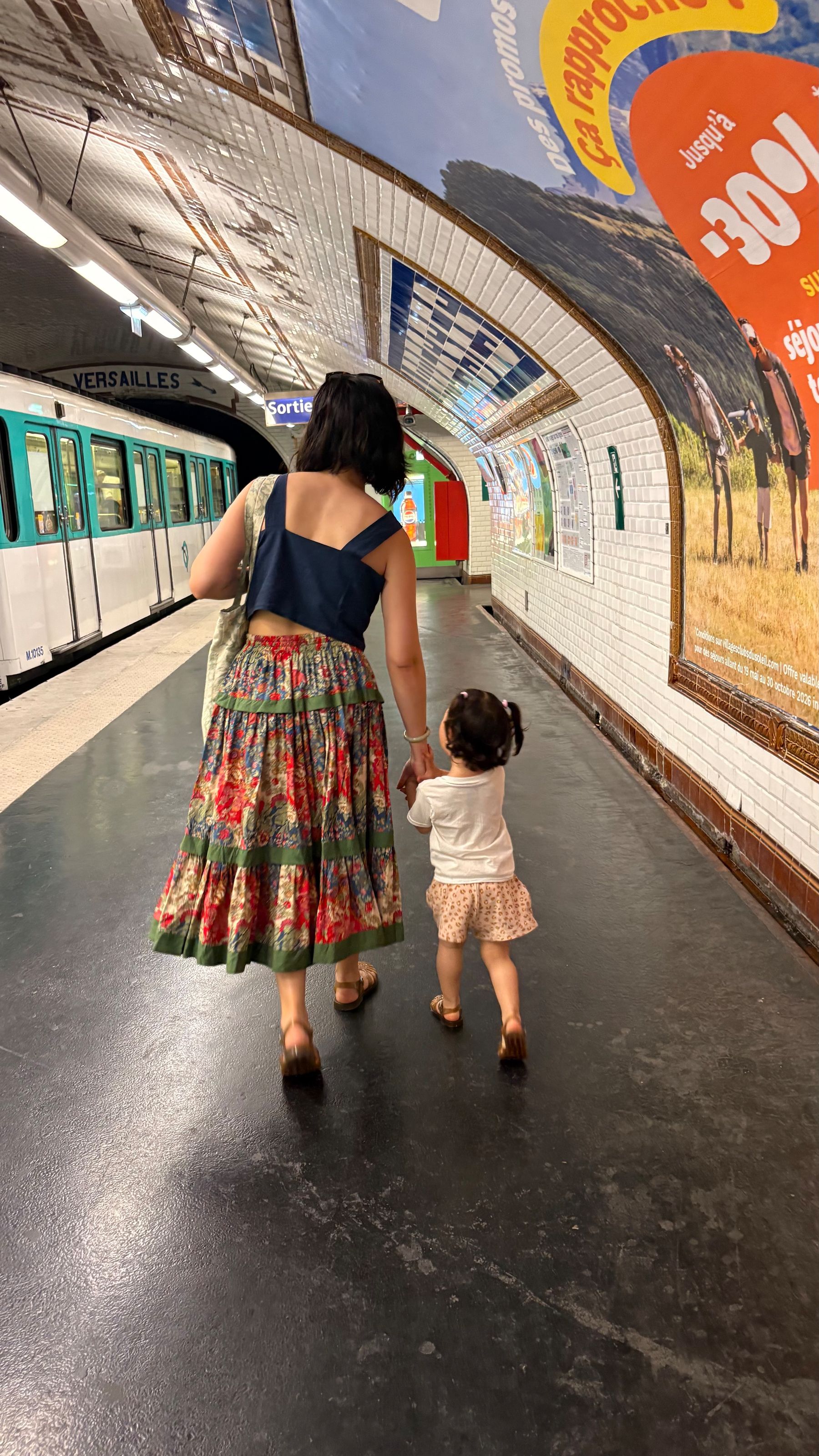
A person is joyfully holding a toddler with pigtails who is wearing a brown sweater.A pretzel stand is situated on a countertop in a colorful bar with various beer taps and glassware in the background.A multi-story European building features ornate balconies and window designs, with GANESHA signage visible on the ground floor.A toddler walks along a riverside path while a couple strolls in the opposite direction under a cloudy sky.A couple sits by the riverside, overlooking a bridge with a cyclist in the background.People stand outside a charming café with red signage, adorned with plants and decorative displays.A man stands behind a counter filled with an assortment of teas and pastries in a richly decorated shop.People are walking near a historic cathedral with traditional half-timbered buildings in the background.A picturesque riverside scene features half-timbered buildings adorned with flowers under a cloudy sky.A group of people walk along a riverside path lined with traditional half-timbered houses in a picturesque setting.A street scene at night showcases a brightly lit VOX sign atop a building, with people walking along the sidewalk.A stylish living room features a white sofa, a wooden coffee table on a rug, a bookshelf, and an ornate ceiling.A person is taking a mirror selfie in a stylish, elegantly decorated room featuring ornate moldings and a glimpse of a cozy living space.A child wearing black pants is walking on a wooden herringbone floor.A cozy living room features a wooden coffee table with two black mugs, a fireplace, and an armchair with a striped pillow.A vase with dry flowers and grasses sits on a wooden table next to decorative glassware and a candle, with a fireplace in the background.A person is reaching for pastries on a wooden coffee table set with a bottle of orange juice and four clear glasses.Two people are sitting on a couch in a spacious living room with elegant white walls, wooden floors, and bookshelves.A stylish interior features a wooden console table with a framed graphic poster and a stack of red and white books, accented by a small vase with dried flowers.A woman and a child are looking out a tall window in a cozy, elegantly decorated room with a small dining table and chairs.A wooden table is filled with plates of assorted brunch items, including pastries, meats, cheeses, and beverages, with people seated around it.A hand holding a can of craft beer with an artistic label is in the foreground, while the background shows a soccer match on a television above a fireplace.A building with blue shutters and a white facade is framed by bare branches.A beautiful pink cherry blossom tree is blooming in front of a historic building on a cloudy day.A woman is holding a child while standing in an urban area with buildings in the background.

A no-code AI Morning Summary

I’ve been thinking a lot about how I start my workdays.

As a Customer Success and Account Manager at a B2B SaaS company, my mornings used to look something like this: open Gmail, scan for anything urgent. Switch to Google Calendar, figure out what’s on today. Check Slack for threads I missed overnight. Pop into HubSpot to see what tasks are due and whether any deals moved. Then mentally piece together a plan for the day — usually while sipping coffee and hoping I didn’t miss something important.

It’s not that any one of those steps is hard. It’s that doing them all, every single morning, across four or five different tools is a drain. Not on my skills — on my attention. By the time I’ve assembled the picture of “what’s going on today,” I’ve already burned through a chunk of my best morning energy.

So I decided to try something: what if I could have all of that waiting for me when I sit down?Auto-generated description: A priority list of tasks and emails with varying urgency levels is presented, detailing actions such as renewals, follow-ups, and status checks.

The idea

I’d been experimenting with Claude — Anthropic’s AI assistant — for a while. Mostly for writing help, thinking through problems, that kind of thing. But when I started exploring Cowork mode (their desktop tool), I realized it could actually connect to the tools I use every day: Gmail, Google Calendar, HubSpot, Slack, and more.

That’s when the idea clicked: what if I could set up a recurring task that runs every weekday morning, checks all my work tools, and delivers me a ready-made briefing?

I’m not a developer. I don’t write code for a living. But I figured — why not try?Auto-generated description: A task management interface shows a weekday morning briefing with instructions and details about automating tasks through Gmail, Google Calendar, Slack, and HubSpot.

What it actually does

Every weekday at 7:30am, before I’ve even opened my laptop, Claude runs a scheduled task that does the following:

Email review. It scans my Gmail for everything sent and received in the last 24 hours, flags anything that looks like it needs a reply or follow-up, and checks for unread or starred messages that might have slipped through the cracks.

Calendar check. It pulls today’s meetings — who’s attending, what it’s about, any relevant context — and also looks back at yesterday’s meetings to piece together a recap of what happened and what outcomes might need follow-up.

Slack scan. It checks my workspace for mentions, active threads, and important team or customer updates. Anything that looks like it needs my attention gets surfaced.

HubSpot review. It looks at my open tasks, recent deal activity, and any contacts or companies that have been updated recently. So if a deal moved stages or a customer reached out, I know about it.

Then it compiles all of that into a structured morning briefing: what’s happening today, what needs my action, and a summary of yesterday’s key meetings and outcomes.

And the part I’m most proud of: it pushes the action items directly into Things 3 (my task manager), sorted into the right customer account projects with appropriate deadlines based on urgency. So by the time I sit down, my task list is already organized.Auto-generated description: A digital workspace screen displays tasks for a weekday morning briefing, including checking emails, Slack, and calendar events, with tools like HubSpot and Todoist.

How I built it

Here’s the thing that surprised me most — the whole setup was basically a conversation.

I opened Claude’s Cowork mode on my Mac, and told it what I wanted. Something like: “Every weekday morning, check my Gmail, Calendar, Slack, and HubSpot, and give me a briefing. Then push the tasks into Things 3.”

Claude took it from there. It checked which tools were already connected (Gmail, Google Calendar, and HubSpot were good to go via MCP connectors — think of these as bridges between Claude and your apps). For Slack, it set up browser-based access as a fallback. For Things 3, it uses the app’s URL scheme to create tasks directly.

The whole thing runs as a “scheduled task” — essentially a saved set of instructions that Claude executes automatically on a cron schedule. I didn’t write a single line of code. I described what I wanted in plain English, refined it through a few back-and-forth messages (“can you make sure State Farm tasks go into the State Farm project?” / “add tags like ‘bug’ or ‘feature request’ to the right items”), and that was it.

The conversation felt less like programming and more like onboarding a very capable assistant. Auto-generated description: A digital planner displaying a daily schedule with time slots, meetings, and tasks for Thursday, March 16, 2023, is shown on a computer screen.Auto-generated description: A screenshot shows an email featuring sections for the Sent key, Slack updates, and a HubSpot pipeline snapshot with upcoming tasks and renewals.Auto-generated description: A task management interface displays upcoming tasks, renewal dates, active contacts, and notes related to project deadlines and communications.

What I’ve learned so far

A few reflections, now that I’ve been running this for a bit.

It’s not about replacing my judgment — it’s about saving my attention. The briefing doesn’t tell me what to think about my day. It gives me the raw materials so I can make better decisions faster. I still decide what’s actually urgent, what can wait, and what needs a different approach. But I’m making those decisions with everything in front of me, instead of context-switching across five tabs.

The setup is iterative, not one-shot. My first version was pretty basic. Over time, I’ve been refining it — adding smarter routing for Things 3 projects, better tagging logic, adjusting what gets surfaced and what doesn’t. It’s a living system, not a finished product. And because the instructions are in plain language, tweaking them is easy.

You don’t need to be technical to do this. I think there’s a misconception that leveraging AI tools like this requires coding skills. It doesn’t. What it requires is clarity about your workflow. If you can describe what you do every morning in plain sentences, you can automate a good chunk of it. The AI handles the technical wiring.

It’s changed how I think about my role. CS and Account Management are fundamentally human roles — they’re about relationships, empathy, understanding what your customer actually needs. But so much of our day gets eaten by information gathering. If I can reclaim even 30 minutes of that, that’s 30 minutes I can spend actually being there for my customers instead of hunting through inboxes.

For fellow CS/AM folks

If you’re in a similar role and curious about trying something like this, here’s what I’d suggest:

Start by mapping out your morning routine. Literally write down every tool you check and what you’re looking for. That description is your prompt. Then look into tools like Claude’s Cowork mode (or similar AI assistants that support integrations) and see which of your tools can be connected.

You don’t need to automate everything on day one. Start with one or two data sources — maybe just email and calendar — and see how it feels. Then layer on more as you get comfortable.

The hardest part isn’t the technology. It’s giving yourself permission to try.


This is part of my effort to share more about my work in Customer Success and Account Management. I’m not an expert on AI, but I am someone who’s figuring out how to use it in a way that makes my actual work better. If you have questions or want to swap notes, feel free to reach out.

A task management list is shown with tasks, projects, due dates, and additional notes.A list of tasks and priorities is organized by urgency levels, with corresponding actions, sources, and emails for clarification.A digital planner displaying a daily schedule with time slots, meetings, and tasks for Thursday, March 16, 2023, is shown on a computer screen.A task management interface shows a weekday morning briefing with instructions and details about automating tasks through Gmail, Google Calendar, Slack, and HubSpot.A digital workspace screen displays tasks for a weekday morning briefing, including checking emails, Slack, and calendar events, with tools like HubSpot and Todoist.

⭐️⭐️⭐️⭐️ Crimson: After Hours by Stjepan Šejić 📚 I’m a sucker for Stjepan & Linda Šejić and the Sunstone universe!

A diverse and animated group of people are enjoying a lively party, posing with drinks and playful expressions under the 'Crimson After Hours' sign.

Wordle 1,738 3/6

🟩⬛⬛⬛🟨 🟩⬛🟨⬛🟩 🟩🟩🟩🟩🟩

Just updated my /now page :)

Monday Morning Frustrations… Onwards and Upwards 🙃

Wordle 1,737 4/6

🟨🟨🟨⬛⬛ 🟨🟨🟩🟨⬛ 🟩🟩🟩🟩⬛ 🟩🟩🟩🟩🟩

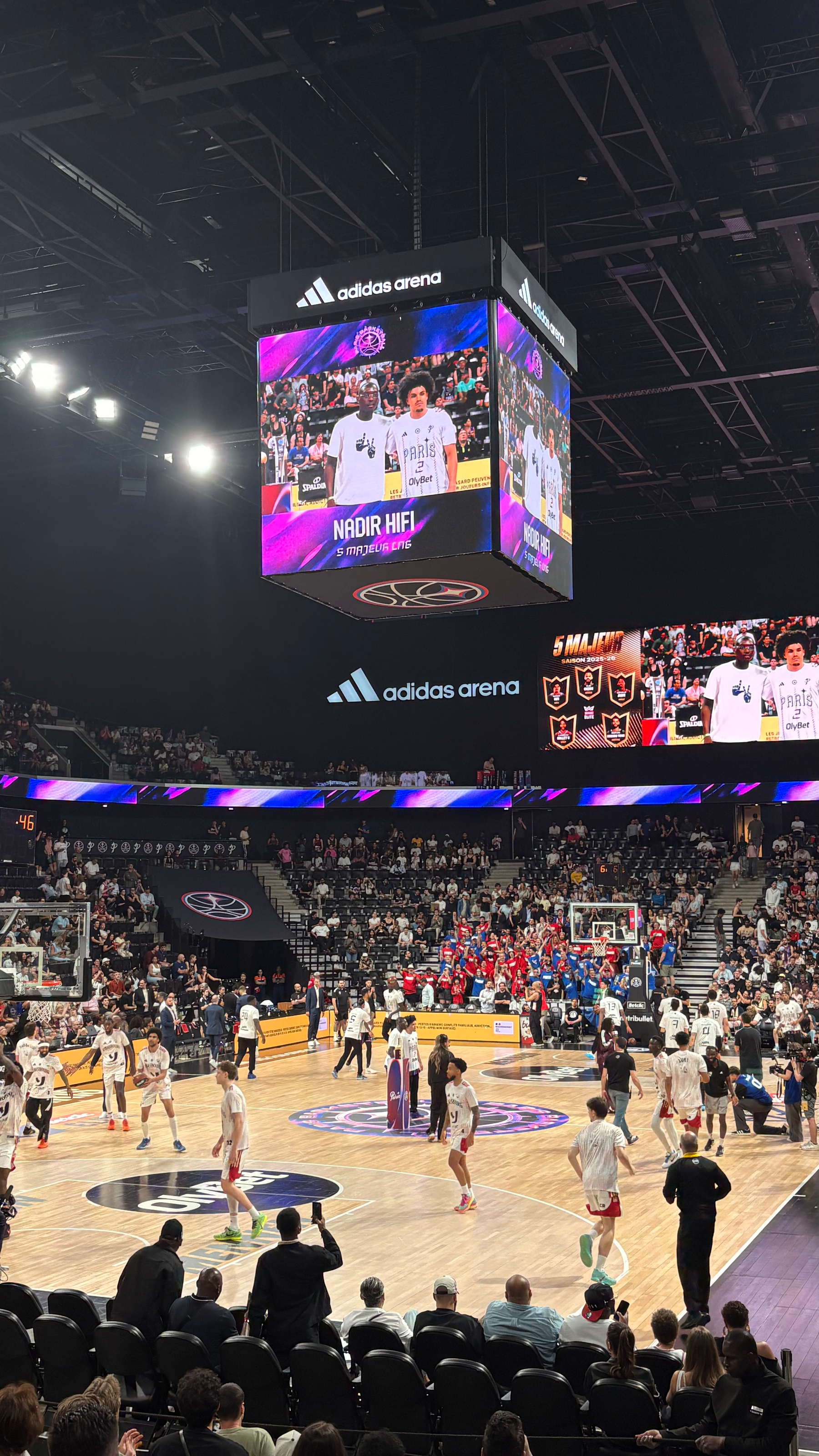
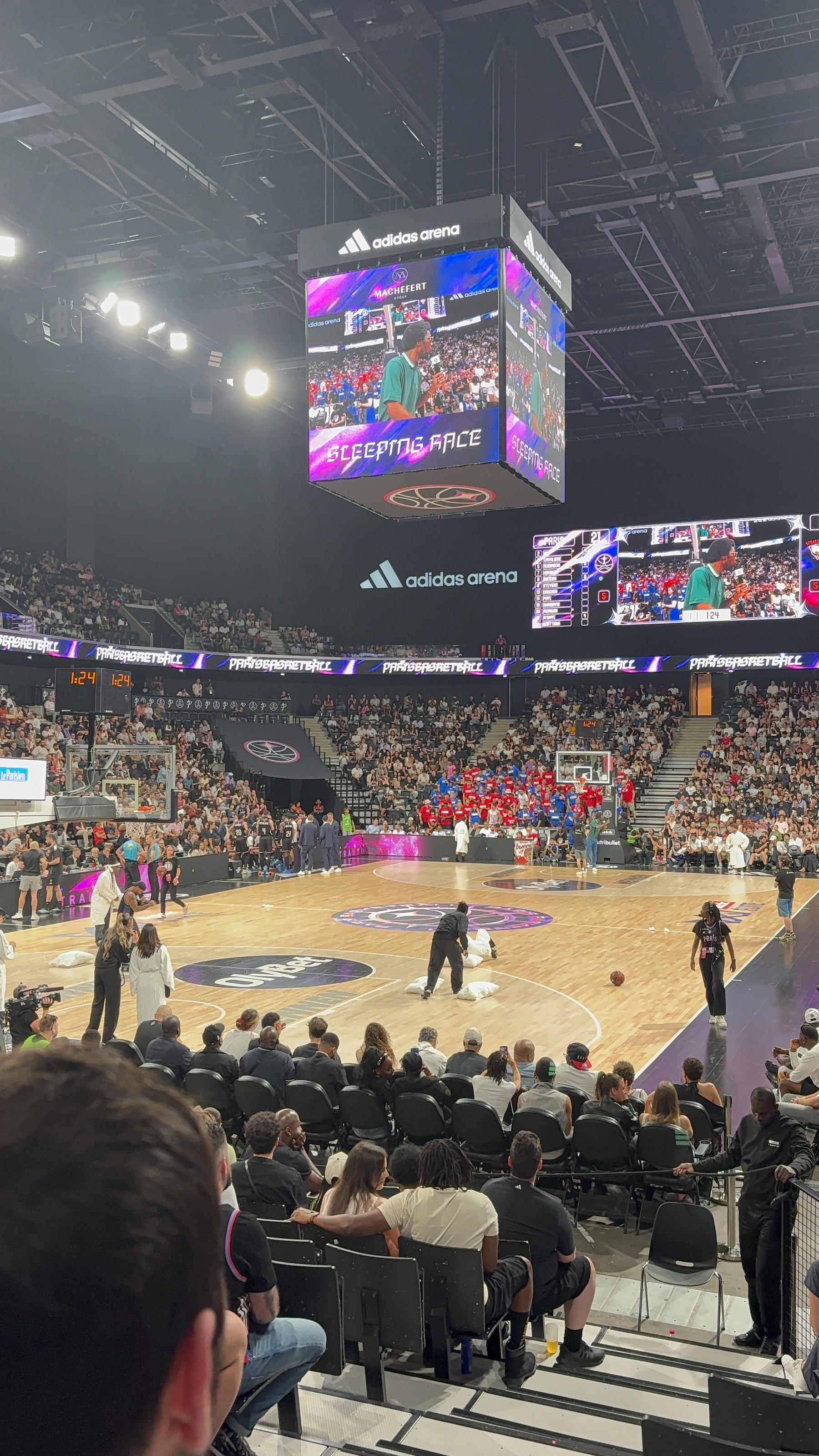
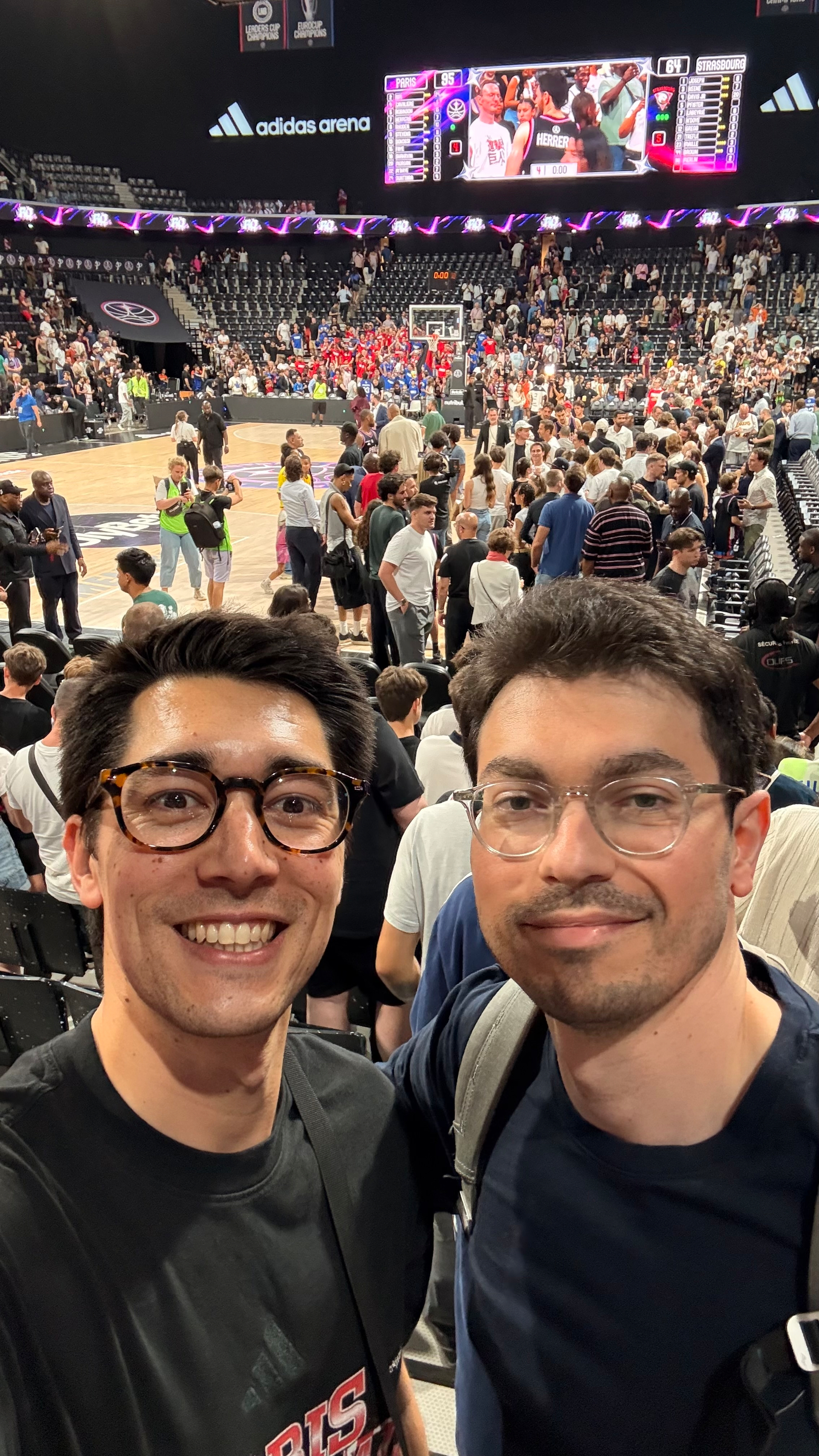
Paris Basketball vs JL Bourg en Bresse

Up 10 at half time Down 10 by the end of the game 😤

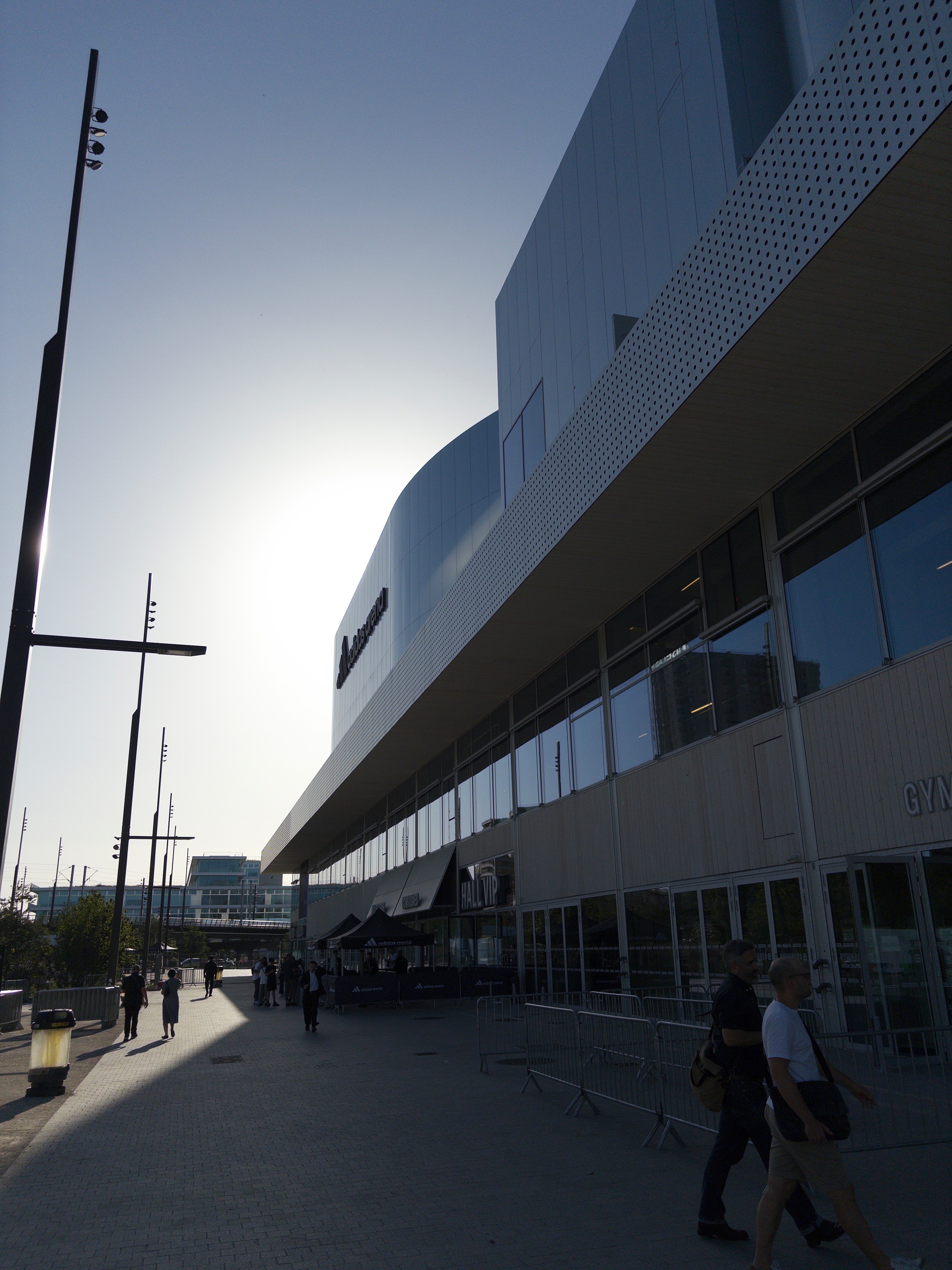
A digital sports ticket shows a basketball game where Paris Basketball lost to JL Bourg Basket with a score of 85 to 95 on March 22, 2026.A basketball game is taking place in a crowded indoor arena with digital screens displaying the event.Inside the adidas arena, a basketball game is viewed from the stands, with a large screen displaying the event and spectators in the background.A person is holding a cup of beer while seated in an arena watching a basketball game.

Connections: Sports Edition
My stats are in! I had 2 mistakes on puzzle #545. Average mistakes: 2.6 🔵🔵🔵🔵 🟢🟢🟡🟢 🟡🟡🟡🟡 🟣🟣🟢🟣 🟣🟣🟣🟣 🟢🟢🟢🟢

Wordle 1,736 3/6

🟩🟩⬛⬛⬛ 🟩🟩⬛⬛⬛ 🟩🟩🟩🟩🟩

Wordle 1,735 3/6.

🟨⬛🟨⬛⬛
🟨⬛🟩🟨⬛
🟩🟩🟩🟩🟩

Connections: Sports Edition
My stats are in! I solved puzzle #543 and found the same first category as 7% of players.
🟣🟣🟣🟣
🔵🔵🔵🔵
🟢🟢🟢🟢
🟡🟡🟡🟡

600 Serbian fans on their away day, and another home defeat unfortunately.

Frustrating ending but logically things will need to change in the offseason…

A digital ticket design features a basketball game at the Adidas Arena in Paris with a final score of 81-90, showing team names Paris Basketball and KK Partizan NIS Belgrade, along with the details of date, section, row, and seat.A basketball arena features a large scoreboard with Paris Basketball displayed, and a crowd watching attentively.A person is holding a black baseball cap with gold embroidered designs, featuring a swirl pattern and stars, while seated among others in a stadium or arena setting.A basketball game is in progress with players actively competing on the court surrounded by a large audience.A dimly lit basketball arena features a central scoreboard displaying PARIS BASKETBALL with spectators surrounding the court.A basketball arena with digital screens displaying advertisements and a partially illuminated court.

Connections
Puzzle #1012
🟩🟩🟩🟩
🟪🟪🟪🟪
🟨🟨🟨🟨
🟦🟦🟦🟦

Wordle 1,734 5/6

⬛⬛🟨⬛🟨
⬛⬛⬛⬛⬛
⬛🟩🟨🟨⬛
🟩🟩🟨⬛🟨
🟩🟩🟩🟩🟩

Upgraded my home coffee setup with a dedicated scale 👌 ☕️

Wordle 1,733 6/6

⬛🟨🟨⬛⬛ 🟨⬛⬛⬛⬛ ⬛🟨🟨🟨⬛ 🟨🟨🟨🟨⬛ 🟨🟨🟩🟩⬛ 🟩🟩🟩🟩🟩

Connections: Sports Edition
My stats are in! I had 0 mistakes on puzzle #541. Average mistakes: 1 🟣🟣🟣🟣 🟡🟡🟡🟡 🔵🔵🔵🔵 🟢🟢🟢🟢

Dune: part 3! Let’s gooooo!

Nice evening playing Football ⚽️ for once! Even scored a goal, and 2 assists :)

Two people in soccer jerseys are smiling for a selfie at an indoor sports facility, with workout stats overlaying the image.

Connections Puzzle #1010 🟨🟨🟨🟨 🟩🟩🟩🟩 🟦🟪🟪🟪 🟦🟪🟦🟪 🟦🟦🟦🟦 🟪🟪🟪🟪